Best Wall-Mounted Desks for Small Spaces: Find a Work Spot That Fits Your Home

Your laptop lives on the dining table. The charger stretches toward the nearest outlet, and every meal starts with moving your work somewhere else. You need a desk, but there’s barely room for another piece of furniture.
A wall-mounted desk gives work a dedicated spot without adding a conventional desk frame to the floor. Some stay open and ready to use. Others fold away, leaving more room for everything that happens after work.
The quick answer
- Ferm Living Sector is our pick for a permanent laptop corner.
- IKEA NORBERG suits a narrow wall, while Furinno Hermite suits occasional emails and light laptop tasks.
- Pith & Stem DropTop suits a setup where you want to close away the monitor after work.
Here’s how the options compare, where each one works best, and how to choose a desk you’ll enjoy using.
The Best Wall-Mounted Desks at a Glance
Choose by the job you need the desk to do. A surface for answering emails needs less space and storage than a workstation you’ll use every weekday.
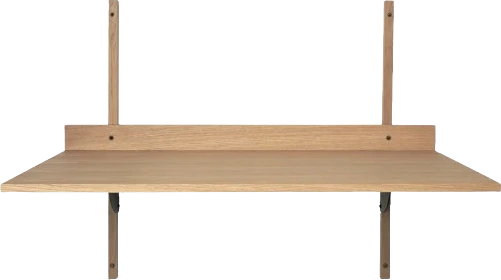 A permanent laptop corner
Ferm Living Sector
- Width
- 34.25 in
- Surface depth
- 17.76 in
- Format
- Fixed
Why we picked itCompact proportions and a natural-oak finish
Keep in mindFixed surface with no enclosed storage
 A budget-friendly laptop spot
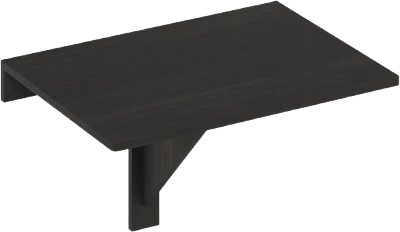
Furinno Hermite
- Width
- 23.62 in
- Surface depth
- 17.3 in
- Format
- Fold-down
Why we picked itSmall folding surface
Keep in mindLight-duty use and limited working room
 A narrow wall
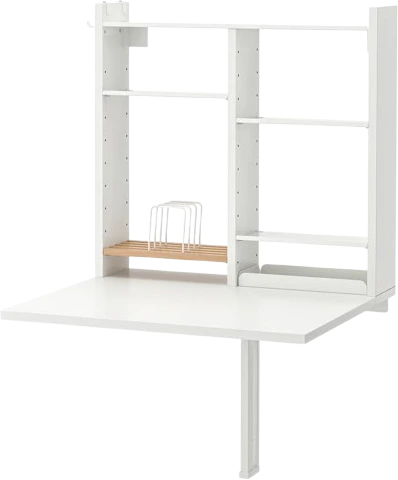
IKEA NORBERG with storage
- Width
- 25¼ in
- Open projection
- 23⅝ in
- Format
- Fold-down
Why we picked itFolding surface, shelves, and hooks
Keep in mindStorage remains visible
 Hiding office supplies
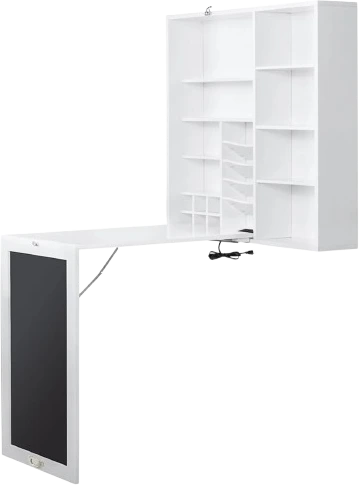
Utopia Alley SH71WWE
- Width
- 30 in
- Surface depth
- 18 in
- Format
- Cabinet
Why we picked itClosing cabinet with charging ports
Keep in mindThe cabinet stays visible after work
 Customizable solid wood
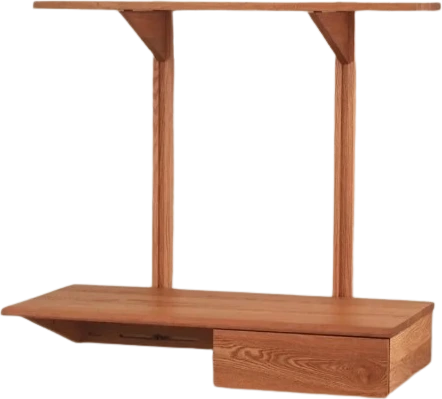
KETCH 36
- Width
- 36 in
- Overall depth
- 18¾ in
- Format
- Fixed
Why we picked itWood choices and optional storage
Keep in mindMade to order
 A wider workspace
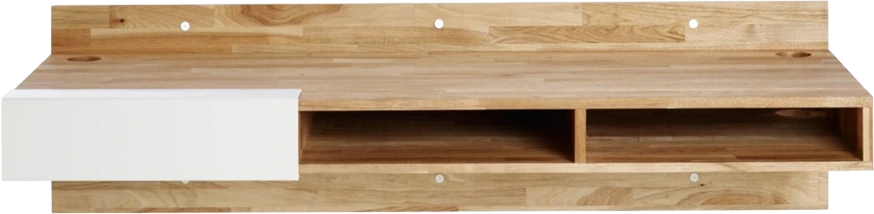
LAXseries Wall Mounted Desk
- Width
- 58 in
- Surface depth
- 20 in
- Format
- Fixed
Why we picked itBroad walnut surface with underside cubbies
Keep in mindNeeds a long stretch of wall
 Hiding a monitor
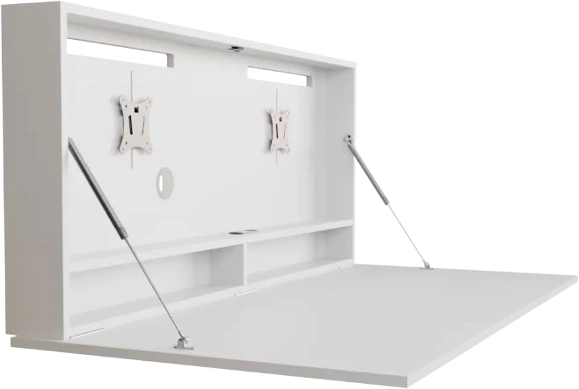
DropTop Single 32 Light
- Width
- Approx. 37 in
- Surface depth
- Approx. 27 in
- Format
- Cabinet
Why we picked itClosing workstation with a monitor mount
Keep in mindRequires assembly and compatible equipment
Best Overall for a Compact Laptop Setup: Ferm Living Sector Desk
Choose the Sector when you want a permanent laptop spot that looks comfortable in a bedroom or living room.
Its 34.25-inch width and 17.76-inch depth create a compact work surface without a large cabinet overhead. The natural-oak version combines an oak-veneer MDF desktop, solid-oak profiles, and black brass brackets. Matching Sector shelves can extend the storage above it.
This is an appealing choice beside a living room window. Your laptop and notebook can stay ready for the next morning, and the desk becomes part of the furniture rather than something you put away every evening.
The tradeoff is open storage. There’s no drawer for loose chargers, and the surface doesn’t fold. Keep the setup simple, particularly if you’re adding a separate keyboard.
Best fit: A regular laptop user who values a tidy, permanent work corner.
Less suitable for: Someone who needs to hide the entire workspace after dinner.
Best Budget-Friendly Wall-Mounted Desk: Furinno Hermite
The Hermite is a straightforward choice for occasional laptop work and small everyday tasks.
The 23.62-by-17.3-inch surface folds down when you’re finished. Its particleboard construction comes in white, French oak, and espresso finishes, giving you a few ways to coordinate it with nearby furniture.
Think of paying bills in the guest bedroom, taking an evening class, or answering emails somewhere other than the sofa. A laptop and a few essentials suit this desk better than a spread of paperwork.
Keep the load at 20 pounds or less and avoid leaning your weight on the surface. That makes it a light-duty work spot, with supplies stored elsewhere.
Best fit: Someone who wants a small folding surface for a laptop.
Less suitable for: A heavy monitor setup, equipment-heavy hobbies, or anyone who likes plenty of room around their computer.
Explore the Furinno Hermite. The assembly instructions specify its light-duty load limit.
Best White Fold-Down Desk for a Narrow Wall: IKEA NORBERG With Storage
NORBERG works well when you have a narrow patch of wall and want your everyday supplies close by.
This storage version measures 25¼ inches wide. Its maximum projection is 23⅝ inches when open, reducing to 5⅞ inches when folded. Adjustable shelves, a small tray, and side hooks give stationery, chargers, and headphones their own places.
It’s a useful arrangement for a compact kitchen work corner or an occasional desk in a guest room. Open the surface, take down what you need, then fold it away when the room has another job.
The storage stays visible after the tabletop folds down. Choose a cabinet desk if hiding notebooks and cables is a priority.
Best fit: A narrow wall where a folding surface and accessible storage matter most.
Best for Hiding Office Supplies: Utopia Alley SH71WWE Fold-Down Desk
Choose the Utopia Alley when loose stationery and chargers are making your room feel like an office.
Its cabinet combines storage compartments, a chalkboard front, two USB charging ports, and two electrical outlets. The listed desktop measures 30 by 18 inches, while the closed cabinet is 31.5 inches wide, 31.5 inches high, and 7 inches deep.
That gives you a defined place for smaller work essentials. In a living room that doubles as an office, closing the cabinet helps put the day’s supplies out of sight before guests arrive.
The chalkboard remains part of the room when the desk is closed. It suits a casual family space particularly well, especially if you’ll use it for reminders.
The charging ports also need a power connection, so position the cabinet near an outlet.
Best fit: Someone who wants enclosed storage and charging connections together.
Less suitable for: A room where a large wall cabinet would feel visually heavy.
Best Customizable Solid-Wood Desk: Le Tenon et la Mortaise KETCH 36
Choose the KETCH 36 when you want a permanent wooden desk with storage arranged around your needs.
It measures 36 inches wide and 18¾ inches deep overall, with a rounded front edge and space behind the desktop for cables. Wood choices include red oak, cherry, sugar maple, and black walnut.
You can choose a simple desk or a configuration with drawers and shelves. That flexibility is useful when you already have furniture you love and want the new work corner to feel connected to it.
For example, a warmer wood finish can sit comfortably beside an existing bookcase, while a drawer gives small accessories somewhere to disappear.
The KETCH is made to order, so it suits a planned room update rather than an urgent need for a desk.
Best fit: Someone who wants solid wood and a choice of storage configurations.
Our solid-wood furniture checklist explains the construction details worth understanding.
Best Wider Workspace: LAXseries Wall Mounted Desk in English Walnut
The LAXseries desk is the strongest fit here for a shallow room with a long available wall.
Its 58-inch width and 20-inch depth give you more room to arrange work across the surface. Solid English walnut, an oil finish, and three underside cubbies make it feel like a substantial piece of furniture.
This is the option to consider when you regularly keep a laptop, notebook, and paperwork open together. You gain a wider workspace while keeping the floor underneath free of conventional desk legs.
The width rules it out for tight alcoves. It works best along an uninterrupted wall where a narrow desk would leave useful space unused.
The desk itself weighs 70 pounds, so plan its installation with suitable help.
Best fit: Someone who needs a wider fixed desktop and likes warm wood furniture.
Less suitable for: A narrow wall or a room that needs the desktop to fold away.
Best for Hiding a Monitor After Work: Pith & Stem DropTop Single 32 Light
Choose the DropTop Single 32 Light when you want a monitor workstation that closes away at the end of the day.
Its work surface is approximately 94 by 68 centimeters, or 37 by 27 inches, and a monitor mount is included. The cabinet accommodates compatible screens and provides routes for cables.
This is particularly useful in a bedroom office. Closing the desk puts the screen out of sight without requiring you to carry it elsewhere.
The screen must fit the cabinet and the selected mount’s limits. The optional extendable mount also enables the behind-screen laptop storage offered by the manufacturer.
The Light version arrives flat-packed. It doesn’t include a monitor, docking station, or the artwork supplied with the Classic range.
Best fit: A regular computer user who wants the screen hidden after work.
Less suitable for: Someone who only needs a place to open a laptop occasionally.
How We Chose These Wall-Mounted Desks
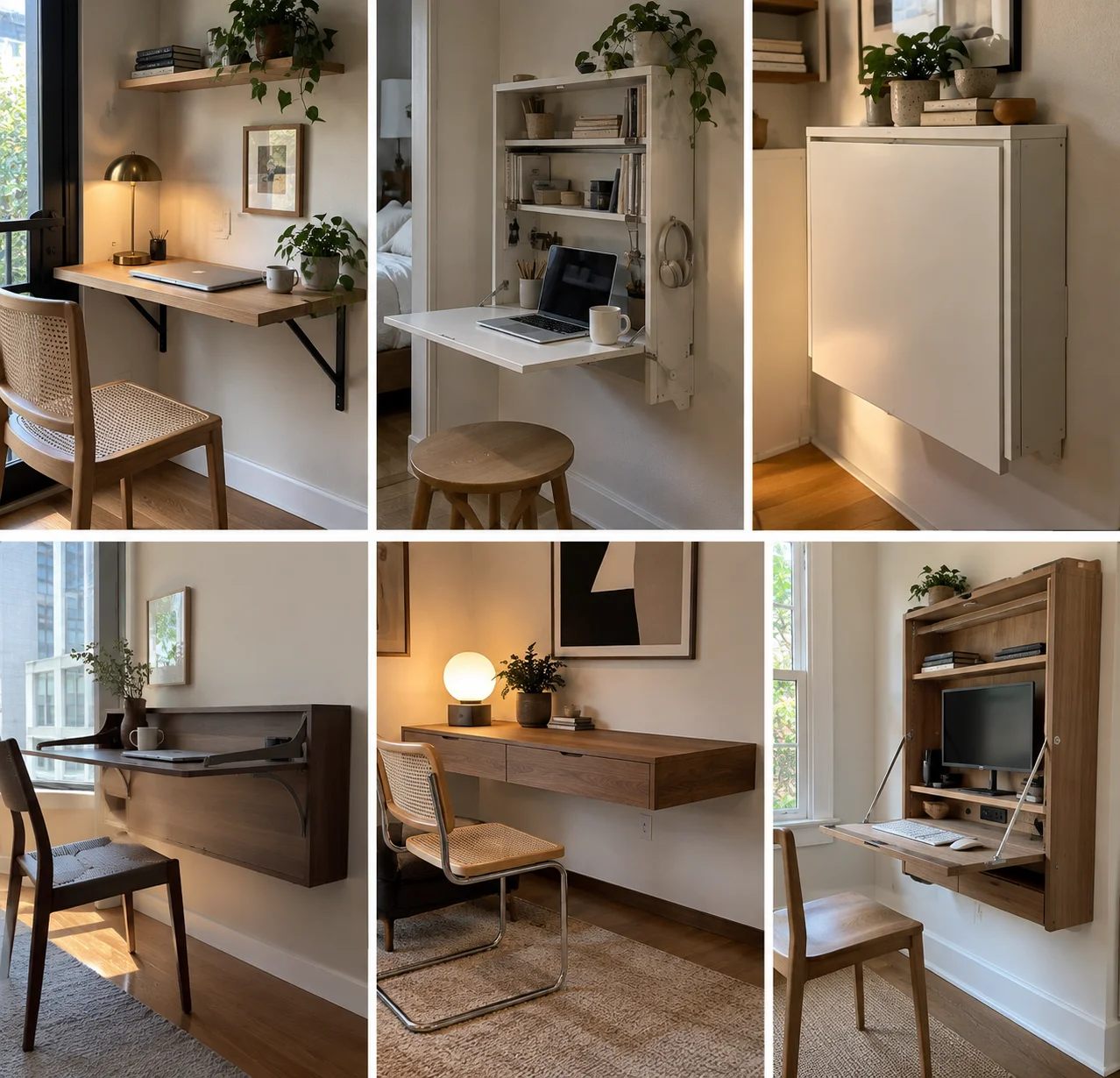
We selected these desks for useful differences in size, storage, materials, and how they fit into a small room.
We compared working dimensions, folding arrangements, equipment compatibility, and installation requirements. We also considered what remains visible after work, since a desk in your bedroom or living room needs to suit the rest of the space.
Each recommendation has a specific job. The compact laptop surface, wider wooden desk, and closing monitor cabinet serve different routines.
Where specifications conflicted, we used the more conservative figure for our recommendations.
How to Choose a Wall-Mounted Desk You’ll Actually Enjoy Using
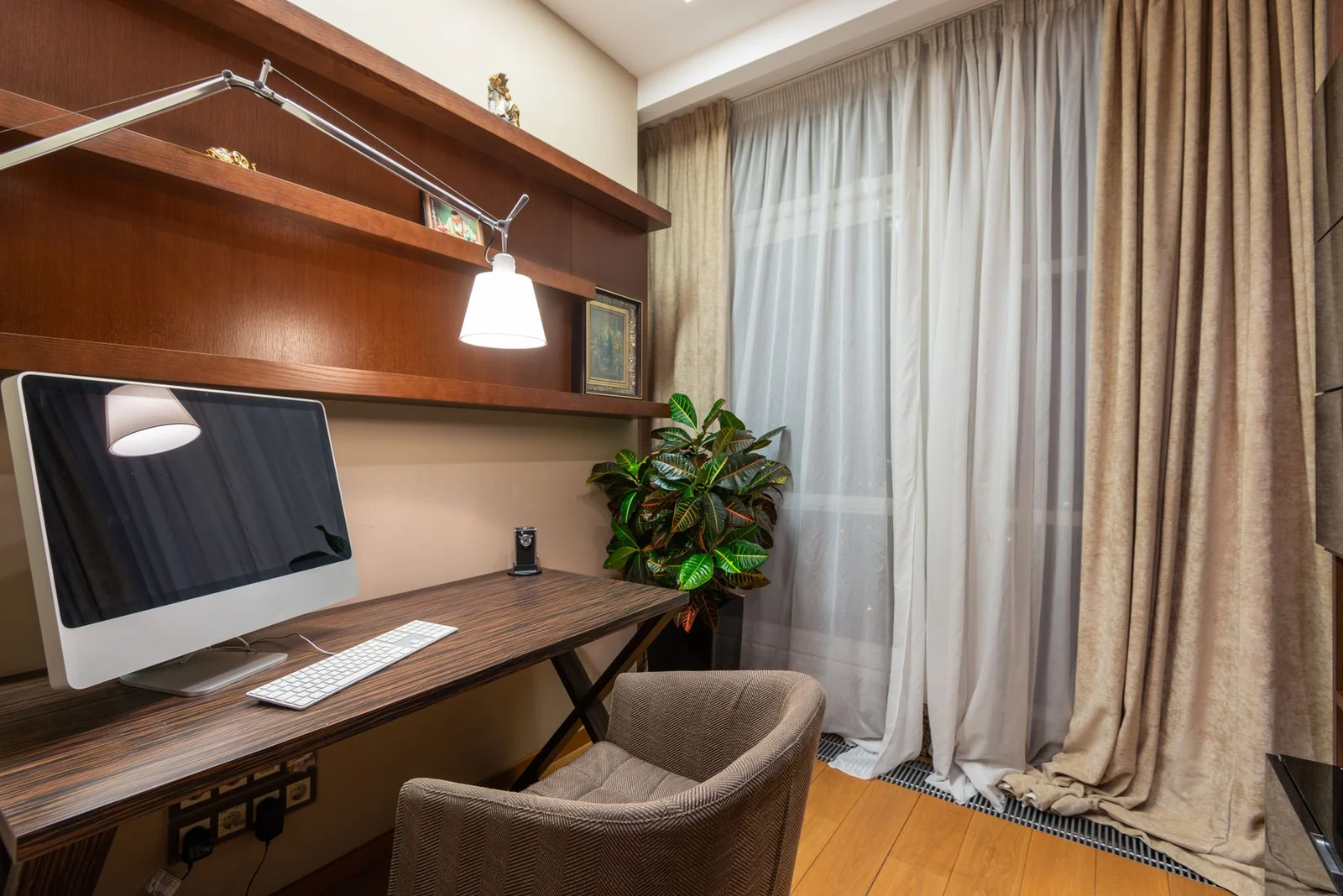
Start with your normal working day. What you use, what you leave out, and how often you need the room back will point you toward the right design.
Decide Whether You Want to Leave Work Out or Fold It Away
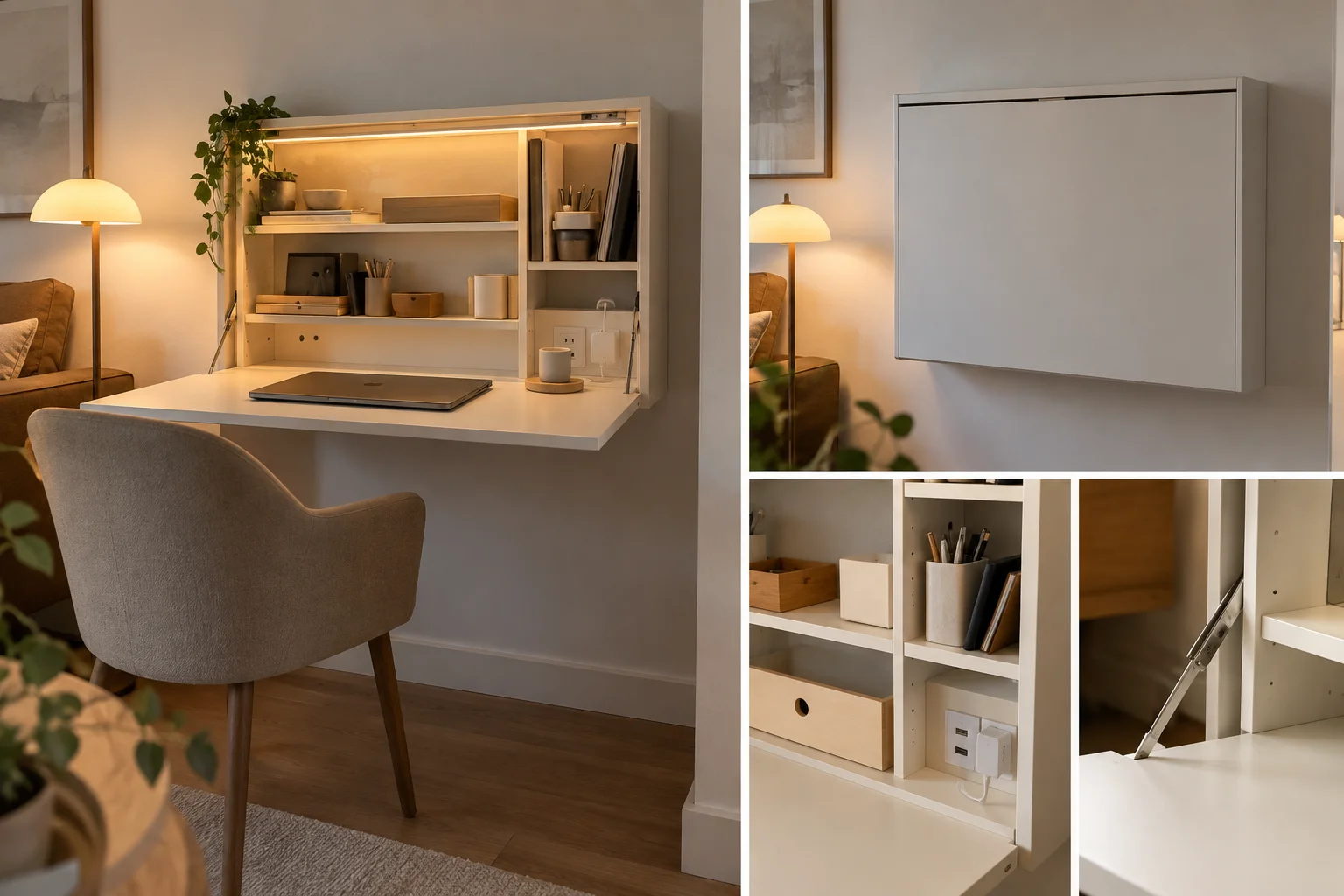
A fixed desk suits a setup you use frequently. A folding desk suits a room that needs to change jobs.
If you return to the same project throughout the day, leaving your notebook open and keyboard connected is convenient. A fixed surface such as the Sector or LAXseries supports that routine.
A basic folding desk works best when clearing it takes very little effort. One laptop and a mouse are easy to move. A monitor, desk lamp, and several cables create a longer packing-up routine.
A cabinet desk makes sense when you want supplies stored beside the working surface.
Think about a busy weekday evening. Choose the arrangement you’ll actually bother to put away.
Measure the Chair Space, Too
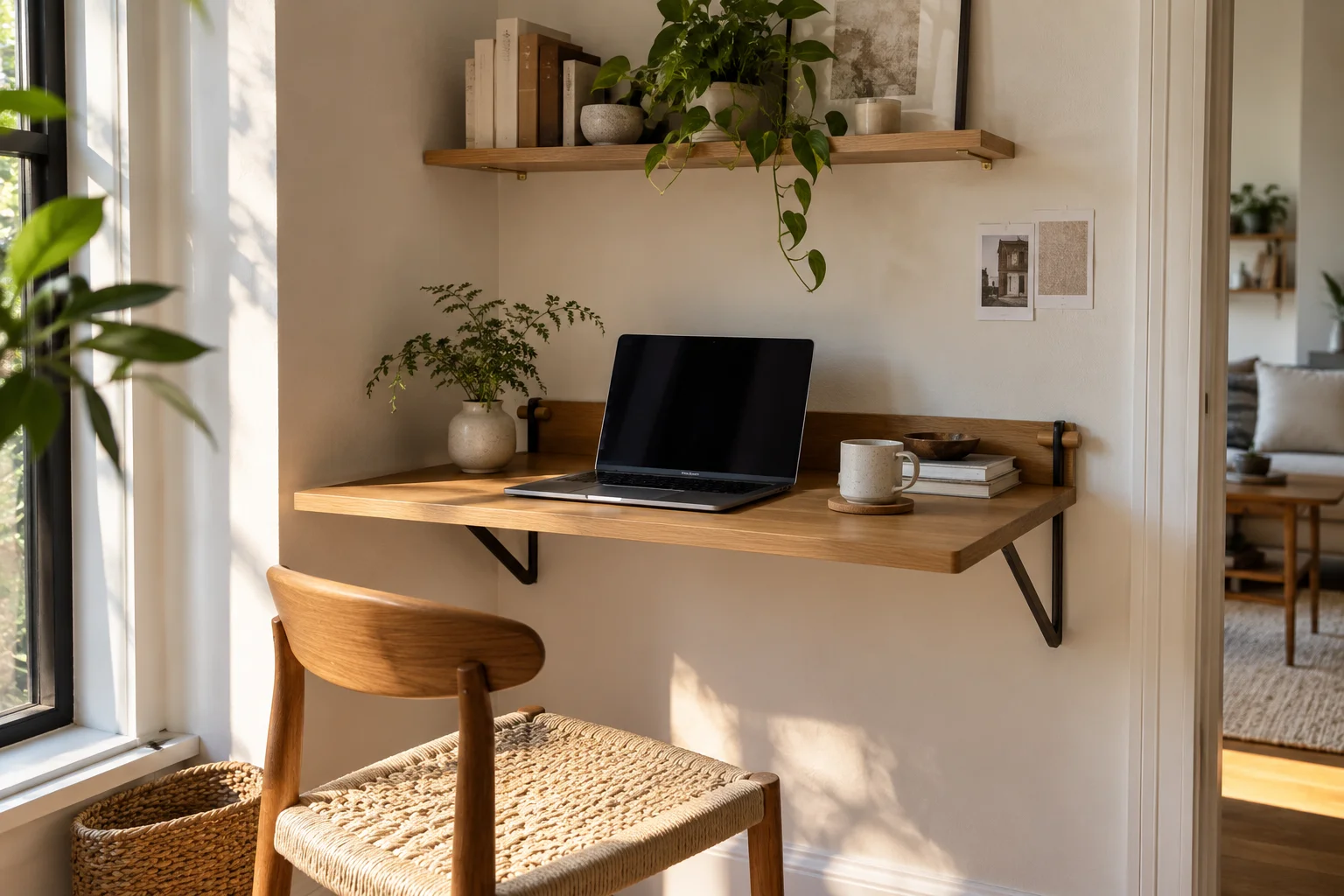
The desk needs to fit with someone sitting at it and getting up.
Mark the open desk’s footprint on the floor with removable tape. Put your chair in position, sit down, then pull back as you normally would.
Open nearby drawers and doors. Have someone walk past while you’re seated. These small movements reveal problems that an empty-room measurement misses.
A desk beside the bed might fit neatly until the chair blocks the wardrobe. Moving it a little farther along the wall could make the whole setup easier to use.
Our home office layout guide covers the relationship between the desk, chair, light, and room layout.
Check What Fits Behind Your Keyboard
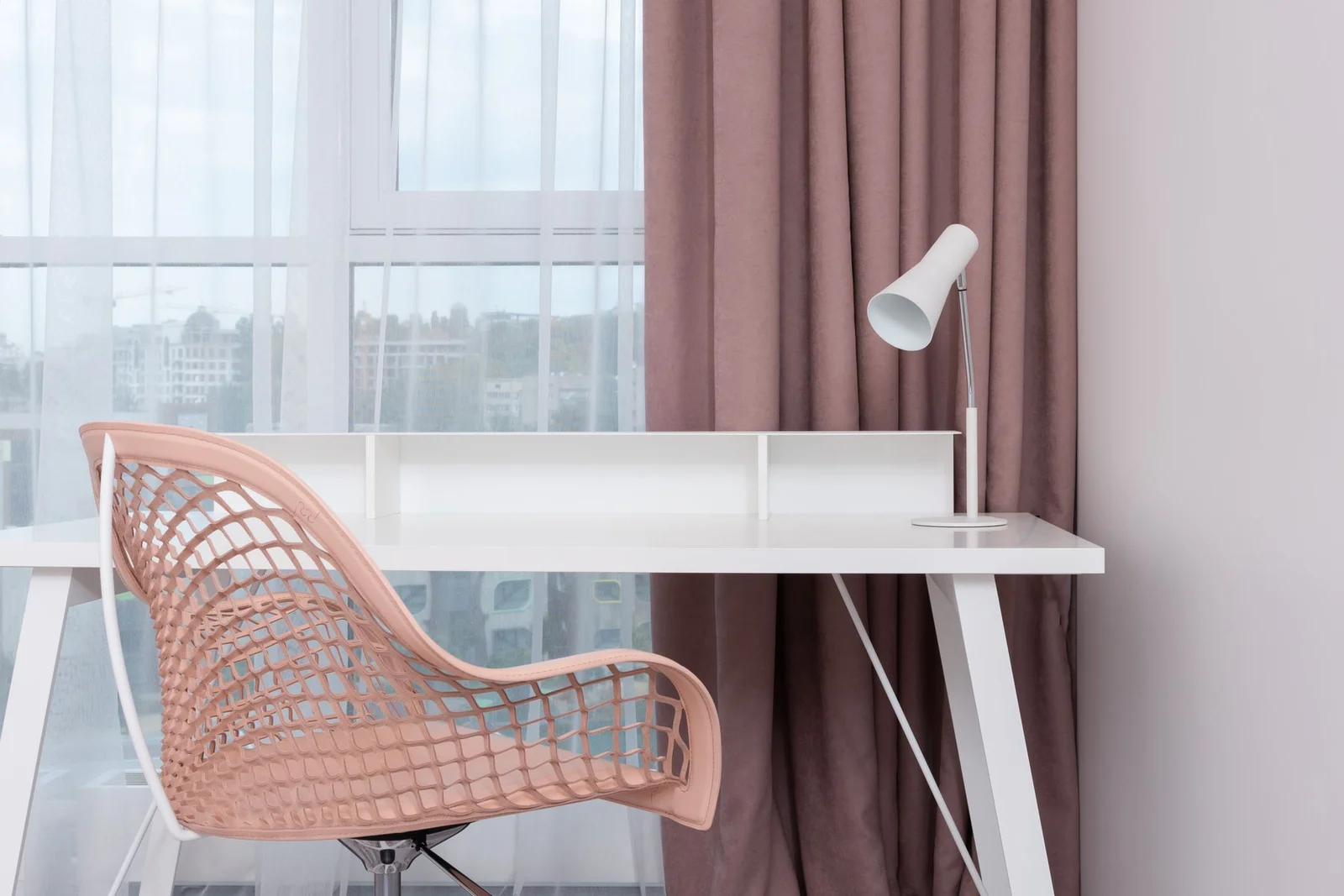
Usable depth matters as much as width, particularly with an external monitor.
A laptop needs relatively little equipment around it. A screen on a broad stand, separate keyboard, and mouse can fill the same surface quickly.
Arrange your actual equipment on an existing table. Leave enough space to move the mouse and sit without reaching awkwardly, then measure the area you use.
OSHA’s workstation guidance recommends room to position the monitor directly in front of you, at least 20 inches away. That’s a viewing distance rather than a fixed requirement for desktop depth. Your seating position and screen arrangement affect it. See OSHA’s desk guidance.
Overall cabinet depth can include storage behind the working area. Use the clear desktop dimensions when planning your setup.
Match the Mounting Instructions to Your Wall
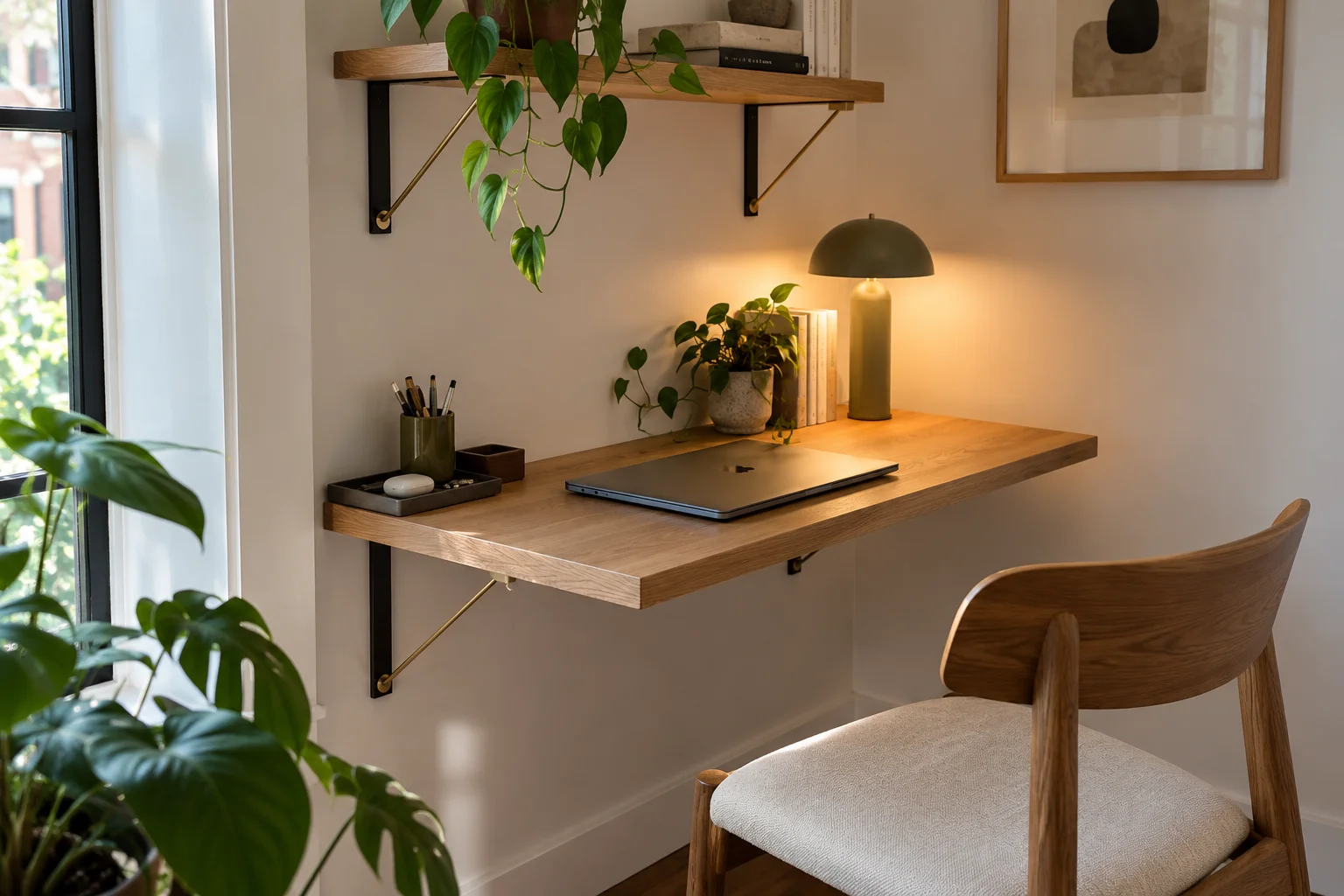
The desk’s mounting system must suit the wall that will support it.
Different products use different brackets, rails, and fixing arrangements. Some require attachment to studs or structural backing. Others provide a specified installation method for suitable hollow walls.
Use the exact product’s installation instructions, and include an installer in your plan if the wall construction or fixing method requires specialist help.
For a rental, permission to drill comes first. A removable desk can still leave mounting holes.
Our rental-wall decorating guide has ideas for finishing the area around your desk. Keep the desk itself attached with its specified mounting system.
Check the Whole Setup Against the Load Limit
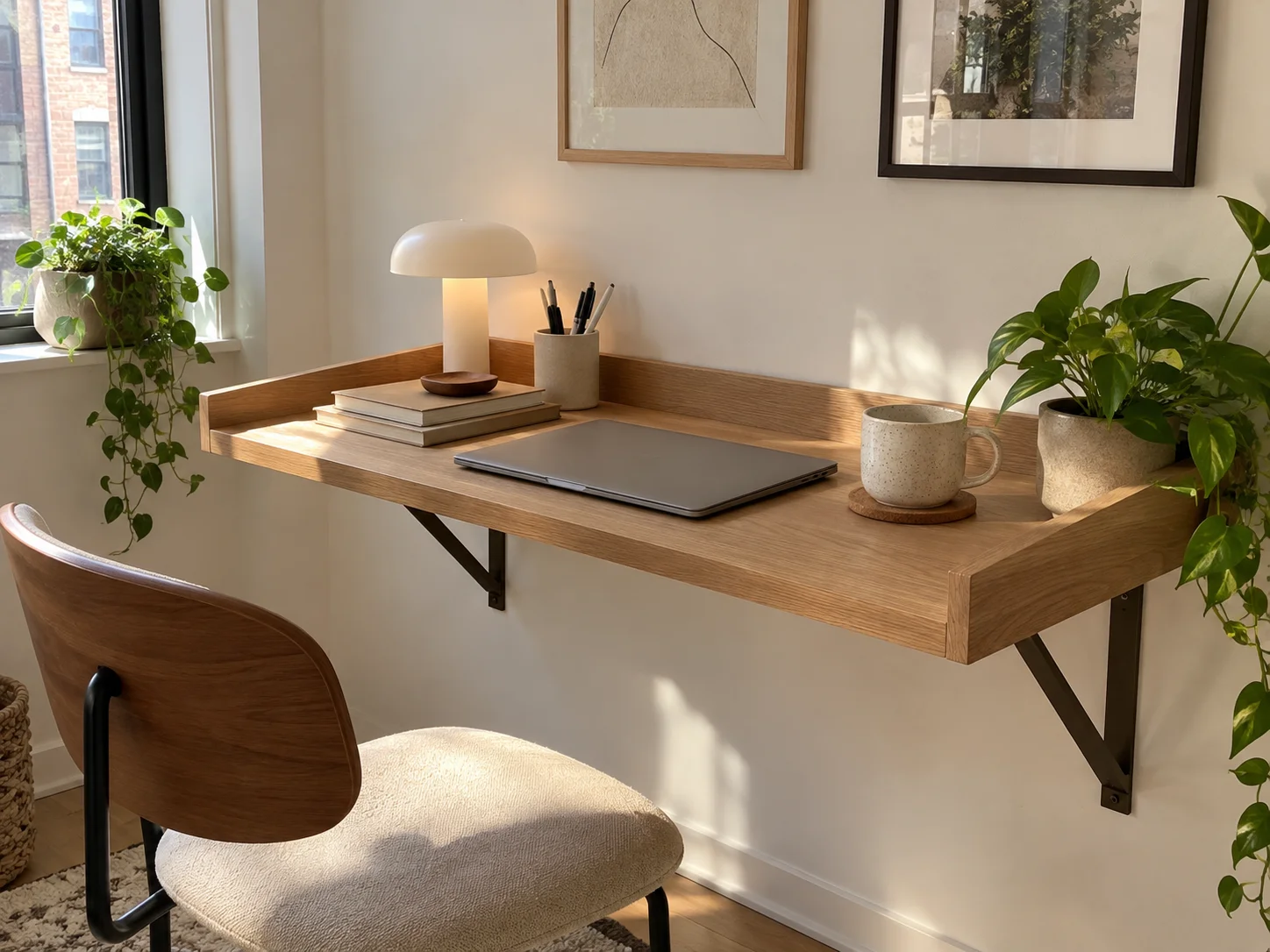
Count everything the desk will carry, including accessories and anything stored on it.
That includes the computer, monitor, keyboard, lamp, and the stack of books you might eventually leave in a cubby.
Follow any separate limits for the desktop and shelves. Keep body weight off surfaces that aren’t designed for leaning.
Monitor arms need particular attention because a clamp concentrates force on a small part of the desktop. The desk material, thickness, and mounting position must support that use.
The furniture’s own weight tells you how heavy it is to install. Its load rating tells you what it can carry. Treat those as separate measurements.
Look at the Desk When It’s Closed
Choose a closed appearance you’ll be happy to see every day.
A folding tabletop may leave shelves and their contents exposed. A cabinet hides supplies but leaves a larger shape on the wall. A chalkboard front becomes part of the room’s decor.
Look at the closed projection as well. Even a shallow cabinet matters beside a doorway or a narrow passage.
Then give the chair a proper home. A folded desk is much more useful when the chair also moves out of the route through the room.
If you’re fitting the setup into an awkward nook, our guide to using corners in a small room can help you avoid overcrowding it.
Choose a Finish That Works With Your Furniture
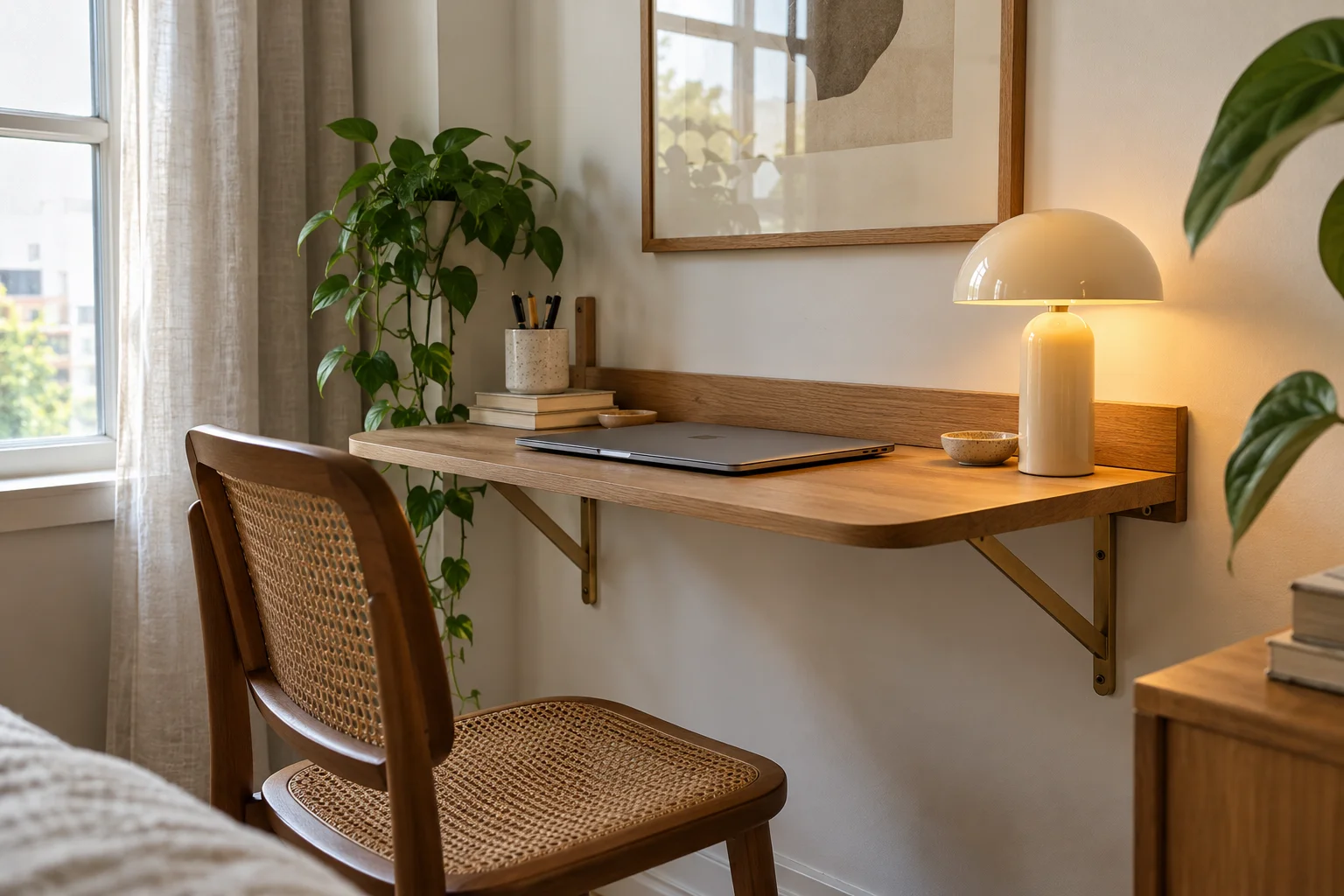
Connect the desk to a color or material already in the room.
White works well beside pale cabinetry or against a light wall. Natural wood can relate to a bookcase, bed frame, or side table. Dark wood and black details suit rooms with existing darker accents.
You don’t need every wood finish to match exactly. Aim for a combination that feels intentional.
Read the material description, too. Solid wood, wood veneer, and a printed wood-effect finish have different construction and care needs.
Choose the material and finish together. The surface you touch, the edges you see, and the care it needs all affect how well it suits your home.
Know What Comes With the Desk
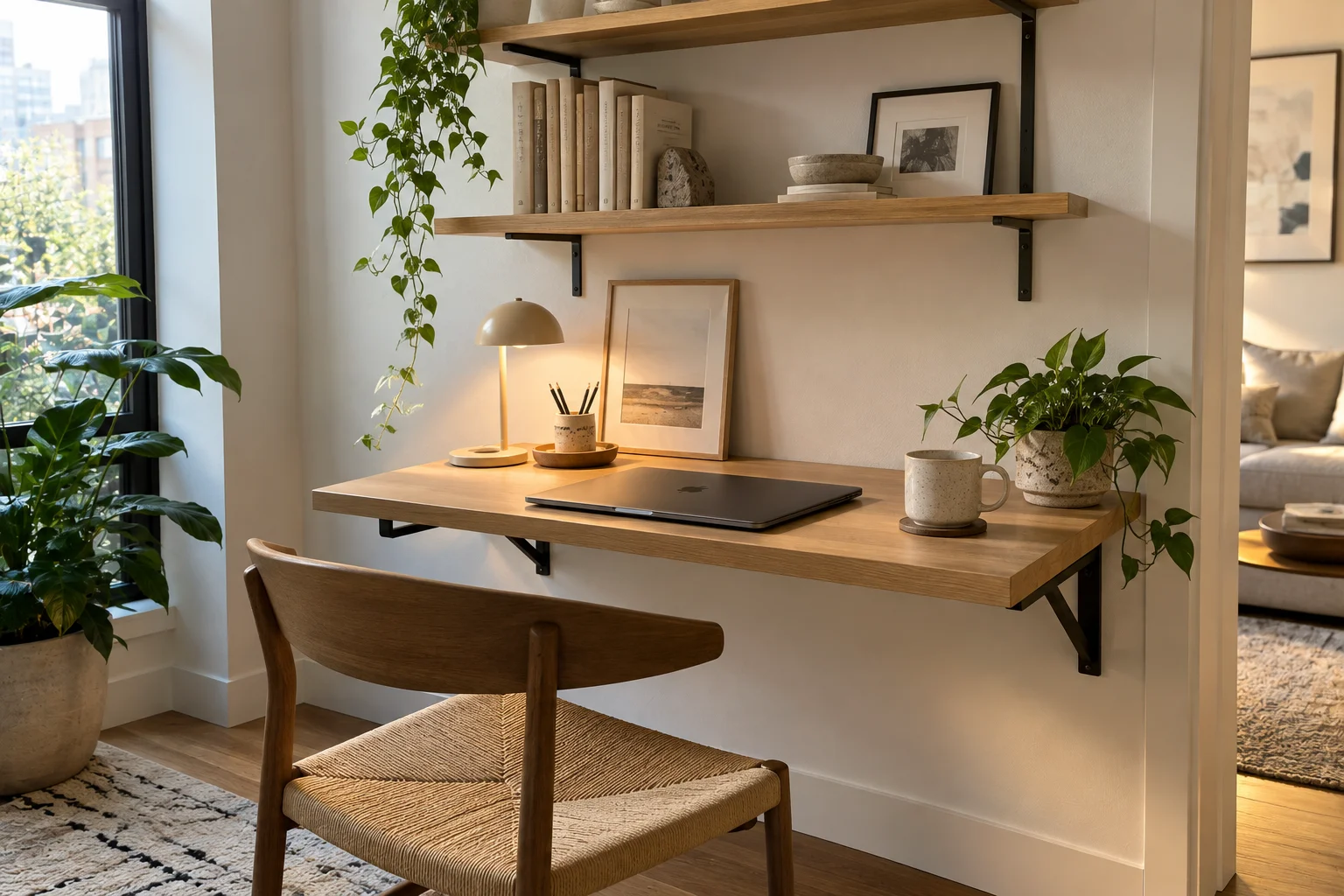
Separate the complete desk from the accessories used to style it.
Product photographs often show shelves, drawers, monitors, or lighting that belong to a particular configuration or are supplied separately.
For a cabinet workstation, identify what’s included in the monitor mounting system. For a configurable wooden desk, choose the storage arrangement that holds what you actually use.
Plan the chair and power connection at the same time. That prevents a finished desk from becoming another surface waiting for the rest of the setup.
Made-to-order furniture also needs a longer lead time, so it belongs earlier in your room-planning process.
Before and After: A Work Corner That Packs Away
A folding desk makes the biggest difference when closing it improves the way you move through the room.
Take a guest bedroom that doubles as an occasional office. During work, the desktop is open and the chair sits in front. Afterward, the laptop is stored, the desk closes, and the chair moves to a designated spot.
The useful comparison includes the whole setup:
| During work | After work |
|---|---|
| The desktop extends into the room | The folded unit leaves more space in front |
| The chair needs room for sitting and getting up | The chair moves to its storage position |
| Equipment and cables are in use | Supplies are stored and loose cables are gathered |
| The room needs a clear route around the occupied desk | The route becomes easier to use |
Plan where the chair and supplies go before choosing the desk. Otherwise, closing the surface may simply move the clutter somewhere else.
A fixed floating desk offers a different benefit. It creates a dedicated work area and keeps the floor underneath open, while the desktop remains in place.
Before You Order, Run Through This Checklist
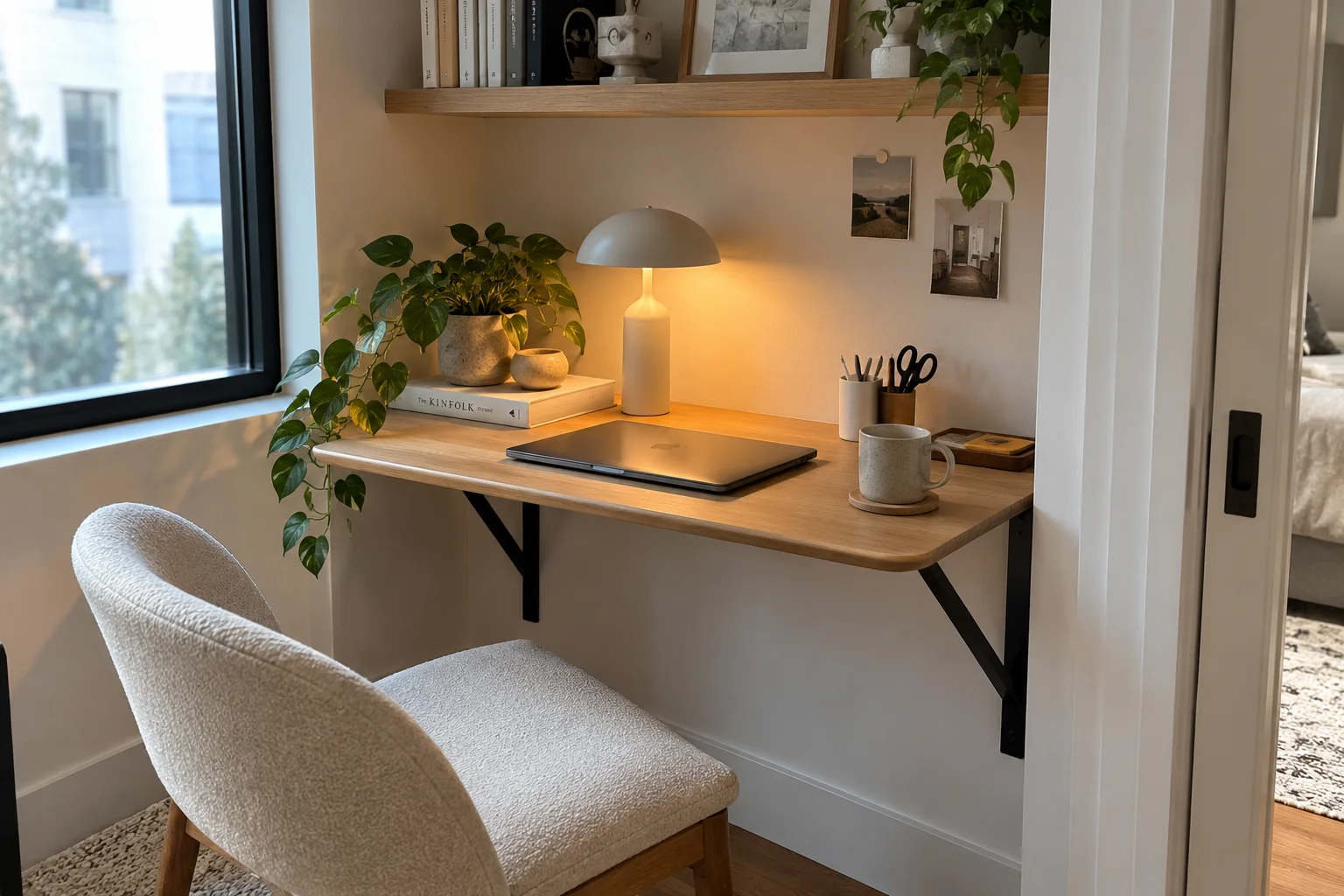
Use the dimensions and installation requirements for your chosen model.
- The desk fits the available wall width.
- The open surface and occupied chair leave a usable route.
- My equipment fits on the clear working surface.
- Nearby doors and drawers can open.
- The chair has a home when work is finished.
- The mounting system suits the wall.
- Any required permission to drill is in place.
- The equipment stays within the desk and accessory load limits.
- Power cables can reach without crossing the walkway.
- The selected configuration includes the storage and supports I need.
Frequently Asked Questions
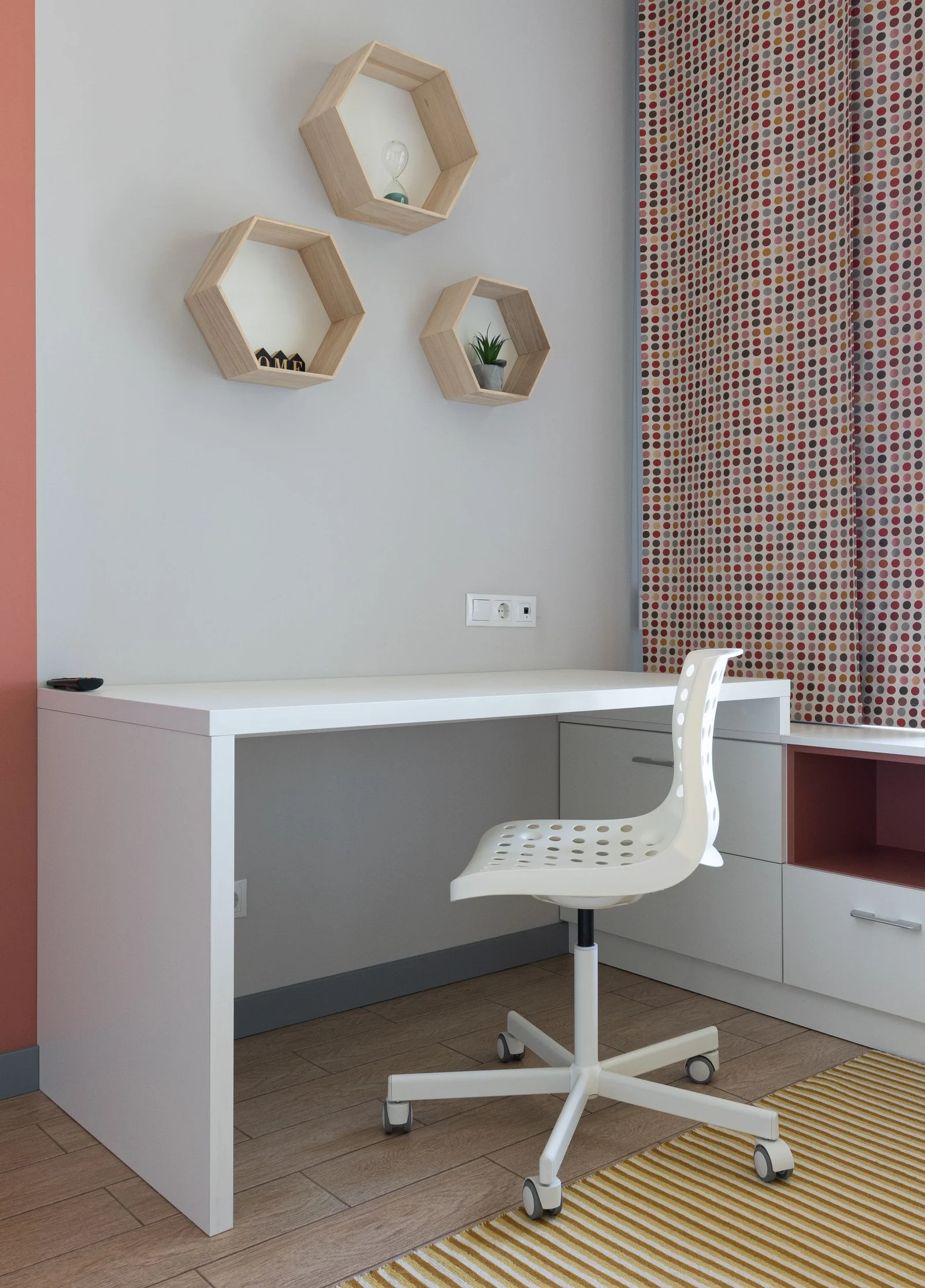
Are Wall-Mounted Desks Good for Working From Home?
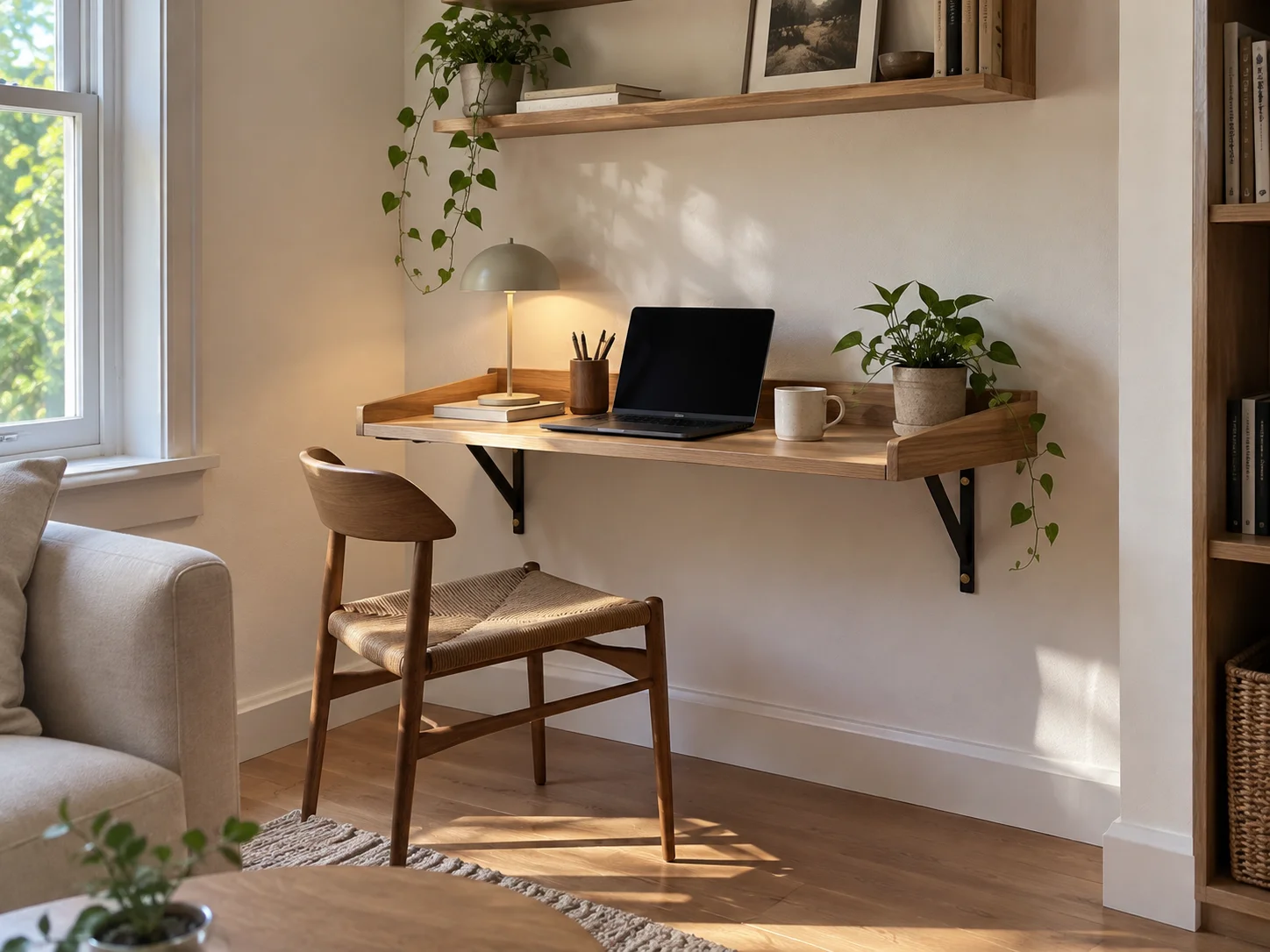
Yes, when the working surface fits your equipment and seating position. A compact folding surface suits occasional laptop tasks. For daily work, prioritize room for your screen, keyboard, and mouse, plus storage that supports your routine.
What’s the Difference Between a Floating Desk and a Fold-Down Desk?
A floating desk describes the support arrangement; a fold-down desk describes the movement. Floating desks generally attach to the wall without conventional floor-standing legs. Fold-down desks have a hinged surface that folds away. Some designs combine both features, while others use additional supports when open.
Can a Wall-Mounted Desk Hold a Monitor?
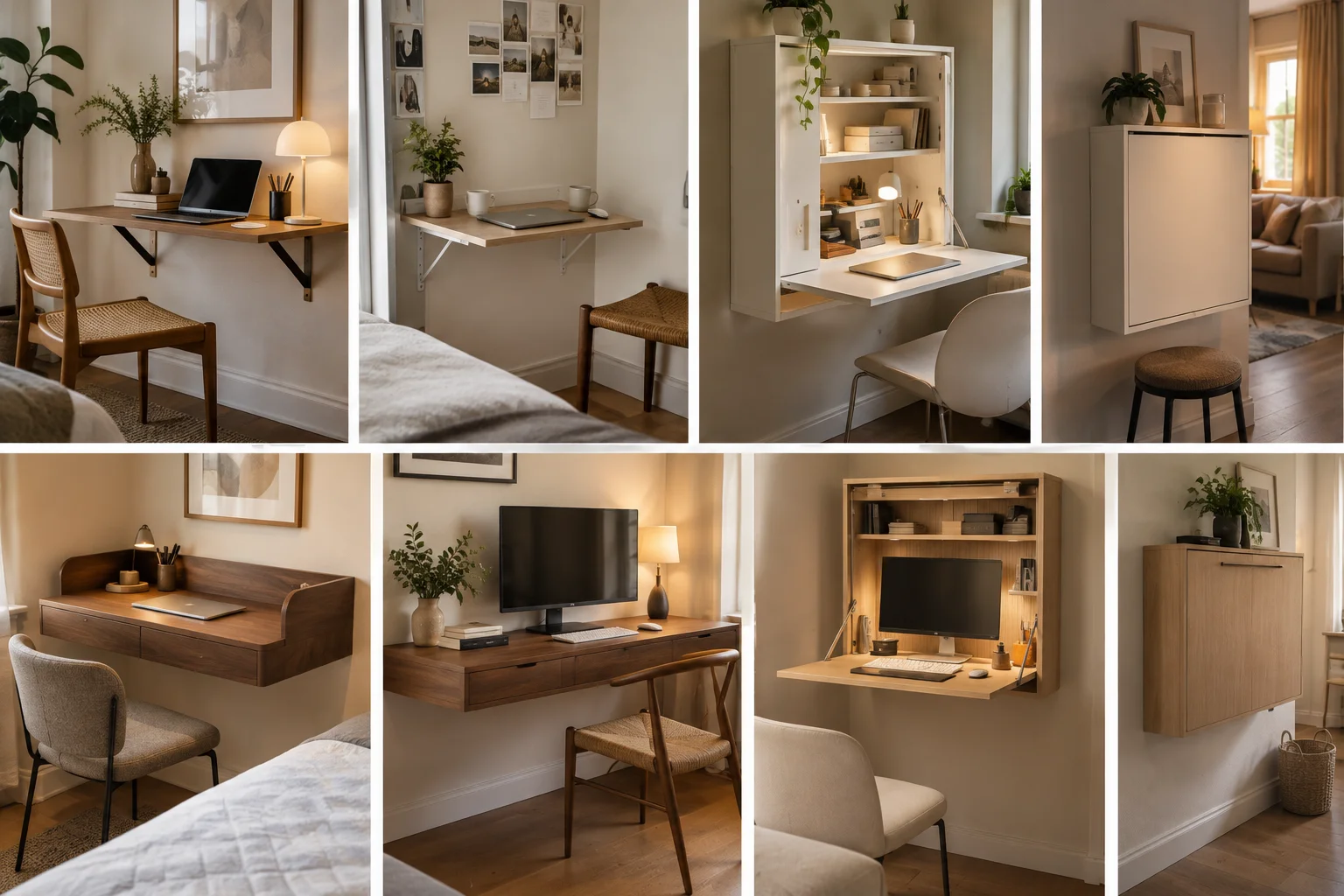
A suitably rated wall-mounted desk can hold a monitor. The screen must fit the working surface and remain within the desk’s load limit. Clamp-mounted arms also need a compatible desktop. Closing cabinets require enough internal space for the screen, mount, and cables.
Can You Install a Wall-Mounted Desk on Drywall?
Yes, when the product provides an installation method suited to that wall construction. Depending on the design, that can involve studs, structural backing, or specified hollow-wall fixings. Use the complete mounting arrangement described for the desk.
Can You Put a Wall-Mounted Desk in a Rental?
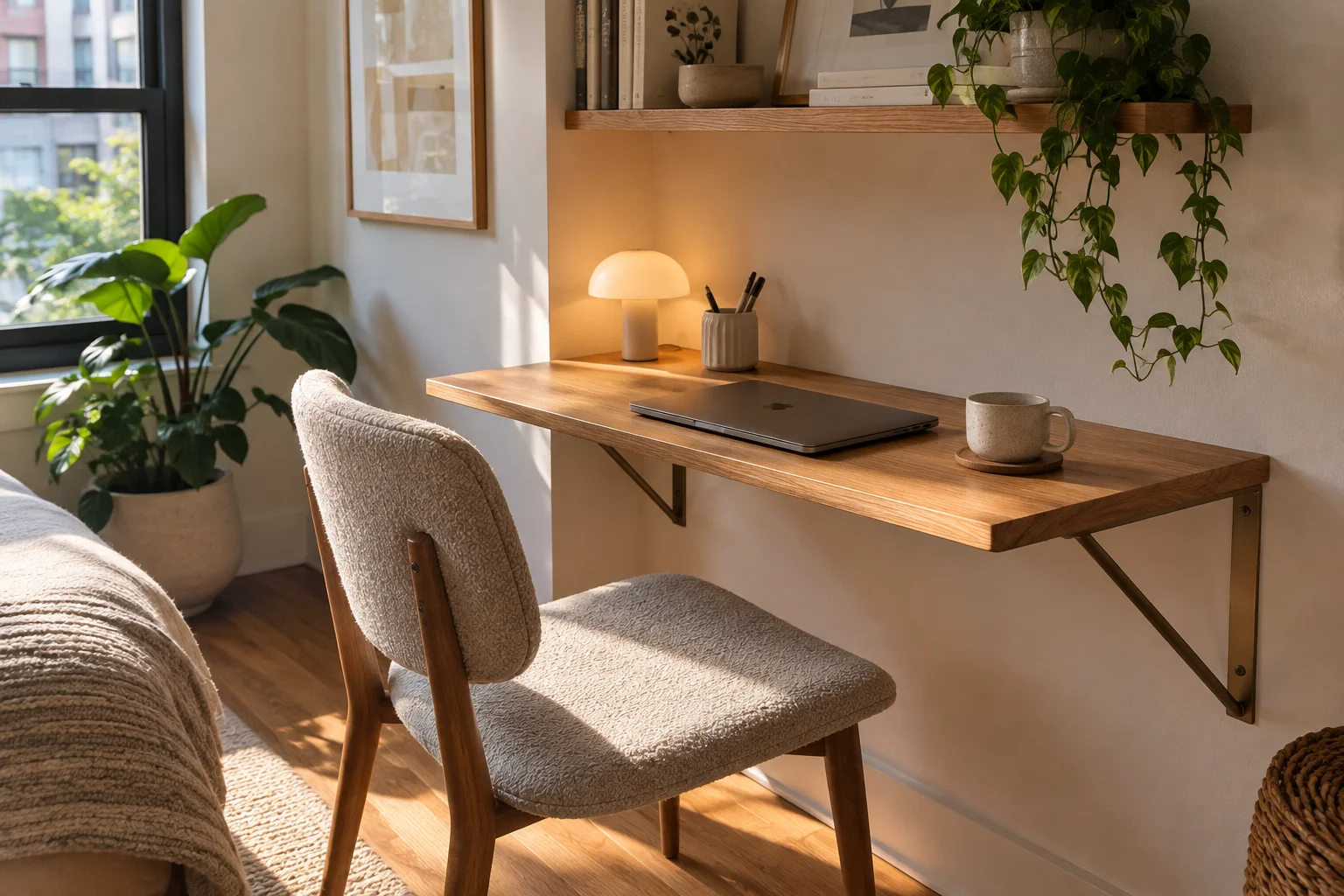
Yes, where the rental agreement and required permissions allow drilling and mounting. Most wall-mounted desks leave fixing holes. If permanent mounting is prohibited, choose a compact freestanding or folding desk.
How High Should You Mount a Wall Desk?
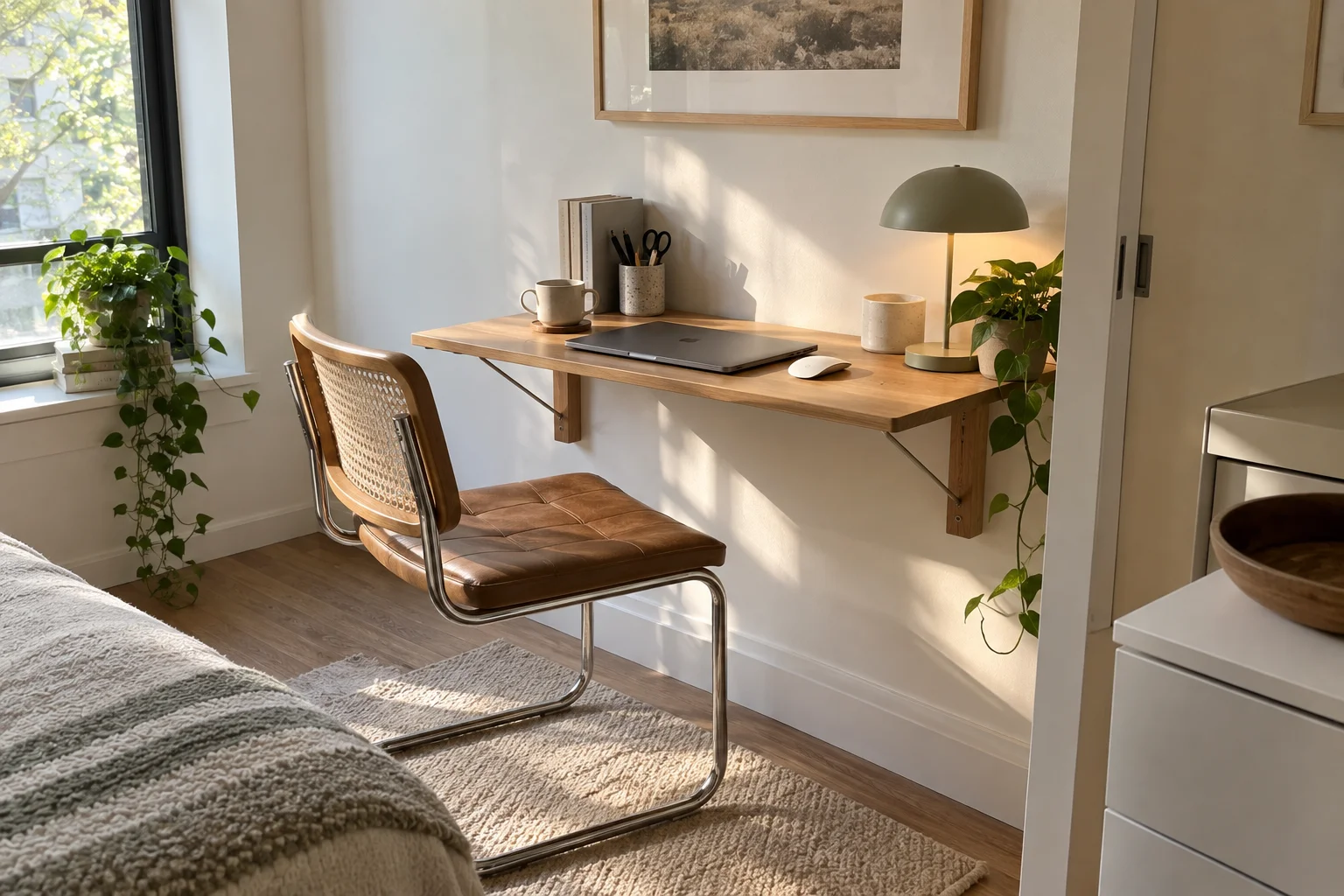
Set the working height around your chair, elbows, and equipment. Your keyboard should sit around elbow height with your shoulders relaxed, and your legs need enough room below. OSHA’s workstation purchasing guide explains the fit considerations.
A desk mounted at a chosen height remains fixed unless the product includes a height-adjustment mechanism.
How Deep Should a Wall-Mounted Desk Be?
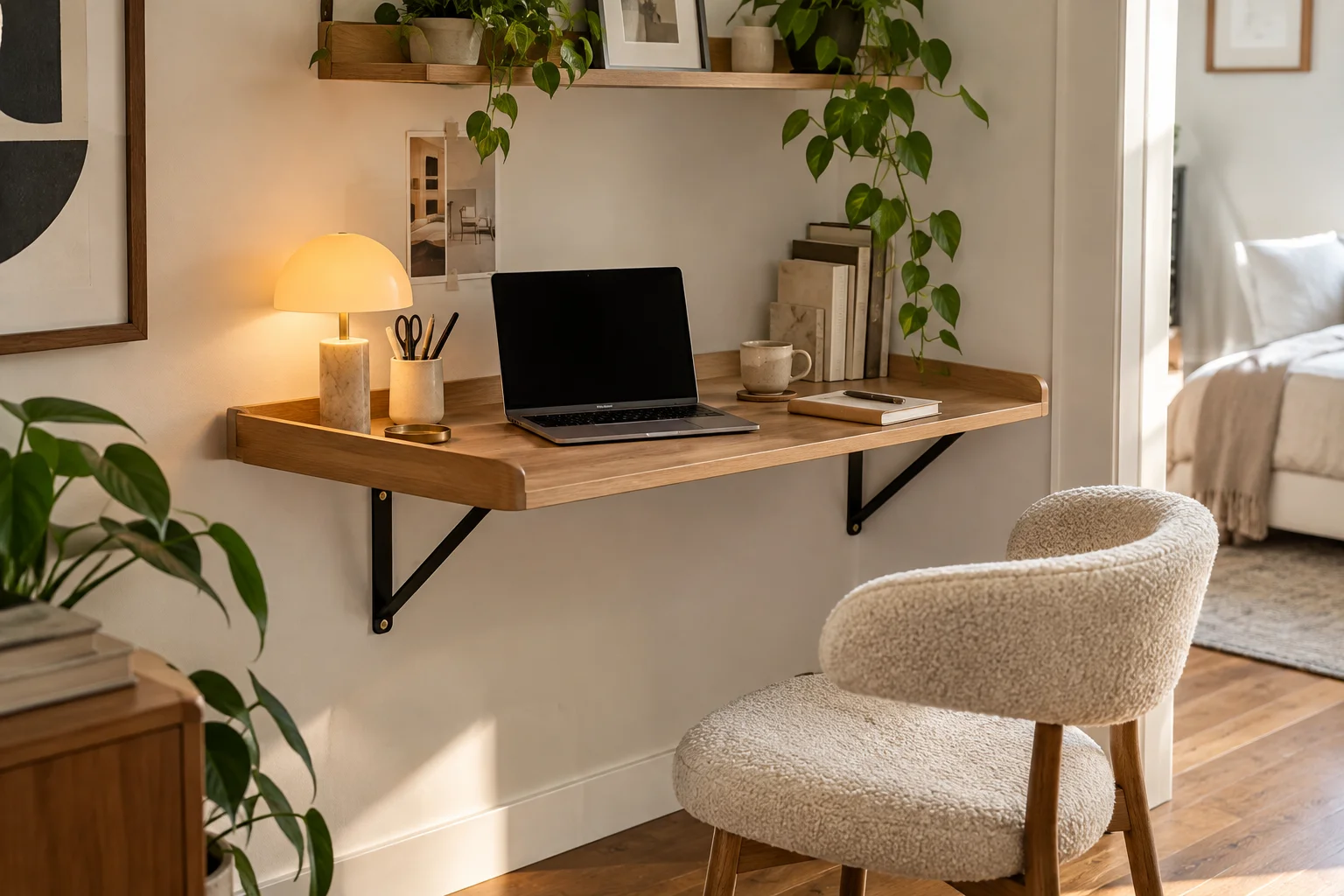
It should accommodate your equipment without crowding your hands or placing the screen too close. Occasional laptop work can use a shallower surface than a setup with an external monitor and keyboard. Measuring your equipment in a comfortable arrangement gives you a useful minimum.
Can You Leave a Laptop Inside a Fold-Up Desk?
Yes, when the storage compartment accommodates it and the product instructions permit that use. Keep the device clear of hinges and moving panels. Operating or charging equipment inside a closed cabinet also requires the ventilation specified by the equipment manufacturer.
Is a Wall-Mounted Desk Worth It in a Small Bedroom?
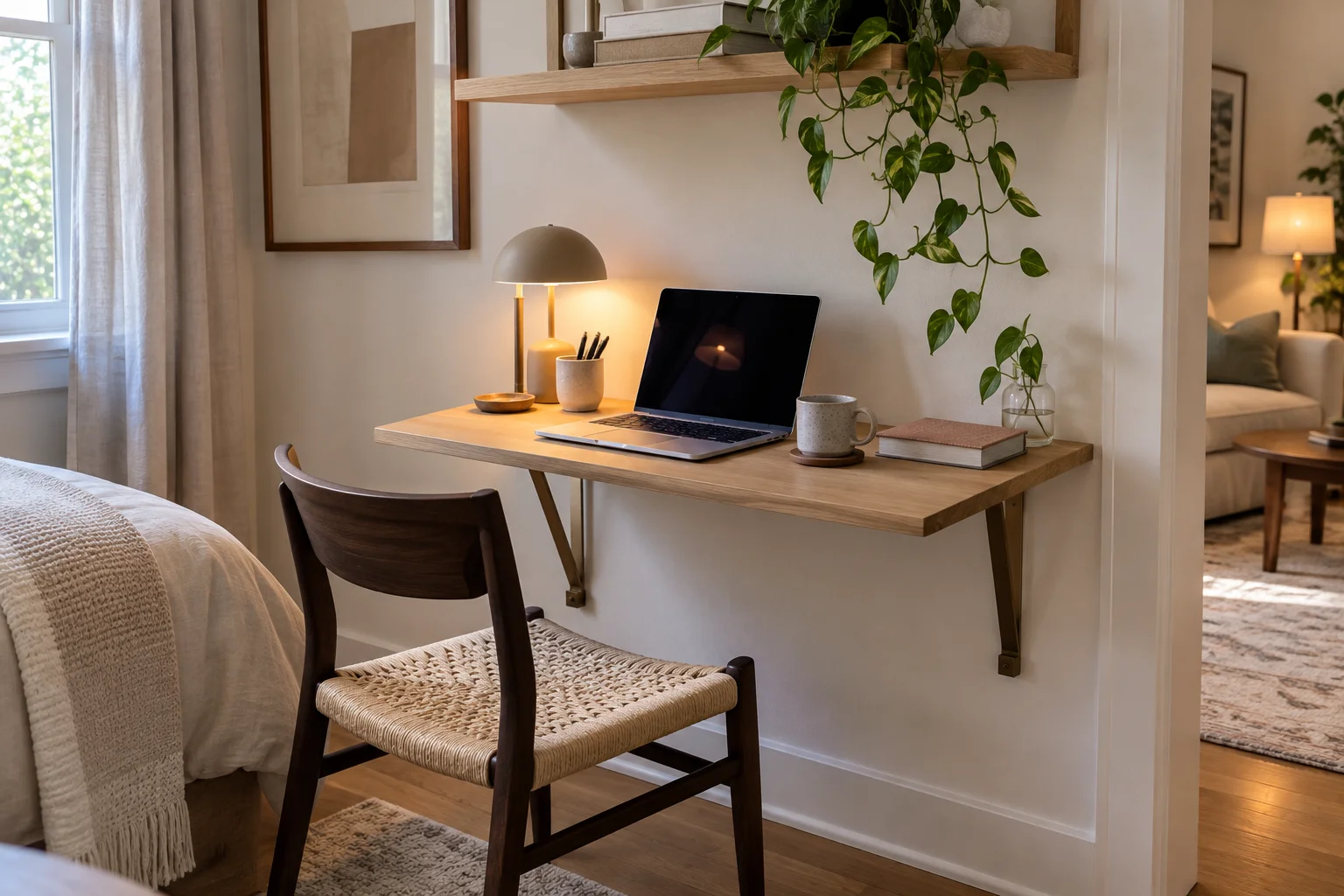
It’s worth considering when it creates a useful work area without disrupting the rest of the room. A fixed design keeps your setup ready each morning. A folding or closing design helps reclaim space afterward.
For a bedroom, choose based on what matters more to your routine: leaving everything ready to use or putting work away at the end of the day.