Best Home Office Layout for Productivity: 6 Setups to Try

A home office can look great and still feel awkward to work in. Sunlight reflects on the screen, your mouse barely fits beside the keyboard, and every video call includes someone walking behind you.
A productive home office layout gives you enough space for your work, comfortable furniture, and fewer interruptions. Even a small corner can work well when the desk, lighting, and storage suit your daily routine.
The quick answer
- A desk with daylight coming from the side helps limit screen glare.
- An adjustable chair and properly positioned screen make the setup easier to fit to your body.
- Your desk needs room for the keyboard, mouse, and everyday tasks, with clear space underneath.
- Useful tech should improve typing, calls, or concentration.
- Nearby storage, tidy cables, and clear labels make supplies easier to find.
- A defined work area helps separate work from the rest of the room.
Below are six arrangements for different rooms and working habits, followed by the adjustments that make them more comfortable.
1. Which Home Office Layout Fits Your Workday?
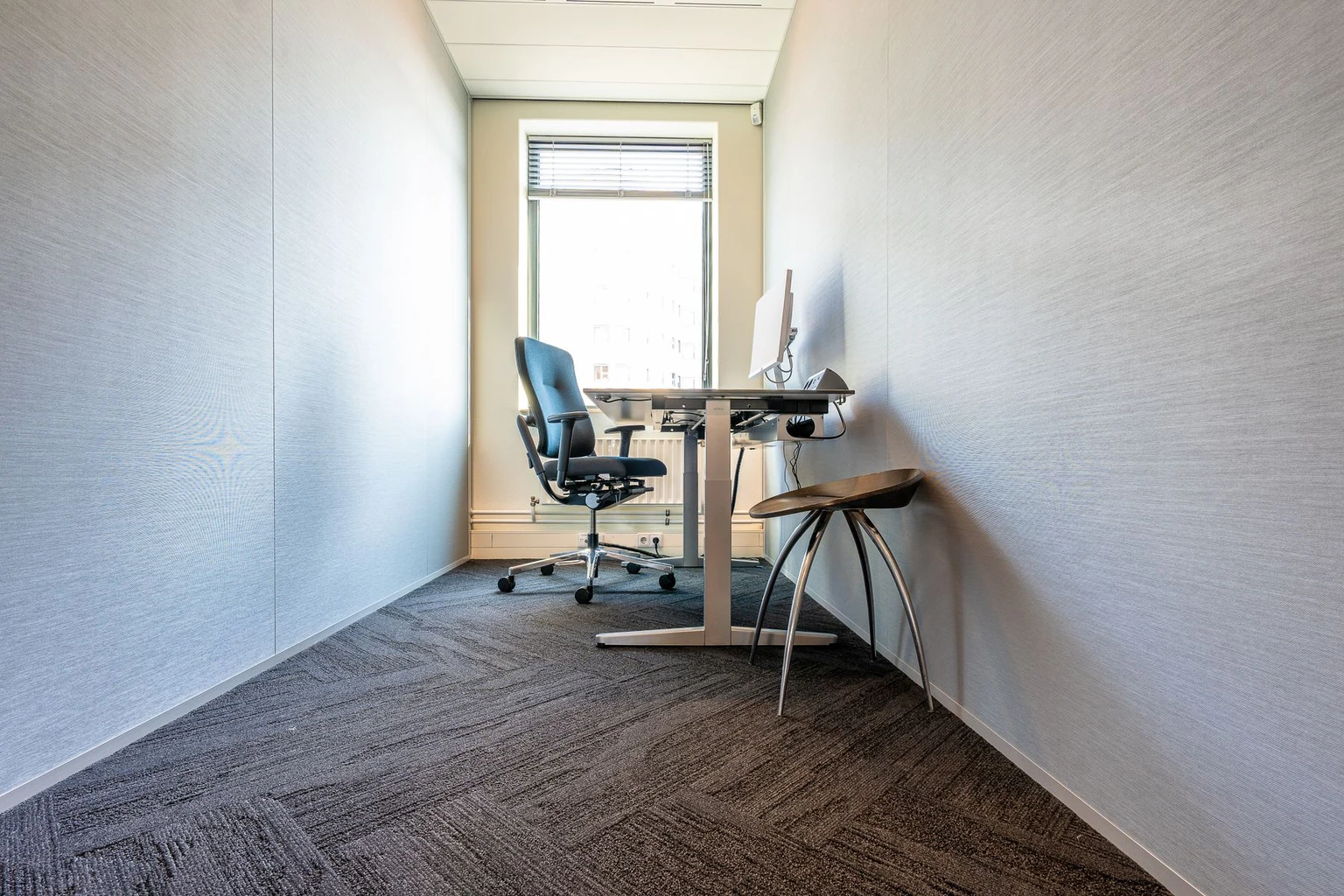
Your most frequent tasks should guide the layout. Someone who works mainly on a laptop needs a different surface from someone reviewing printed plans or spreading out fabric samples.
The room matters, too. A desk may fit against a wall, but the chair still needs room to move while someone walks past.
| Layout | Best suited to | What needs extra attention |
|---|---|---|
| Desk against a wall | Small rooms and a simple computer setup | Desk depth and your background on calls |
| Desk beside a window | Working near natural light | Direct sun and screen reflections |
| L-shaped desk | Computer work alongside paperwork or projects | Floor space and access to both surfaces |
| Desk facing into the room | A dedicated office or occasional visitors | Cable routes and space around the desk |
| Two workstations | Partners or housemates sharing an office | Separate storage and overlapping calls |
| Bedroom or living-room work area | Homes without a spare room | Household traffic and putting work away |
A Wall-Facing Desk for a Small Room
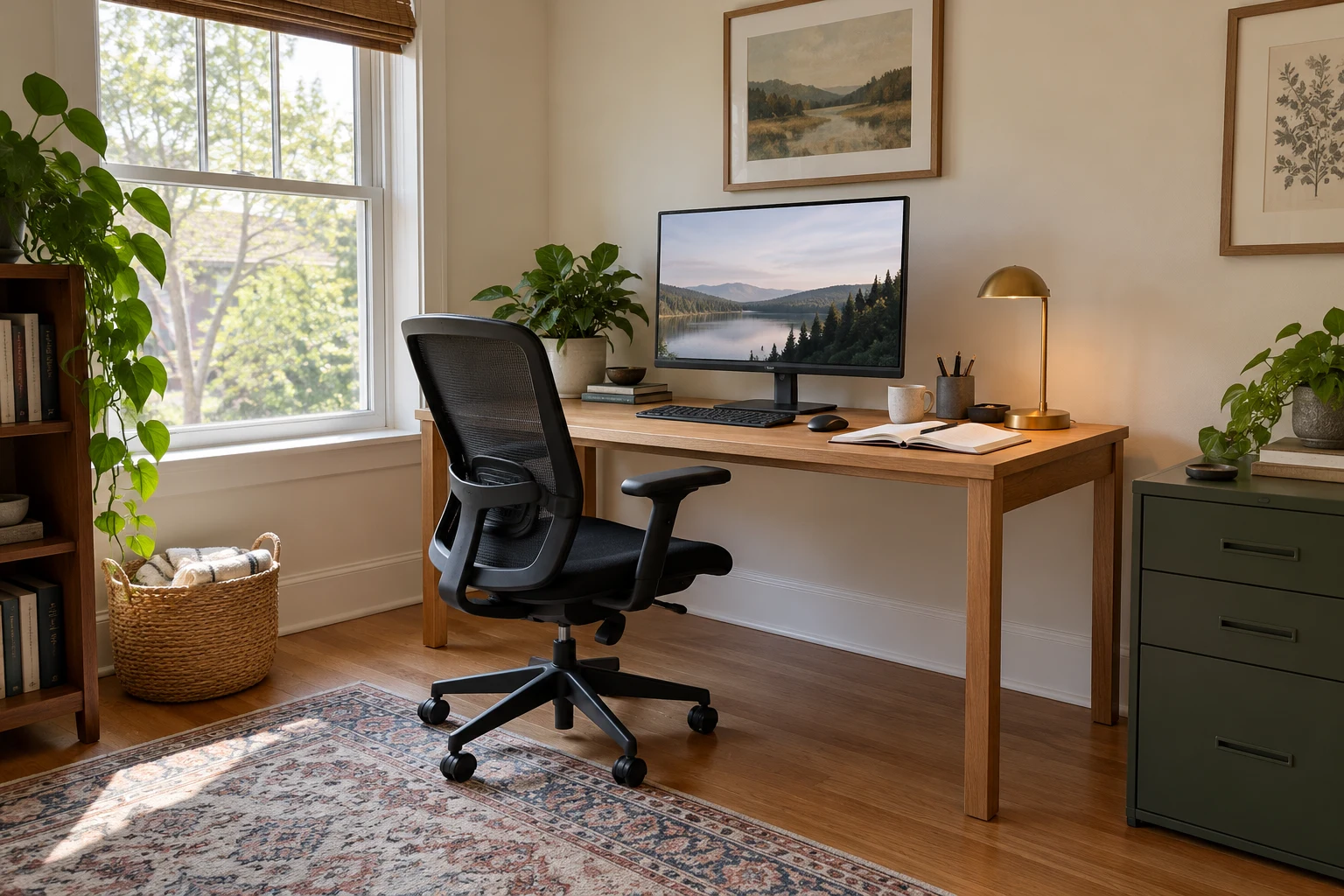
A wall-facing desk works well when floor space is limited. It gives you a dedicated place to work without placing furniture across the middle of the room.
The desk still needs enough depth for the screen, keyboard, and your hands. A narrow console may accommodate occasional laptop use, but it can feel crowded once you add a monitor and notebook.
If you have a longer stretch of wall, the HSH 60-Inch Computer Desk offers a rectangular work surface with a rustic-oak finish and metal legs. Its open base leaves the space beneath the desktop available for your chair and legs.
A drawer unit beside the desk can hold supplies without taking up that legroom.
Meanwhile, your video-call background will be the room behind you. A tidy bookcase or plain wall is easier to manage than a busy doorway.
For particularly compact spaces, our guide to wall-mounted desks for small spaces covers another way to fit a work surface into the room.
A Desk Beside the Window for Daylight
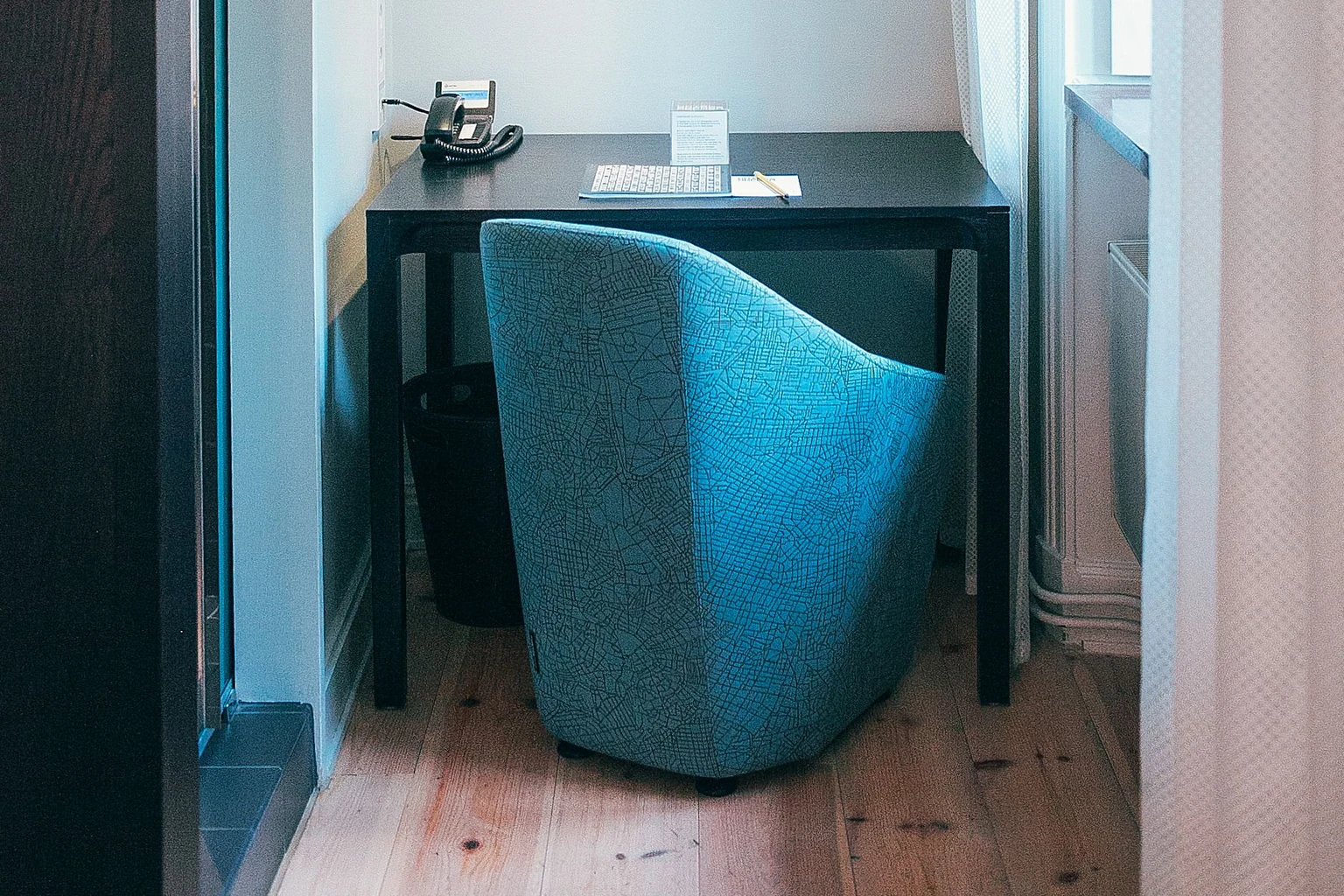
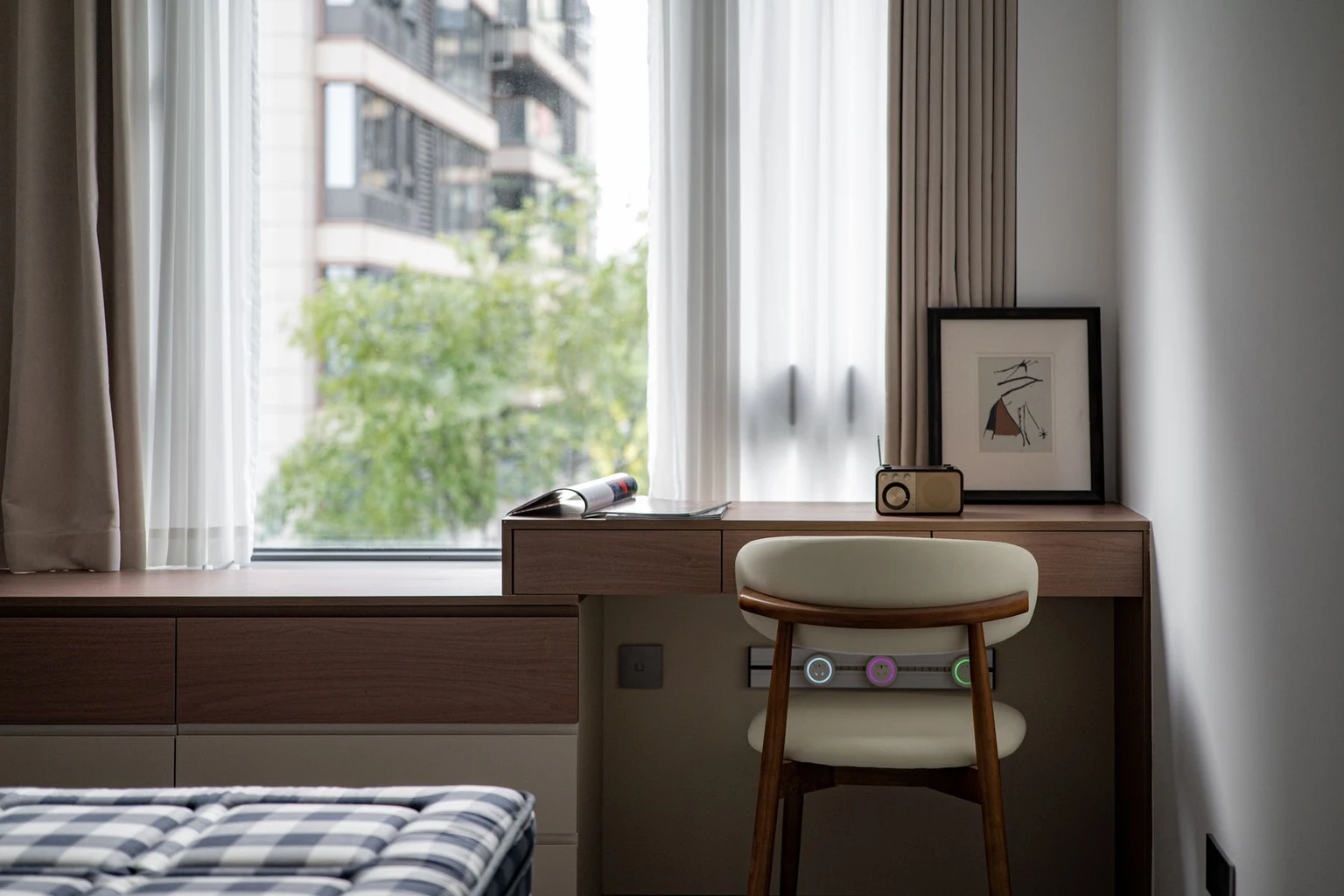
A desk with the window to your left or right is a practical arrangement for computer work. It helps limit the glare and reflections that can occur when the window is directly in front of or behind you.
You can still look outside during a break.
A blind or curtain gives you control when direct sun reaches the desk. This is useful when a spot that feels comfortable in the morning becomes much brighter in the afternoon.
A desk lamp provides extra light on cloudy days and after sunset.
An L-Shaped Desk for Screens and Paperwork
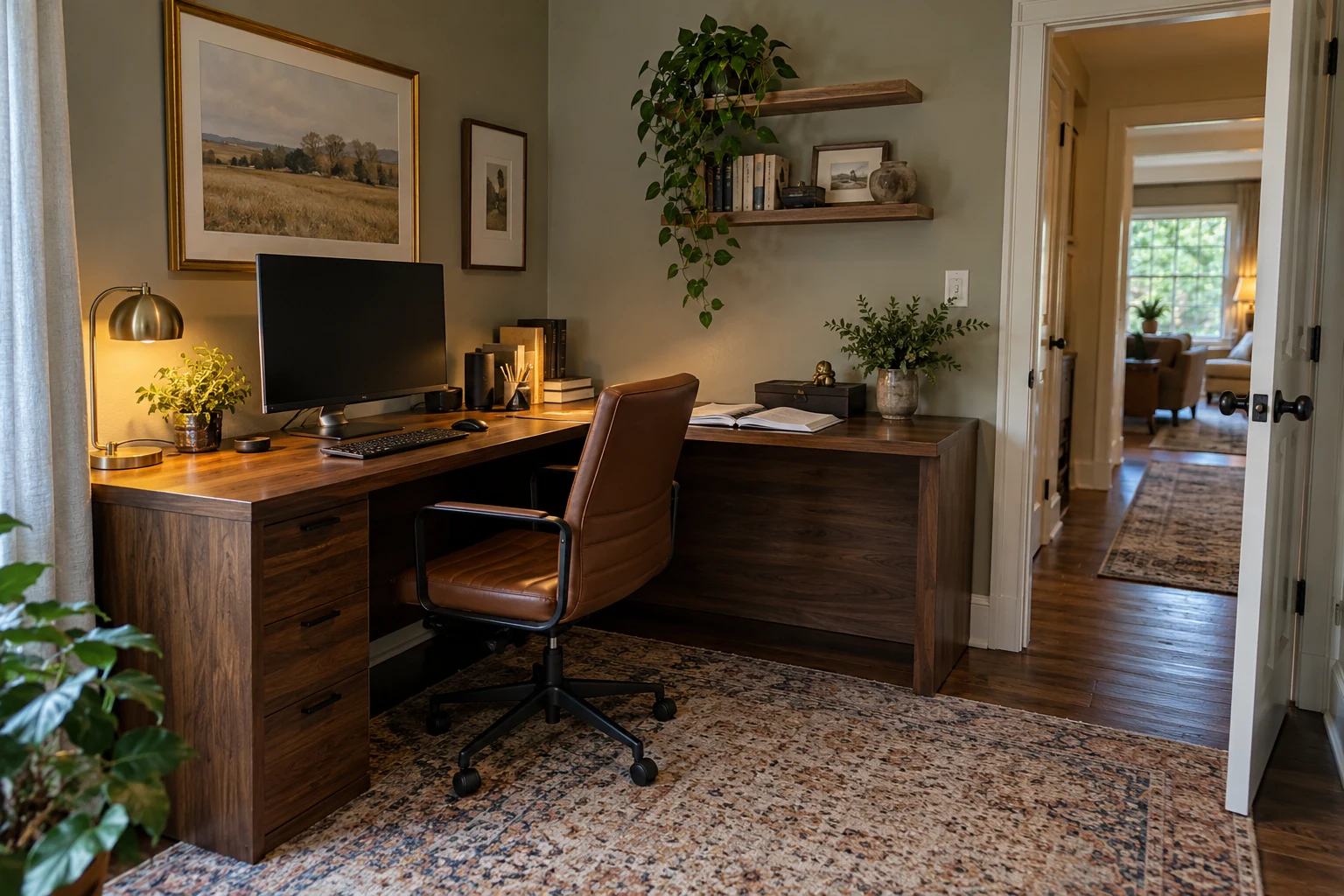
An L-shaped desk suits people who need a computer area and a second working surface.
Perhaps you spend the morning entering figures and the afternoon sorting invoices. The extra surface lets the paperwork remain open without covering the keyboard.
Your main monitor should sit directly in front of your usual seated position. Frequently used supplies belong close enough to reach comfortably.
When switching to the other surface, turn the chair and your body together. Equipment that requires repeated twisting is better moved closer.
The longer side of the desk should also leave the doorway and main walking route clear.
A Desk Facing the Room for a Dedicated Office
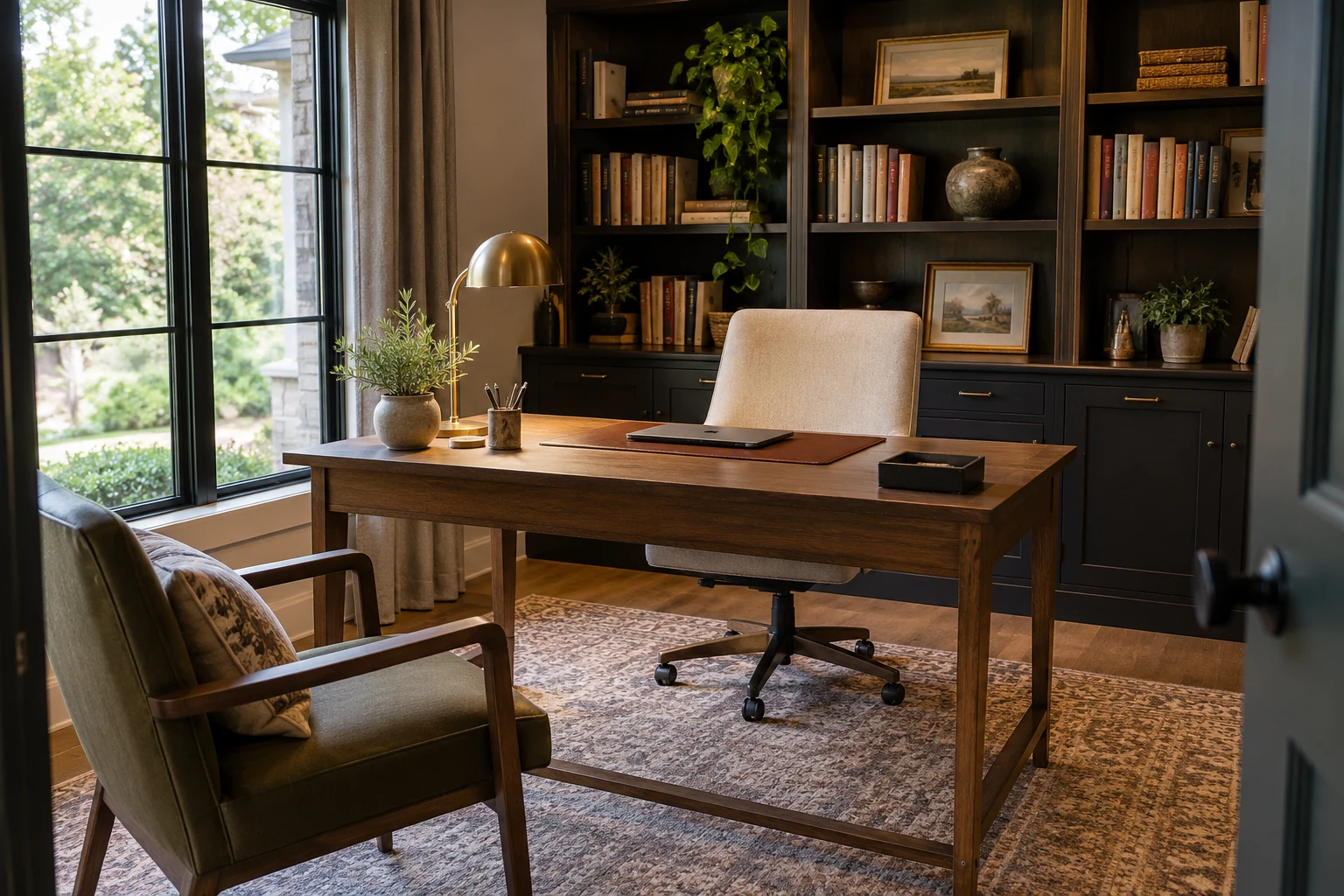
A desk facing into the room works best when there is space around both the desk and chair. It can suit a dedicated office, particularly if you occasionally meet clients or colleagues at home.
A cabinet behind or beside the chair provides storage. A separate visitor’s chair allows someone to sit with you without using your working surface.
The cable route needs planning, though. Power leads should run safely to an outlet without crossing the walkway.
The back of the desk will also be visible from the room. A simple finished surface looks neater than exposed compartments and dangling cables.
Two Workstations for a Shared Office
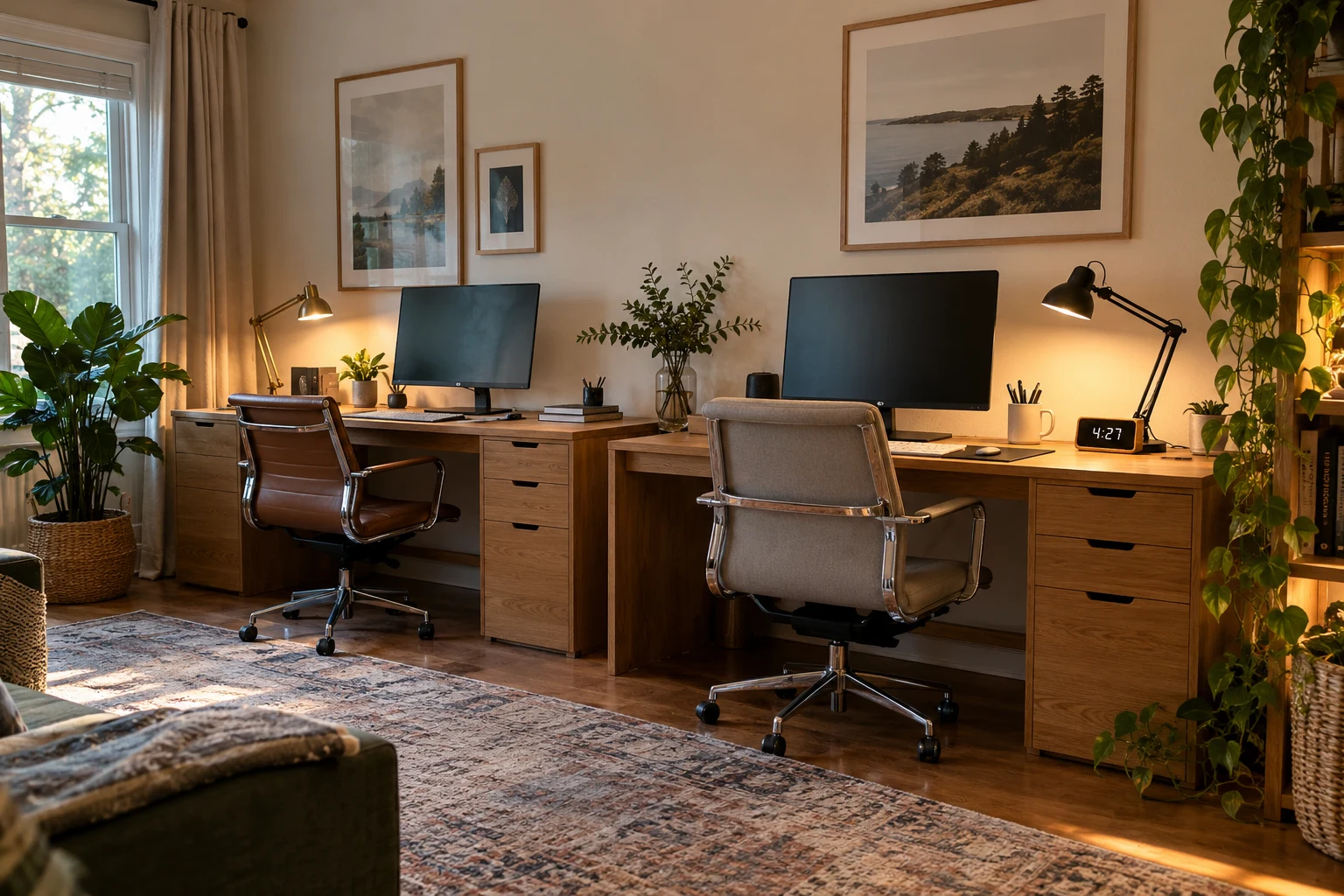
Two people sharing an office need two comfortable work areas, even when the desks sit together.
Side-by-side desks work well along a long wall. Desks on separate walls can provide more individual space when the room allows it.
Each person needs suitable screen placement, lighting, and storage. Separate drawers prevent one person’s documents from gradually covering the other person’s desk.
Calls are often the bigger challenge. Headsets keep incoming audio private, but both people can still hear the other speaking.
When meetings overlap frequently, access to another room for calls can be more useful than a small divider between the desks.
A Work Area That Shares a Bedroom or Living Room
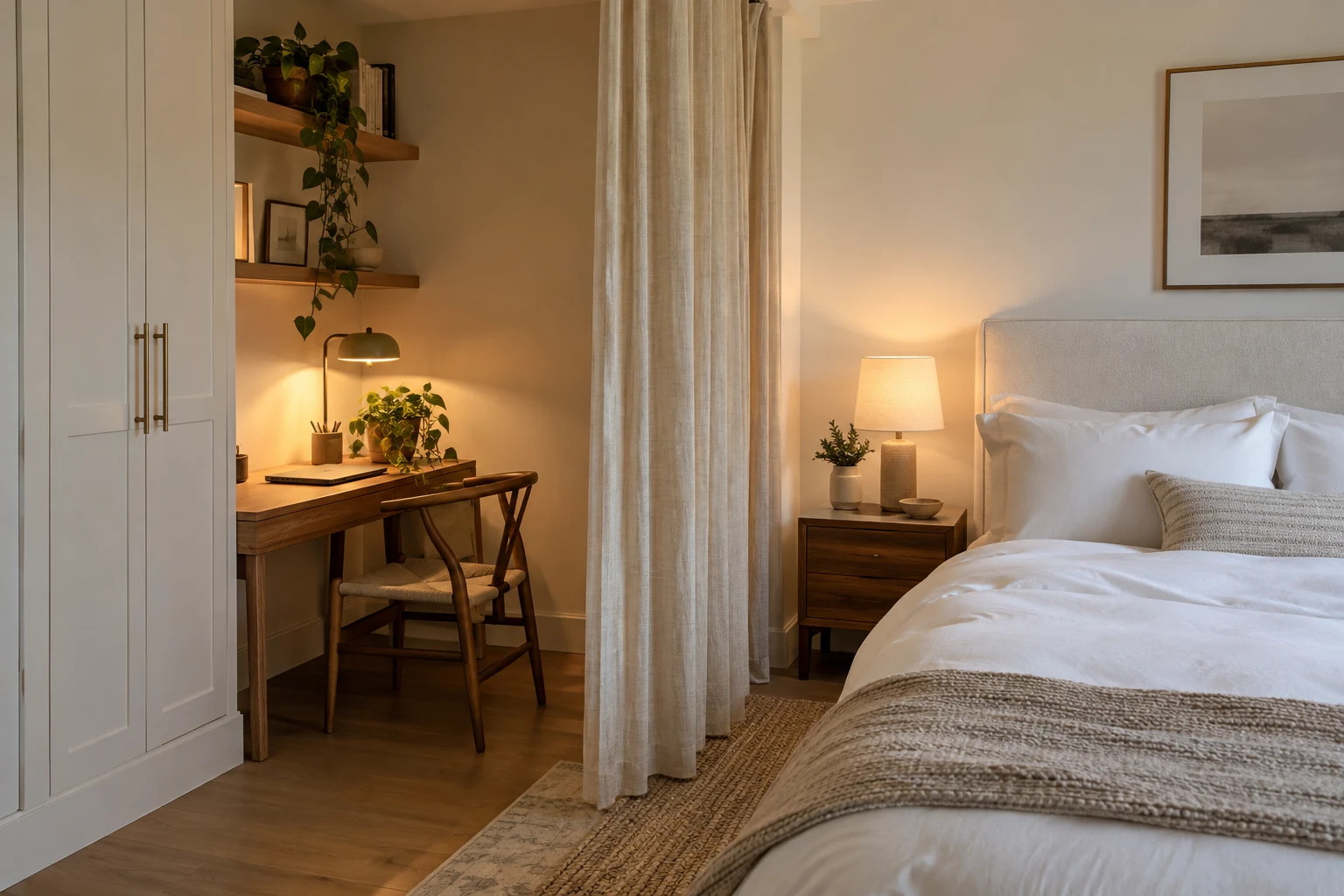
In a shared room, the desk works best away from the main household walking route.
A bedroom corner, an alcove, or a section of living-room wall can provide a practical work area. The chair should pull back without blocking access to the bed, sofa, or doorway.
A folding screen or curtain can separate the desk visually from the rest of the room. It does not need to surround the entire workspace.
Closed storage helps at the end of the day. A drawer for the laptop and a cabinet for paperwork make it easier to put work away.
Our small-apartment decorating guide has more ideas for arranging furniture when one room needs to do several jobs.
2. Your Chair, Desk, and Monitor Should Fit Together
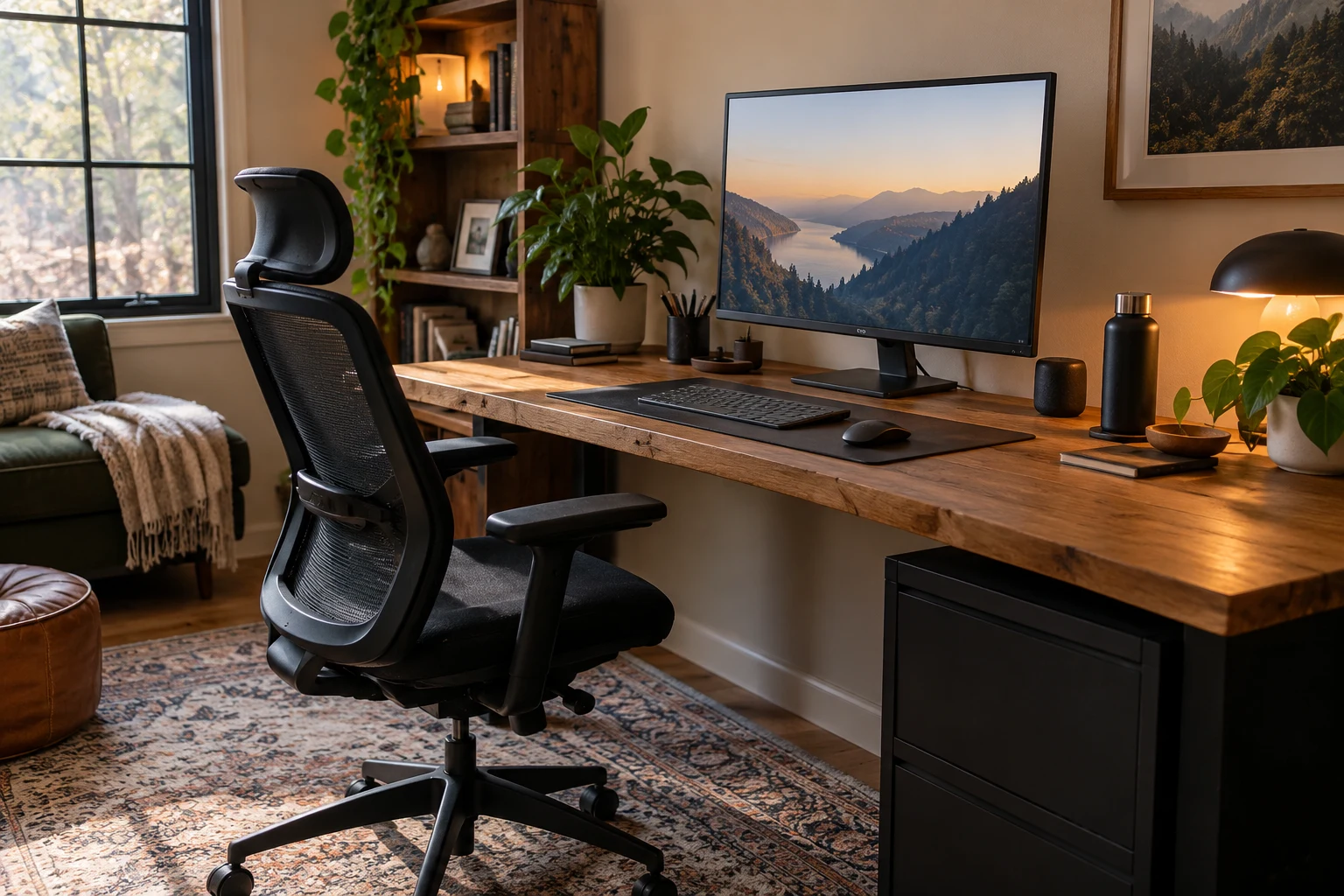
The furniture needs to work together. A supportive chair can still feel uncomfortable if the desk is too high or the screen is off to one side.
A Chair You Can Adjust to Your Desk
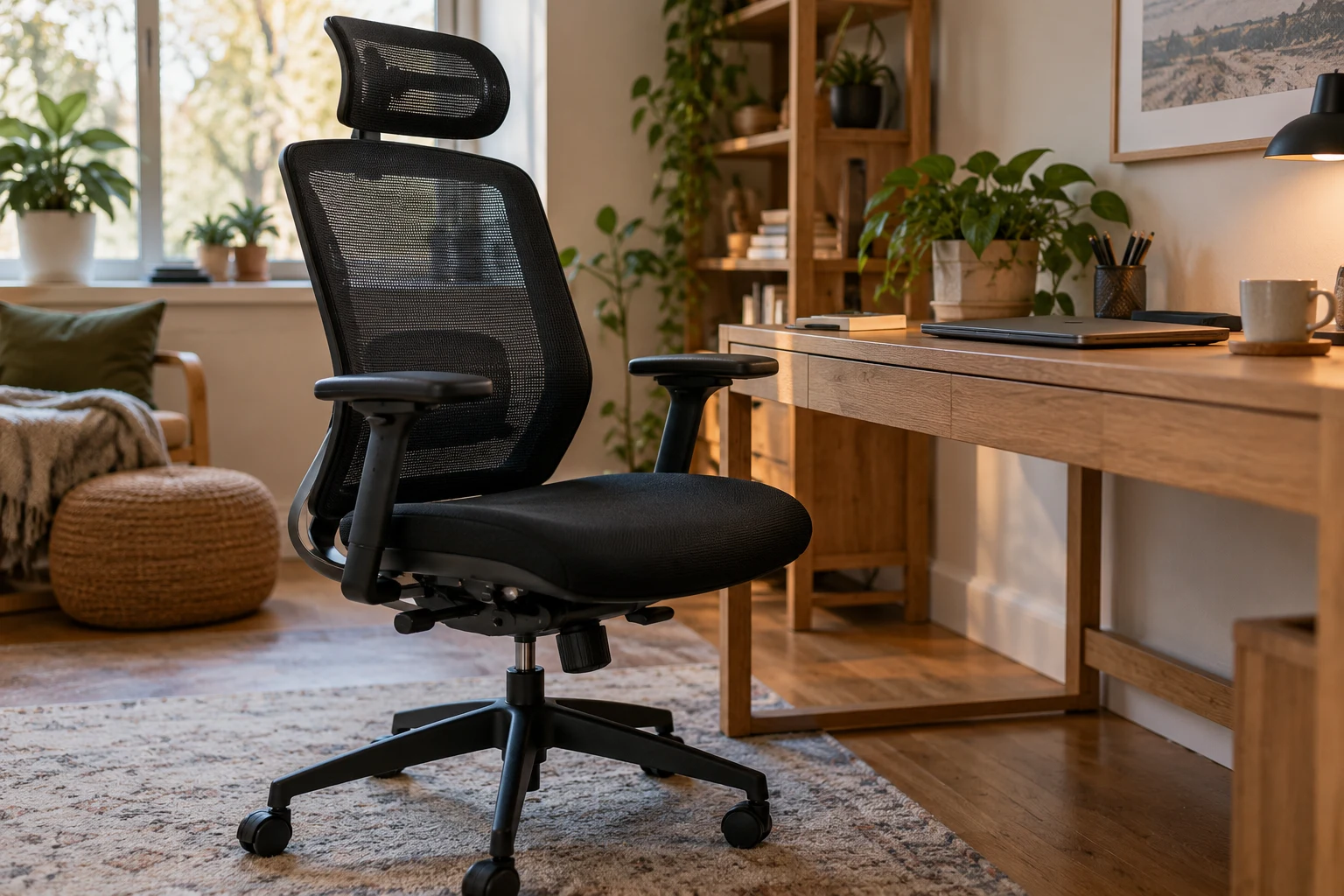
A useful office chair lets you adjust the seat height and your sitting position so you can reach the desk comfortably.
Your feet should rest on the floor or a footrest. The armrests should allow your shoulders to relax and the chair to move close enough to the desk.
The GABRYLLY Ergonomic Office Chair has a mesh seat and back, a headrest, and flip-up arms. The arms can move out of the way when you want to tuck the chair beneath the desk.
If armrests hit the desktop and leave you reaching forward, their position needs adjusting. Moving closer to the keyboard can make a noticeable difference without changing the desk.
Enough Desk Space for More Than a Laptop
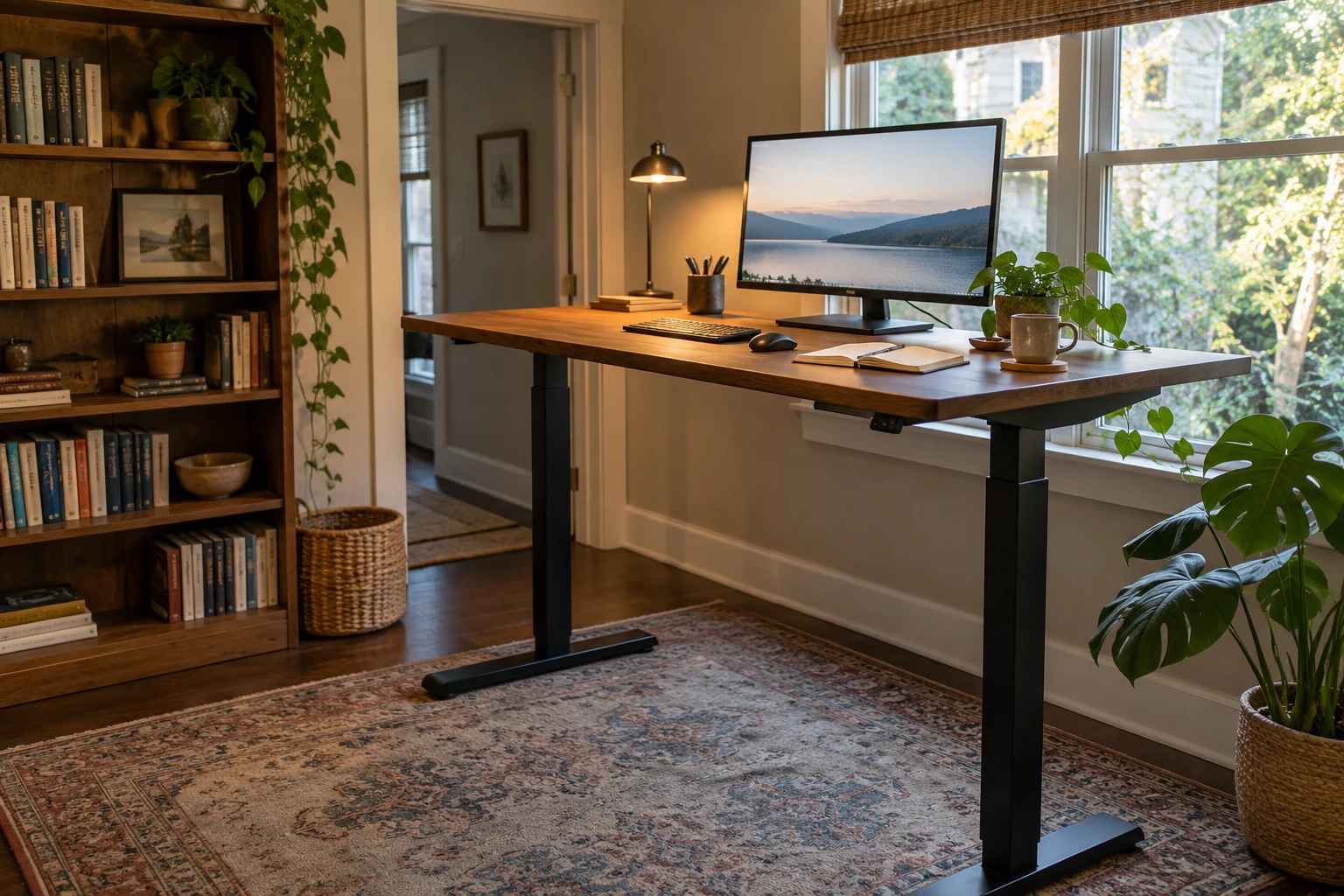
Your desk needs usable space for the work you actually do.
That includes mouse movement, an open notebook, and any documents you regularly refer to. A desk that looks spacious with only a laptop may feel crowded during a normal afternoon.
The Desktronic HomeOne Standing Desk has a 60-by-30-inch surface and electric height adjustment. It is an option for a setup that needs room for equipment and the ability to switch between seated and standing work.
The space underneath matters just as much. Storage boxes, a printer, or a deep drawer unit can prevent you from moving your legs comfortably.
A Screen You Can Read Without Leaning Forward
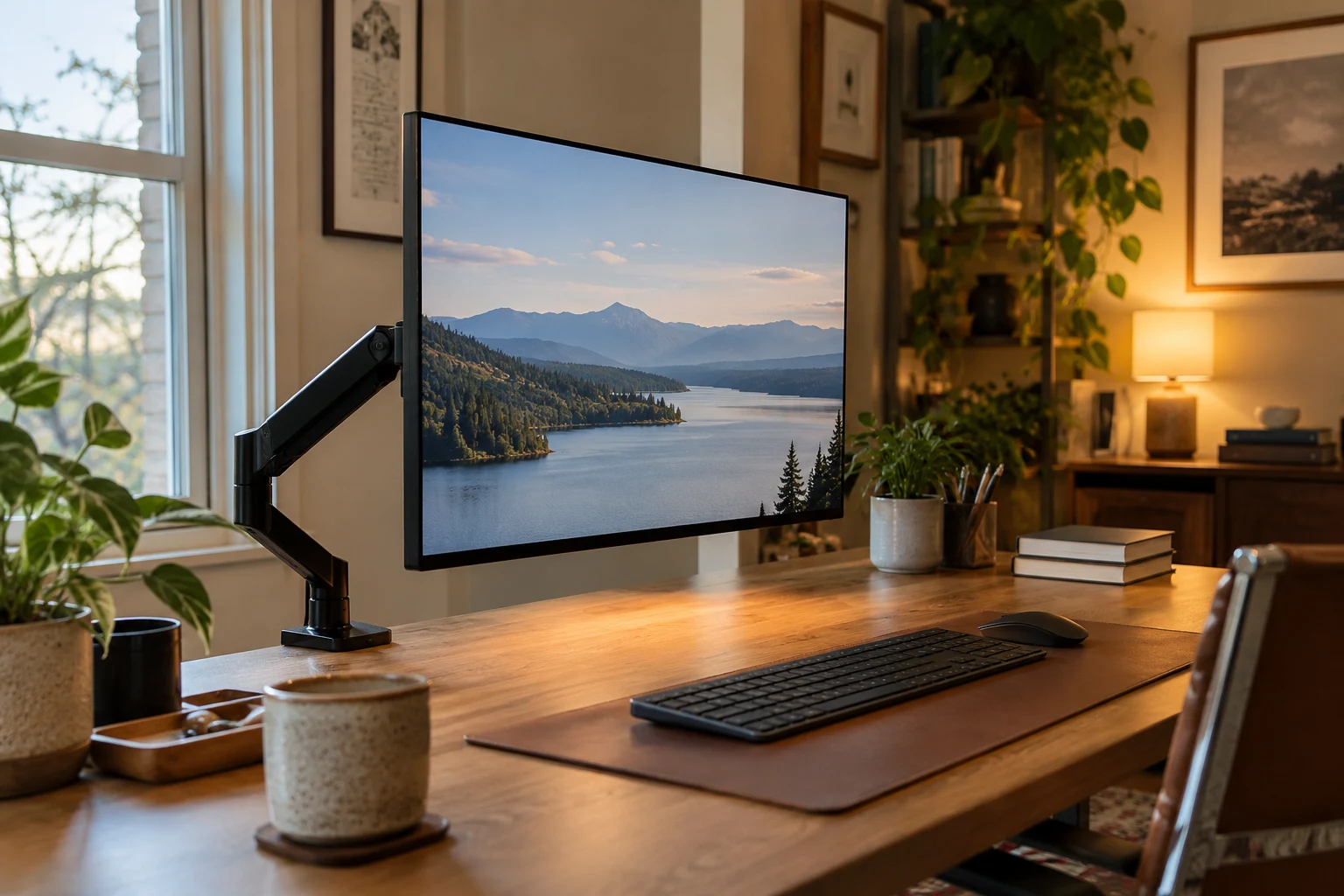
The main screen should be directly ahead, with its top at or slightly below eye level. Text should be readable without leaning toward it.
The HUANUO FlowLift Single Monitor Arm provides adjustable positioning for one compatible monitor. It also removes the need for a monitor’s original base on the desktop, creating more usable space beneath the screen.
A laptop stand serves a similar purpose for a laptop screen. With the laptop raised, a separate keyboard and mouse allow your hands to remain lower.
Two screens are useful when you repeatedly refer to one document while working in another. One well-positioned screen may be enough for writing, email, or tasks that need your attention in a single window.
If one monitor gets most of your attention, place it directly ahead. The occasional-use screen can sit beside it.
Our home office essentials guide covers more equipment options for different working habits.
3. Good Lighting Without Screen Reflections
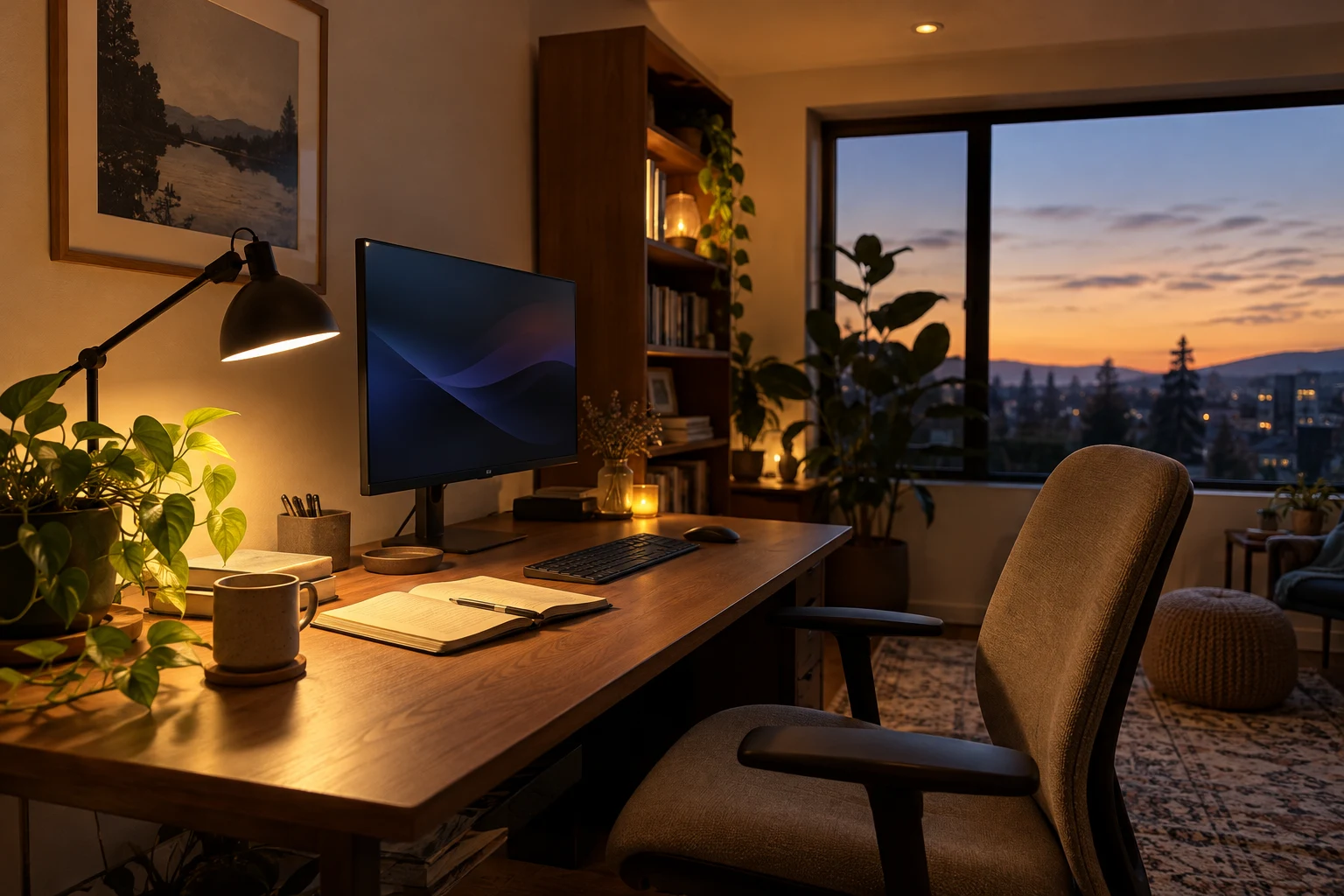
A comfortable lighting setup combines general room light and adjustable task light.
The room light illuminates the surrounding space. A desk lamp adds light where you read printed pages, write notes, or work on something small.
The lamp should illuminate the task without shining into your eyes or reflecting strongly on the monitor.
For handwriting, light from the side opposite your writing hand can help reduce shadows across the page.
A monitor light bar is another option when desktop space is limited. Its light should fall on the work surface rather than reflect off the screen.
For video calls, a light in front of you or slightly to one side is usually more useful than a bright window behind you.
Decorative lighting can be added afterward. Colored lighting behind the desk will not replace enough light to read your notebook.
4. Comfortable Air and Temperature Matter, Too
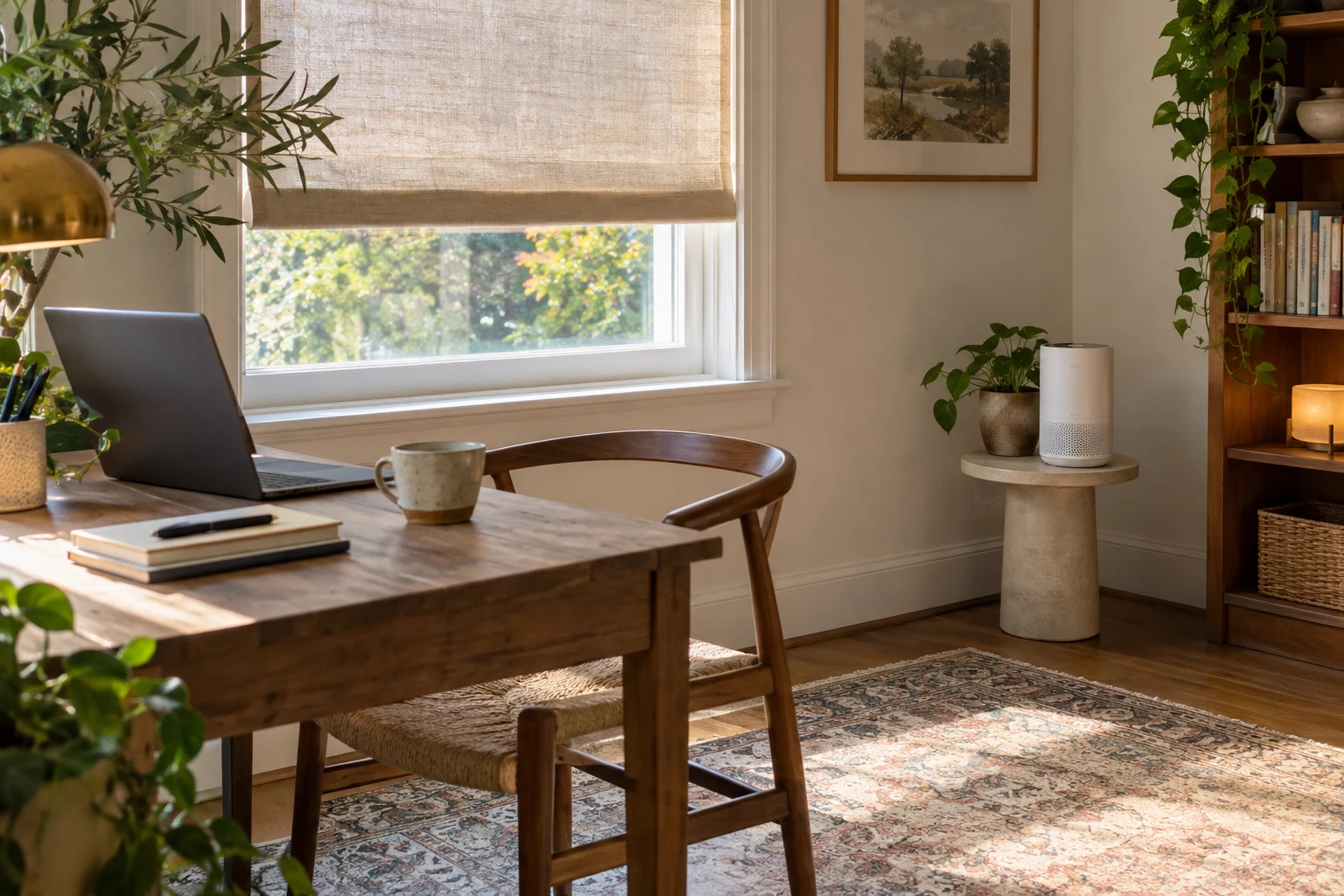
The desk belongs somewhere you can work without overheating or sitting in a constant cold draft.
A sunny window may feel pleasant at breakfast and uncomfortable a few hours later. Adjustable shading helps manage direct sun without leaving the room permanently dark.
Likewise, a chair directly beneath an air-conditioning vent may feel cold even when the rest of the room is comfortable.
Furniture should leave vents clear. Suitable ventilation and a quiet fan can help with comfort, although a fan circulates air rather than bringing fresh air inside.
For an optional air-filtering addition, the LEVOIT Core Mini-P Air Purifier is a compact unit for a small workspace. Its filters capture airborne particles such as dust and pet dander.
It needs open space around its air openings rather than being tucked into a closed cabinet.
5. Useful Tech for Typing, Calls, and Focus
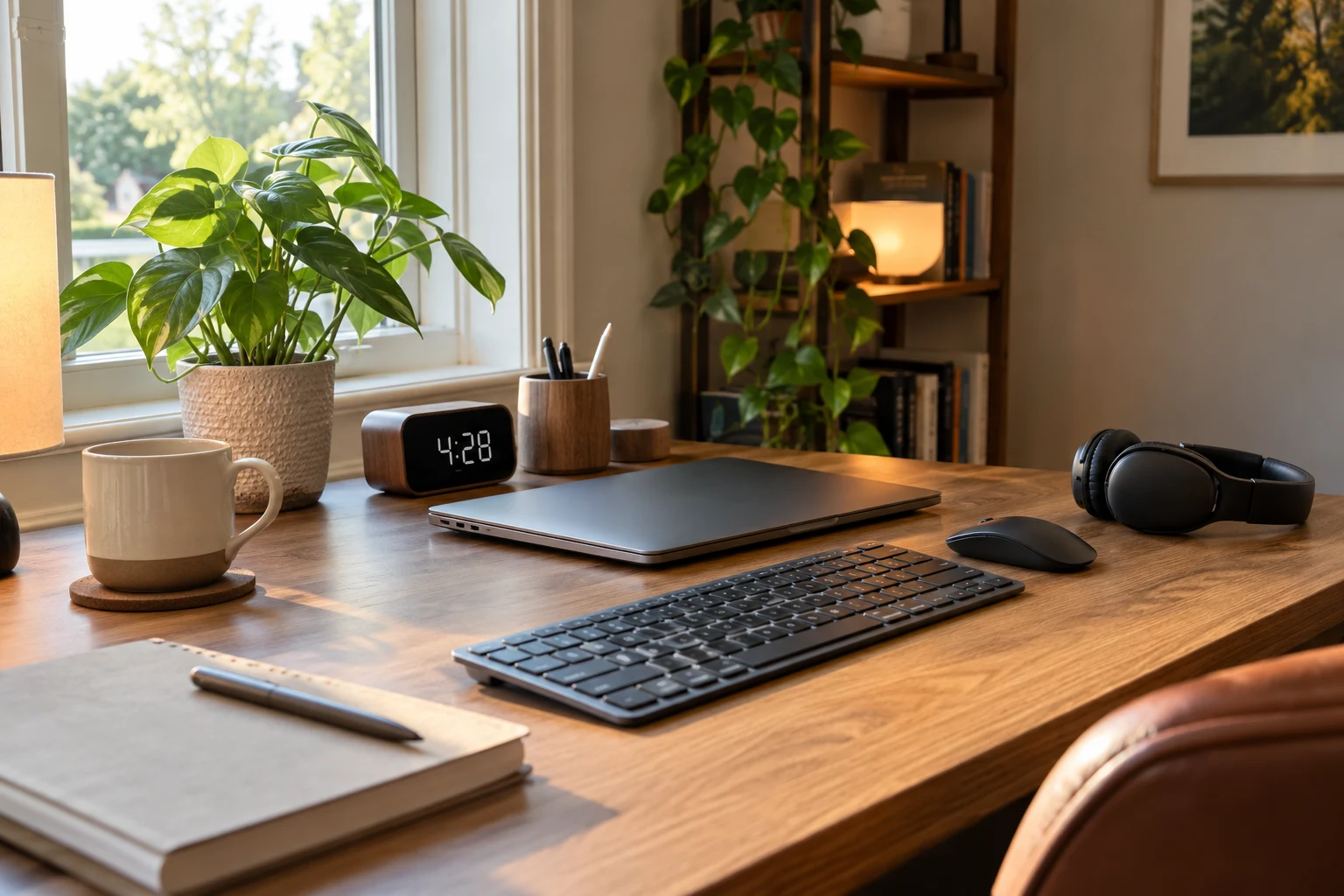
The equipment you buy should solve a problem you notice during the day. A clearer microphone may be more useful than a second monitor if most of your work involves calls.
A Keyboard and Mouse That Leave You Room to Move
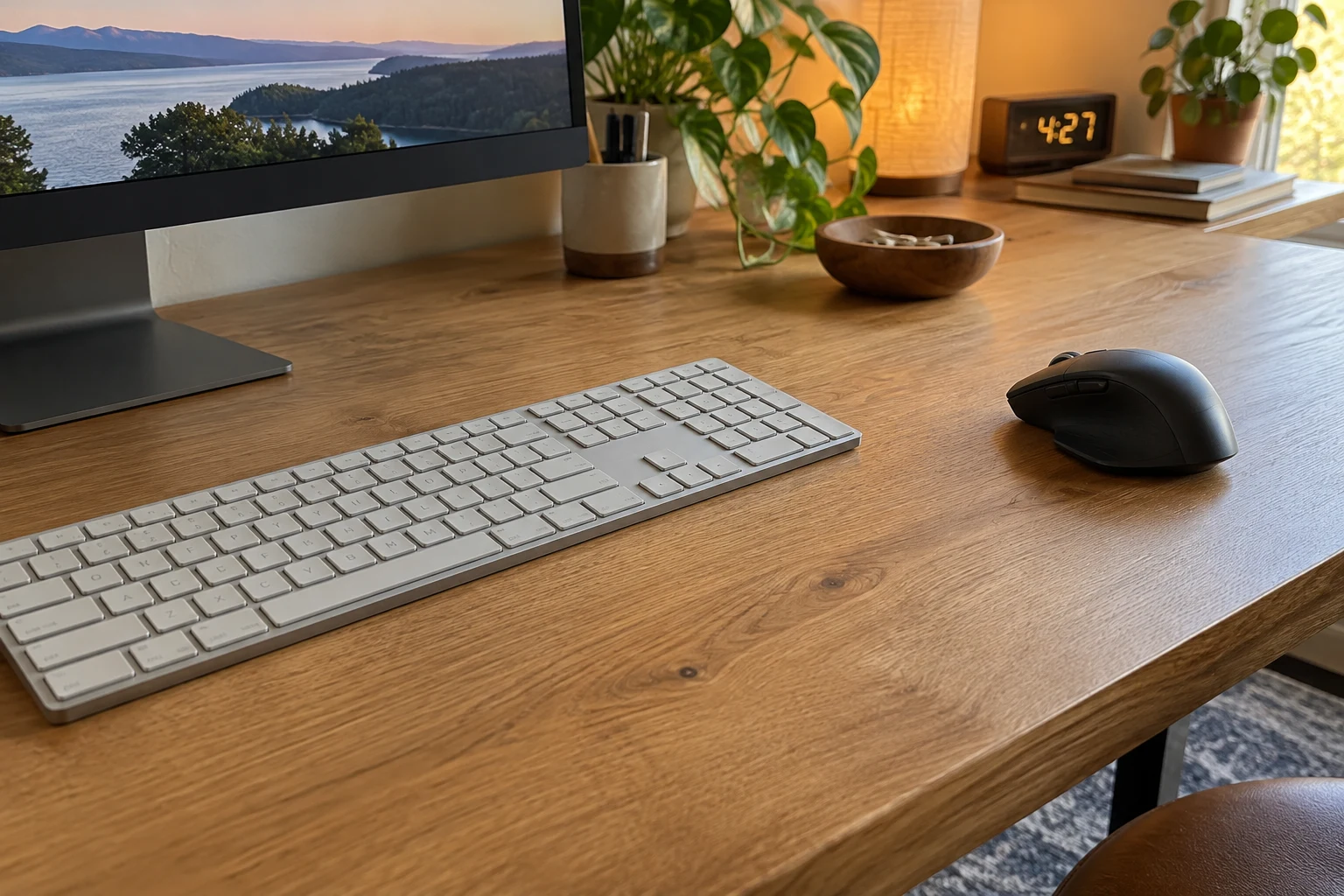
The keyboard and mouse should sit close enough to use without reaching.
The Logitech MX Keys S is a low-profile wireless keyboard with backlighting and a number pad. It suits a setup where you want a laptop-like typing style while retaining dedicated keys for numerical work.
A compact keyboard can bring the mouse closer by removing the number pad. However, that extra set of keys remains useful if you enter figures throughout the day.
The Logitech MX Master 3S Bluetooth Edition is a sculpted right-handed mouse with quiet clicks and fast scrolling. It connects through Bluetooth; this edition does not include a USB receiver or charging cable.
Whichever style you use, leave enough room for comfortable mouse movement without pushing your arm far to the side.
A mechanical keyboard can be enjoyable to type on, but sound matters in a shared room. Quiet keys are often more practical when someone nearby is taking calls.
Clear Audio and a Practical Camera Setup
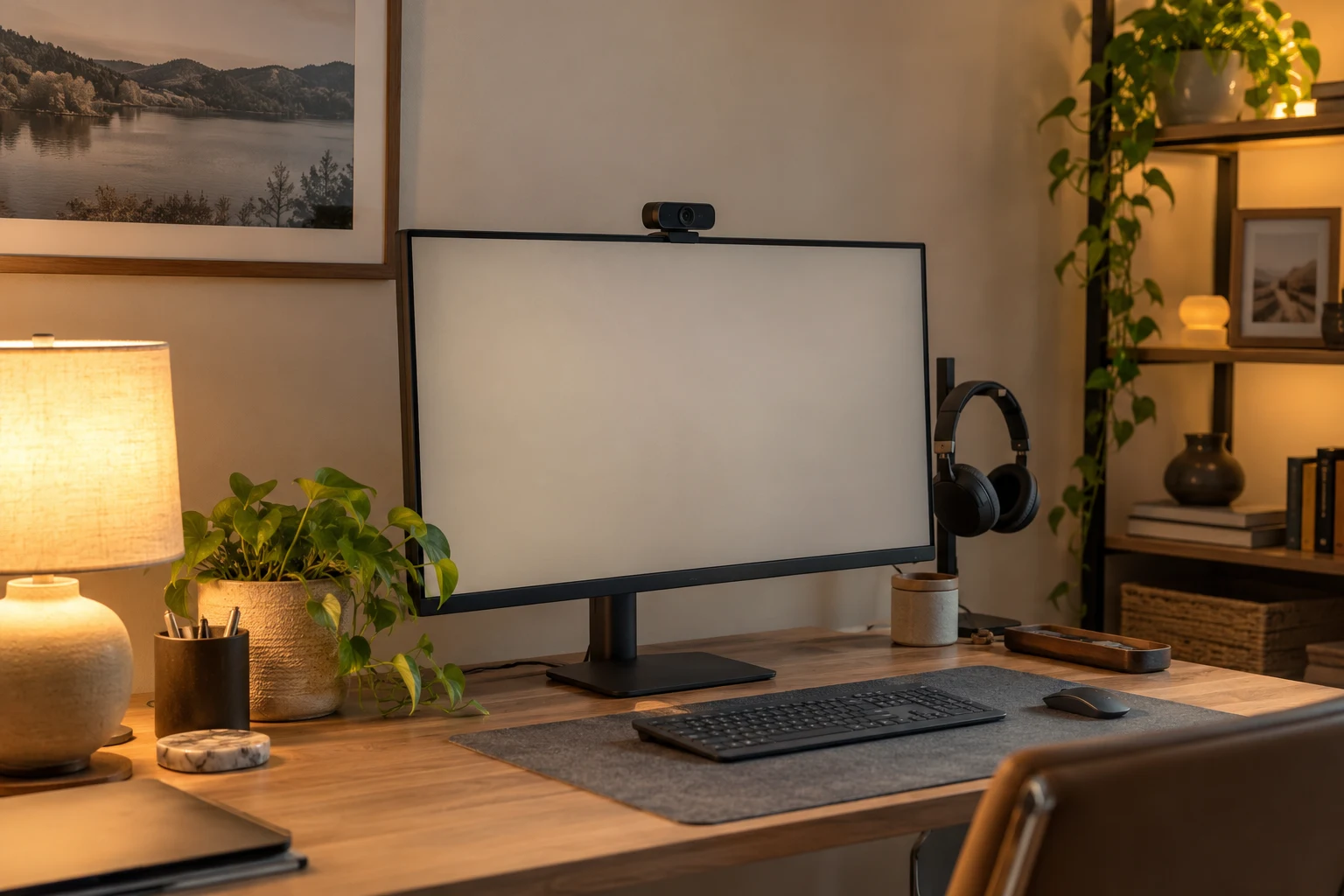
For frequent calls, clear speech and comfortable listening deserve priority.
Headphones prevent meeting audio from playing through the room. A microphone positioned near your mouth can help people hear you more clearly.
Noise cancellation affects what you hear. It does not automatically mean the microphone will remove household sounds for the people on your call.
A webcam around eye level provides a natural camera angle. Meanwhile, a plain wall or tidy shelf behind you keeps the background simple.
Rugs, curtains, and upholstered furniture can soften echo in a bare room. They will not soundproof it.
A Reliable Connection and an Organized Charging Area
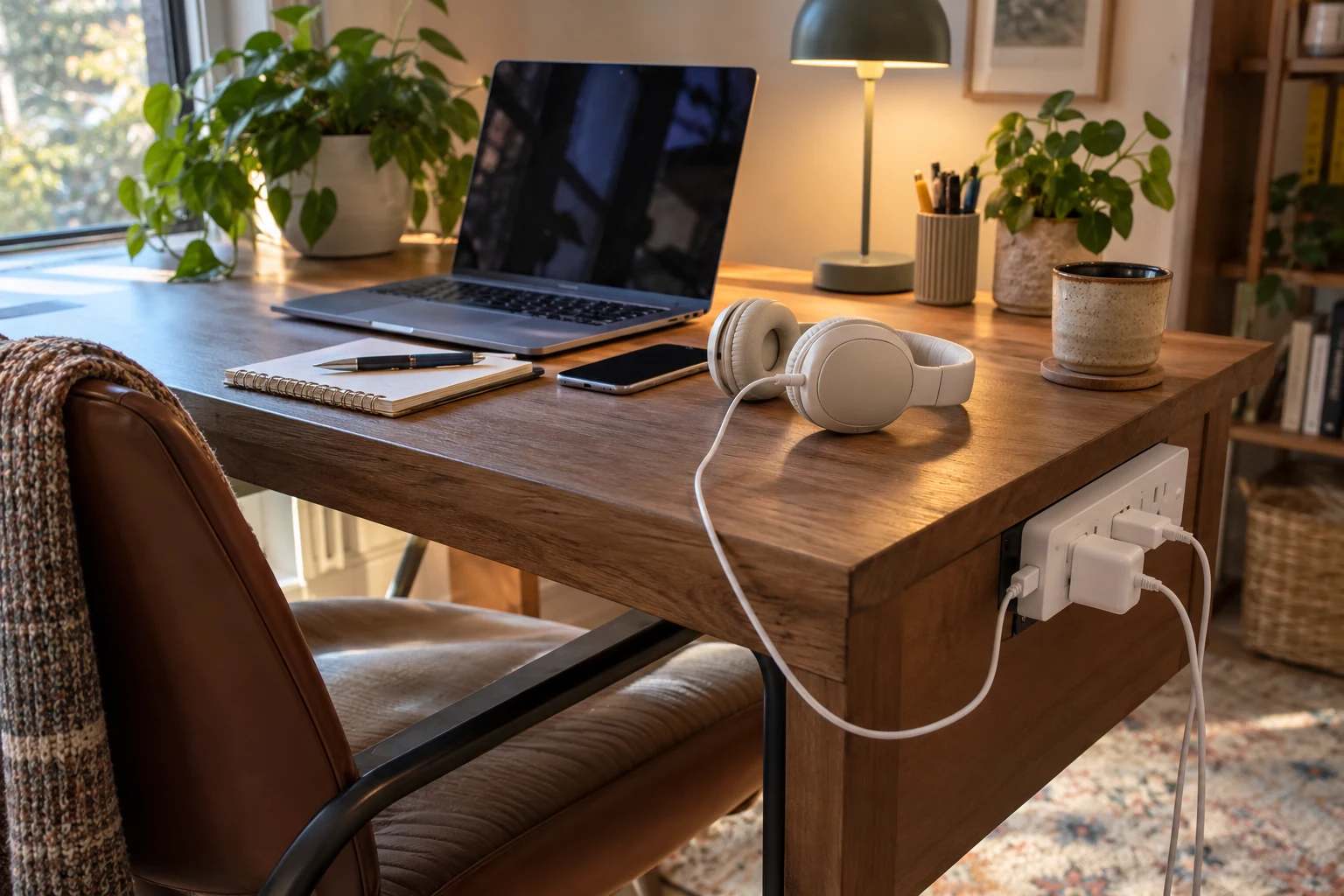
A dock or hub is useful when several accessories connect to one laptop.
A suitable dock can simplify the routine of connecting a display, keyboard, and other equipment. It also gives those cables a consistent place on the desk.
An Ethernet connection can be useful where a cable can run safely. Otherwise, reliable Wi-Fi coverage matters more than placing the desk in the most attractive corner.
The SUPERDANNY 10-Foot Flat-Plug Power Strip combines eight AC outlets with four USB ports, including two USB-C ports. It can provide a single power and charging area for desk equipment and small devices.
Its USB ports share up to 15 watts of output, so they are better suited to accessories such as headphones and phones than USB-C laptop charging.
A Visible Clock and a Reminder to Take Breaks
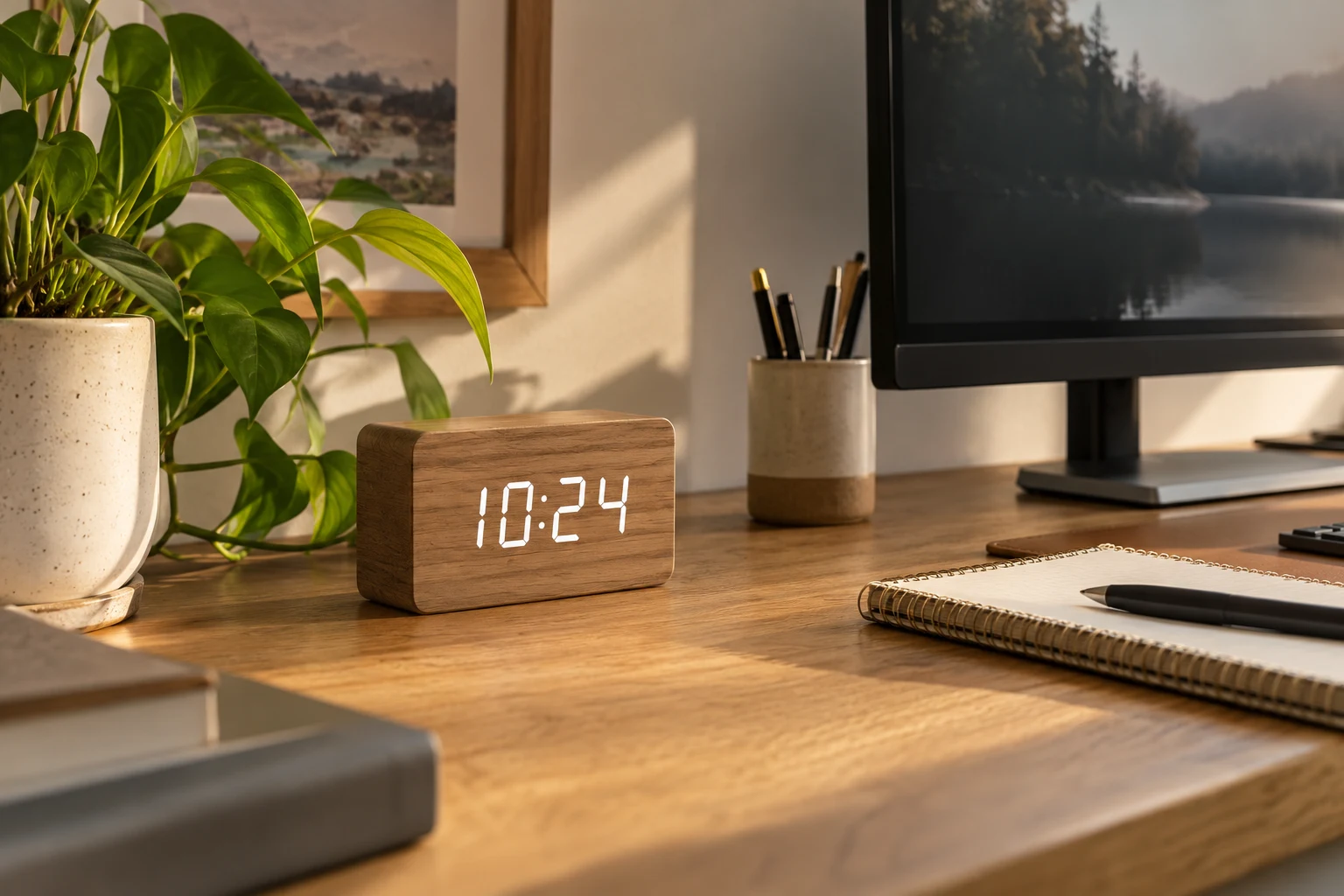
A desk clock is useful when you want to see the time at a glance.
The DreamSky Wooden Digital Alarm Clock has large numbers and adjustable display brightness. Its wood-style appearance also suits a desk with warmer finishes.
It is a plug-in clock, so it needs a nearby outlet for its normal display.
For timed work sessions, a separate timer or computer reminder can prompt you to take a break. The DreamSky clock provides the time and an alarm; a countdown timer serves a different purpose.
The interval should fit the task. A short session may suit admin work, while a longer uninterrupted period may be more useful for writing.
A short written task list can help, too. Three clear priorities are easier to refer to than several overlapping lists and a desk covered in sticky notes.
6. Cable Management That Still Lets You Move the Desk
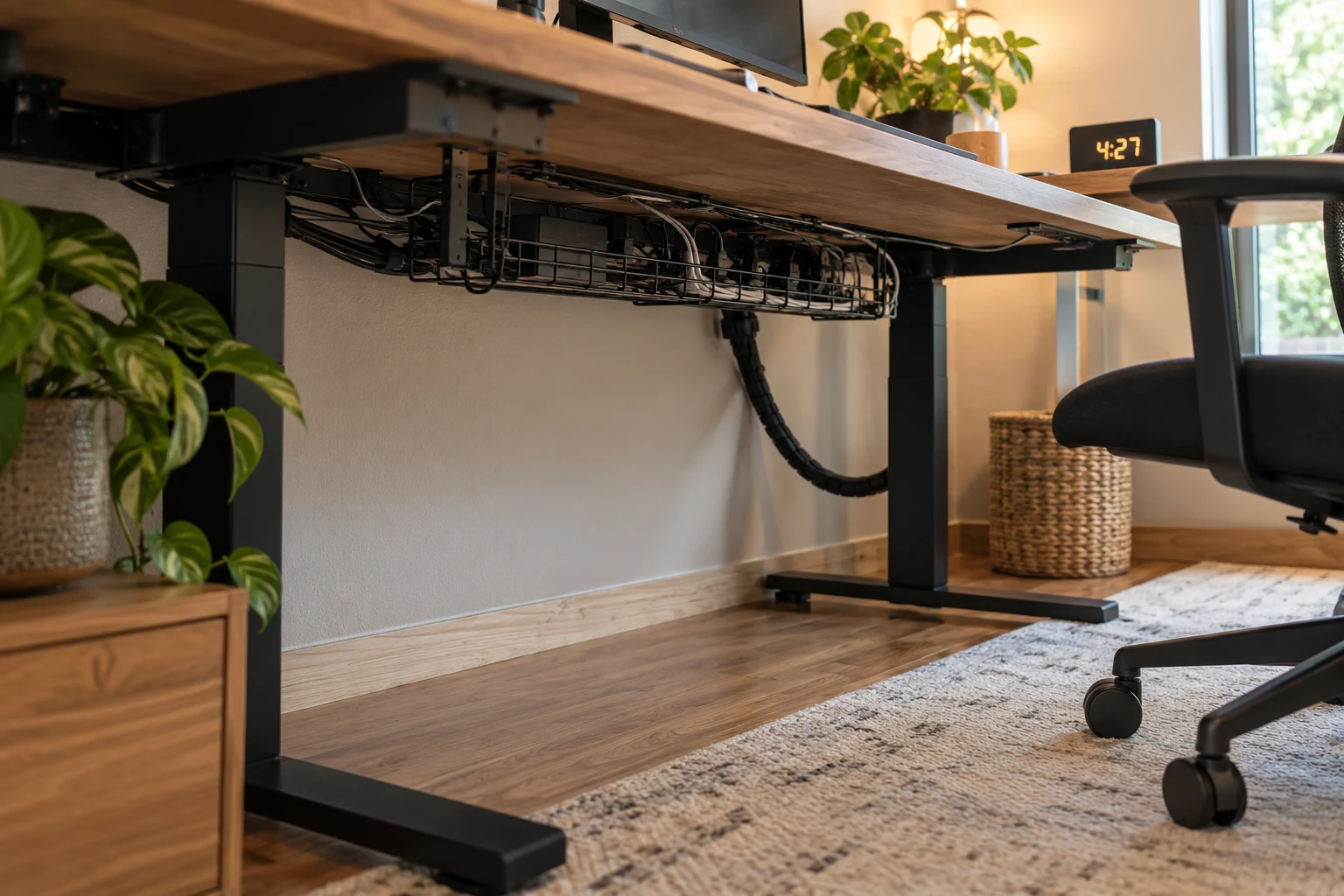
Cable management works best when wires remain secure, accessible, and clear of moving furniture.
An under-desk tray can hold excess cable and suitable power equipment. Reusable ties keep related cables together, while small clips prevent charging leads from falling behind the desktop.
Labels help when several black cables look identical. “Monitor,” “Laptop,” and “Desk Lamp” are much clearer than unplugging things until you find the right one.
The SUPERDANNY power strip has mounting holes that allow it to be secured in a suitable position. Keeping the power connections together can make the cables easier to organize.
For a sit-stand desk, cables need enough slack for the desk’s full movement. A bundle that is pulled tight at sitting height can tug on connections when the desk rises.
Our guide to hiding cords and cables covers more ways to organize visible leads around the room.
7. Storage That Makes Things Easy to Find
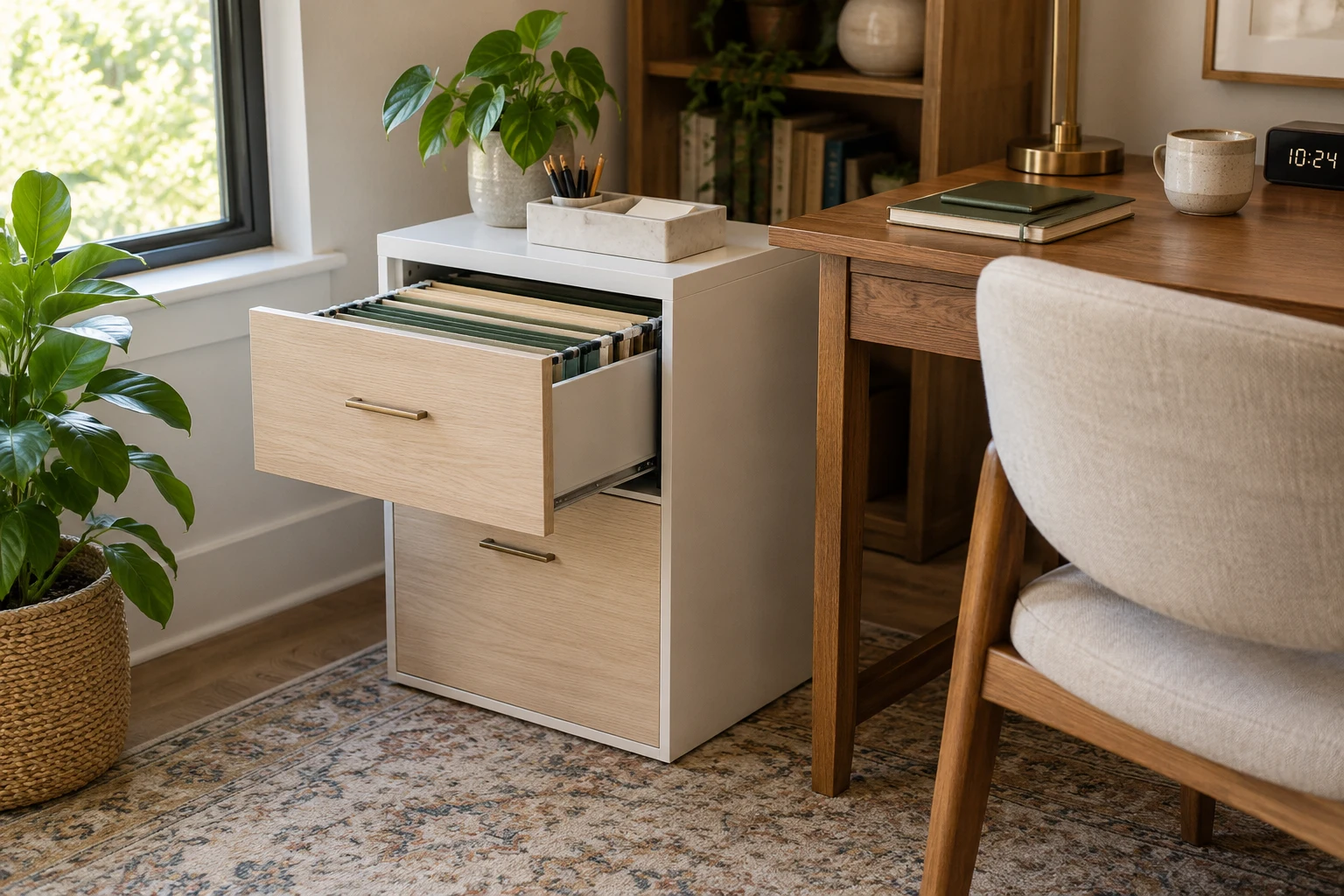
Useful storage follows how often you use each item.
Pens, headphones, and your current notebook belong close by. Spare printer paper and occasional equipment can sit farther away.
The Laura Davidson Stockpile Two-Drawer File Cabinet provides enclosed storage for letter- and legal-size hanging files. Its white-and-wood finish also suits an office where the furniture needs to blend with the rest of the home.
Beside the desk, it can keep paperwork accessible without taking up the space needed for your legs.
Small drawer dividers help separate stationery, charging cables, and other accessories. Labels should be specific enough to be useful:
- Charging cables
- Pens and stationery
- Current projects
- Printer paper
- Documents to file
Active paperwork also needs a separate place from documents you are keeping for reference. One tray for work in progress can prevent every piece of paper from staying on the desk indefinitely.
A printer needs room for its paper trays, output, and maintenance. A shelf that fits the closed machine may still be too cramped when it is in use.
8. A Workspace That Looks Good Without Feeling Crowded
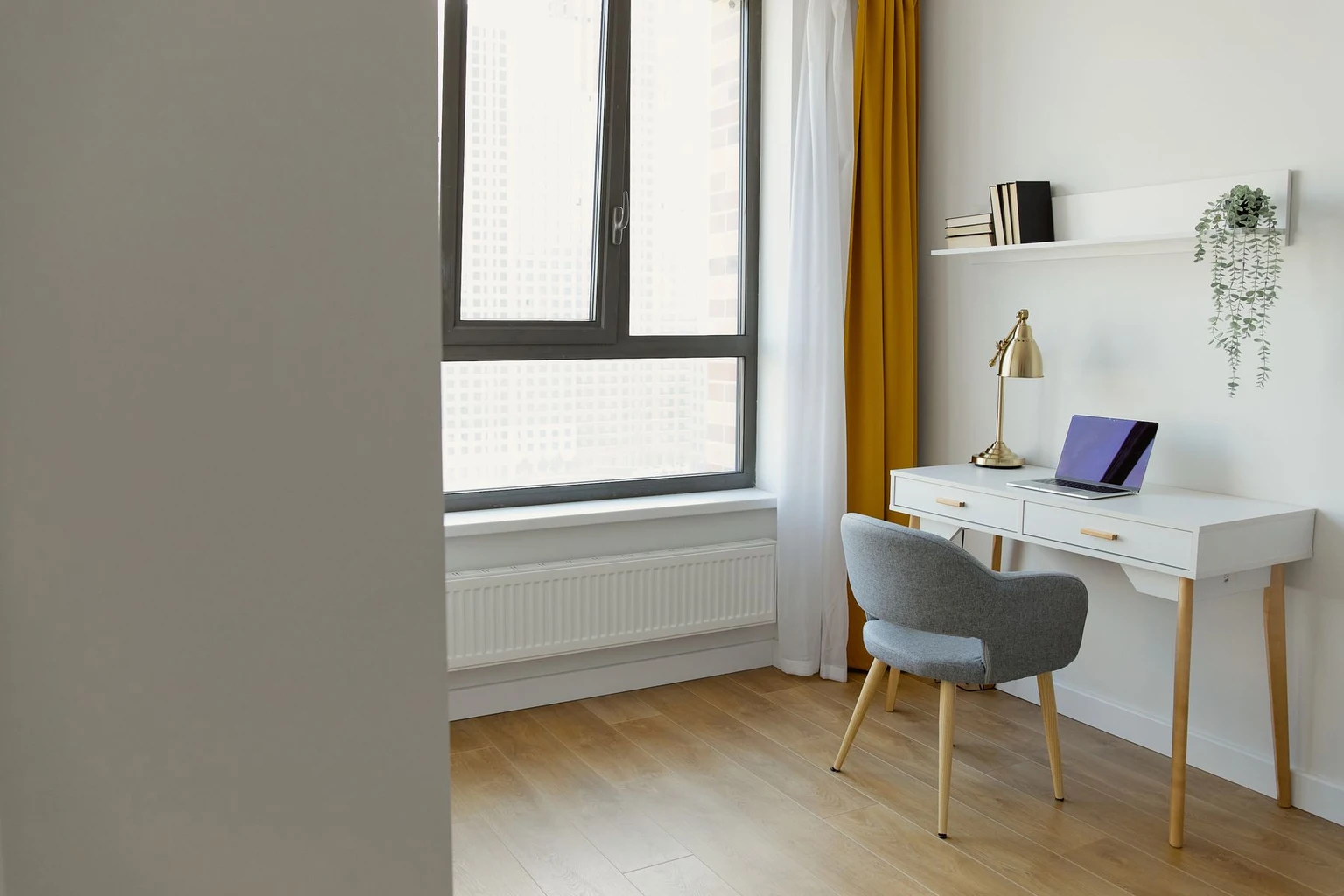
A pleasant workspace usually needs a few coordinated details and enough clear surface to work.
Perhaps the desk has a wood finish while the chair and monitor are black. Repeating those finishes in a lamp or storage box can help the pieces look related without buying a matching furniture set.
The rustic-oak finish of the HSH desk, for example, can be paired with simple black accessories and neutral storage.
One framed photograph, a small piece of art, or a plant may be enough for the desk area.
Decorations should leave room for your usual tasks. If you have to move a vase every time you open a notebook, it would probably be better on a shelf.
Closed storage is useful for mixed items that do not need to remain visible. Our guide to reducing visual clutter explains how to make a room look calmer while keeping useful belongings accessible.
For a rental, temporary wall-decorating ideas can help add personality around the desk.
9. Which Upgrade Would Help You Most?
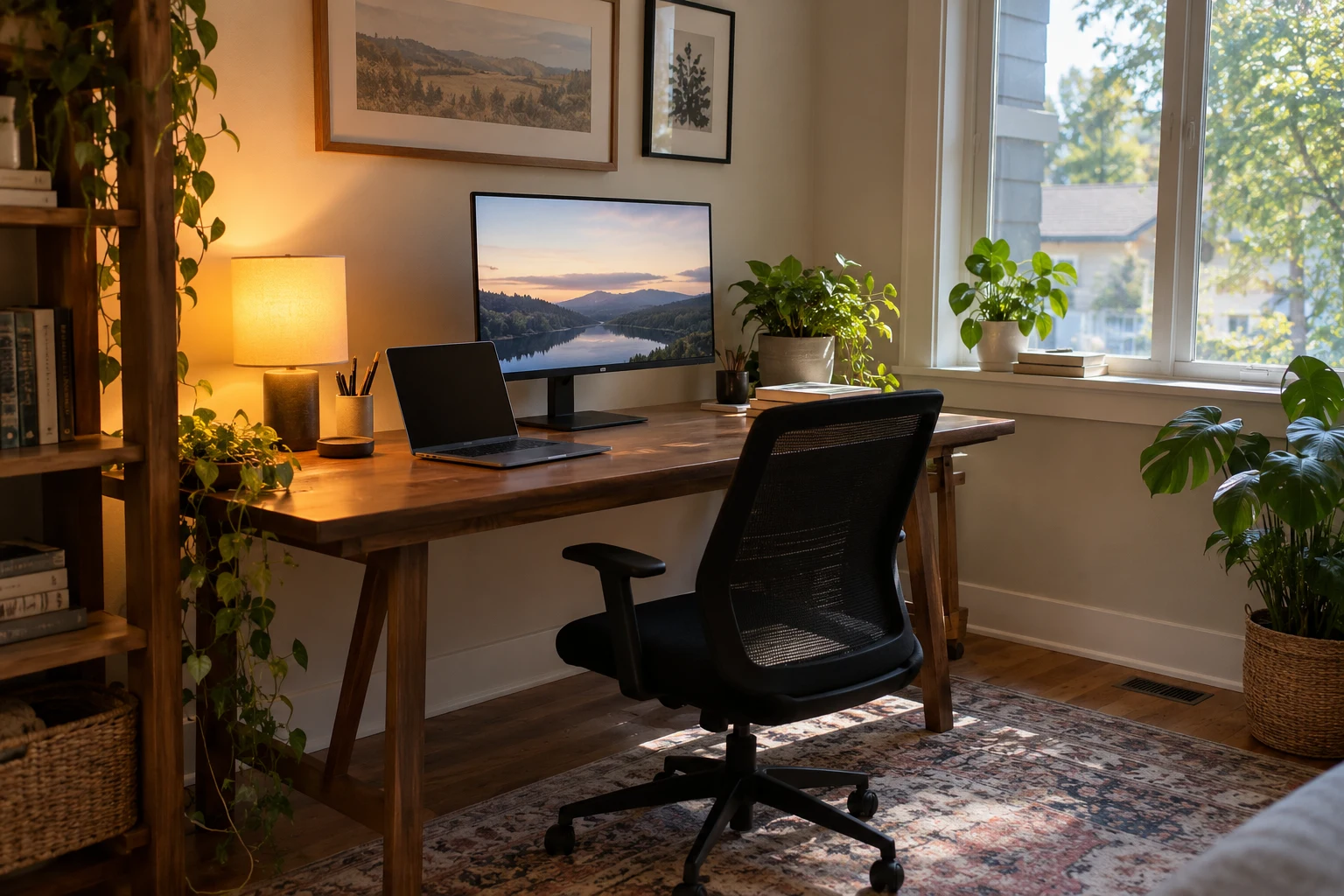
The next upgrade should address the problem that interrupts your day most often.
An adjustment to the existing setup may be enough. Moving the screen or changing the chair height costs nothing.
| The problem | A useful first change | A purchase that may help afterward |
|---|---|---|
| You reach forward to type | Move the keyboard closer and adjust the chair | A desk or keyboard arrangement that fits better |
| Your feet do not feel supported | Adjust the chair while keeping the keyboard at a comfortable height | Footrest |
| Sunlight reflects on the screen | Turn or reposition the desk | Adjustable blind |
| Documents cover the keyboard | Clear a dedicated writing area | Larger desk or adjoining work surface |
| Calls sound unclear | Move the microphone closer and reduce nearby noise | Headset or microphone |
| Supplies keep disappearing | Give each category a consistent place | Drawer dividers or a small cabinet |
| Charging leads fall behind the desk | Group them at one accessible point | Cable clips |
| Work fills the room after hours | Put equipment away at a regular finishing time | Closed storage |
You can improve the setup gradually. The chair, lighting, and storage do not all need replacing in the same week.
10. A Quick Check Before Your Next Workday
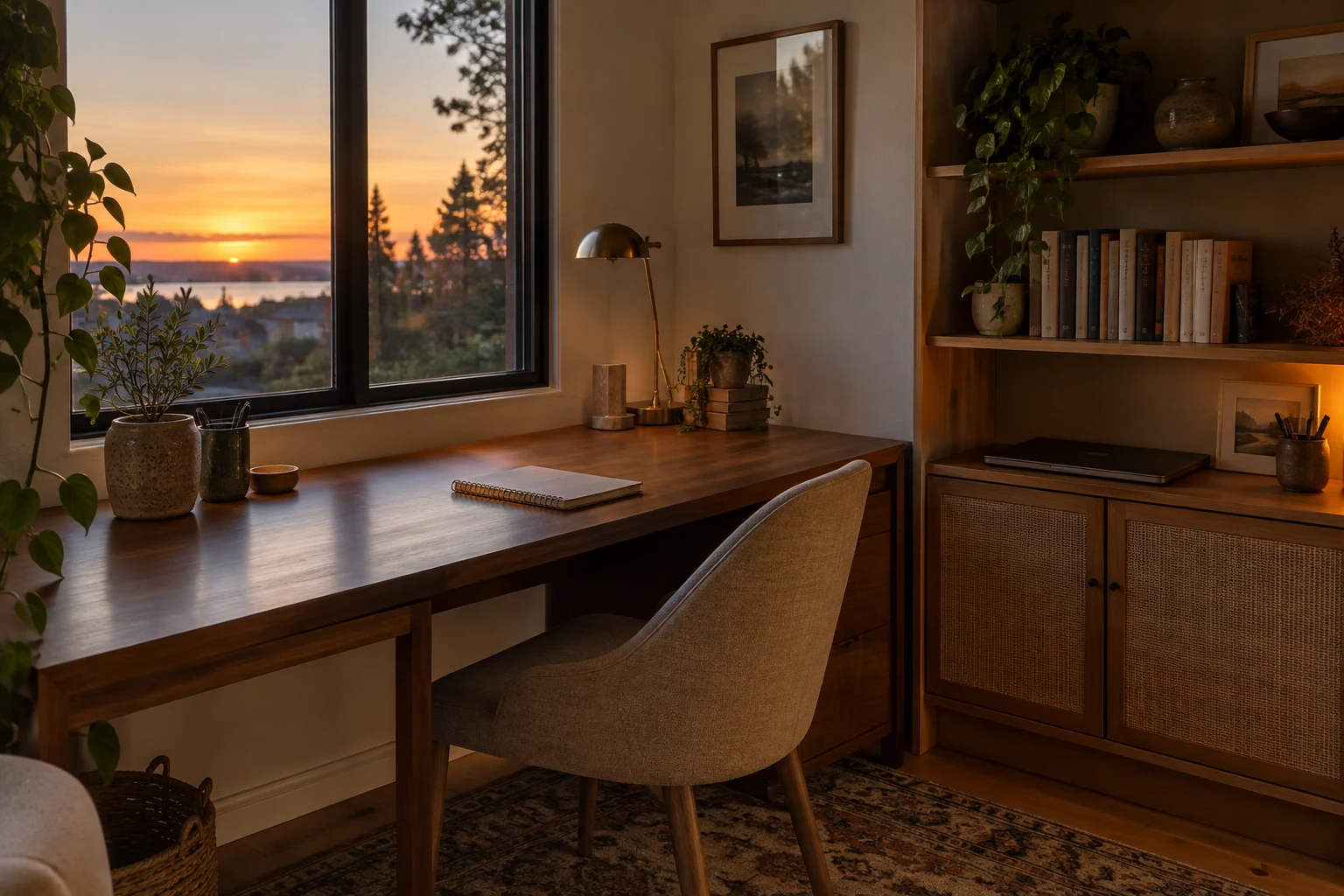
A useful setup lets you complete regular tasks without repeatedly moving things or reaching awkwardly.
- The main screen is readable without leaning forward.
- The keyboard and mouse are comfortably within reach.
- Your feet are supported and the space beneath the desk is clear.
- The chair moves without hitting nearby furniture.
- Light does not reflect strongly on the screen.
- There is room for an open notebook or the documents you use.
- Daily supplies have an accessible, consistent place.
- Cables remain clear of chair wheels and walking routes.
- Calls have suitable lighting and a manageable background.
- Work can be put away when the day is finished.
Frequently Asked Questions
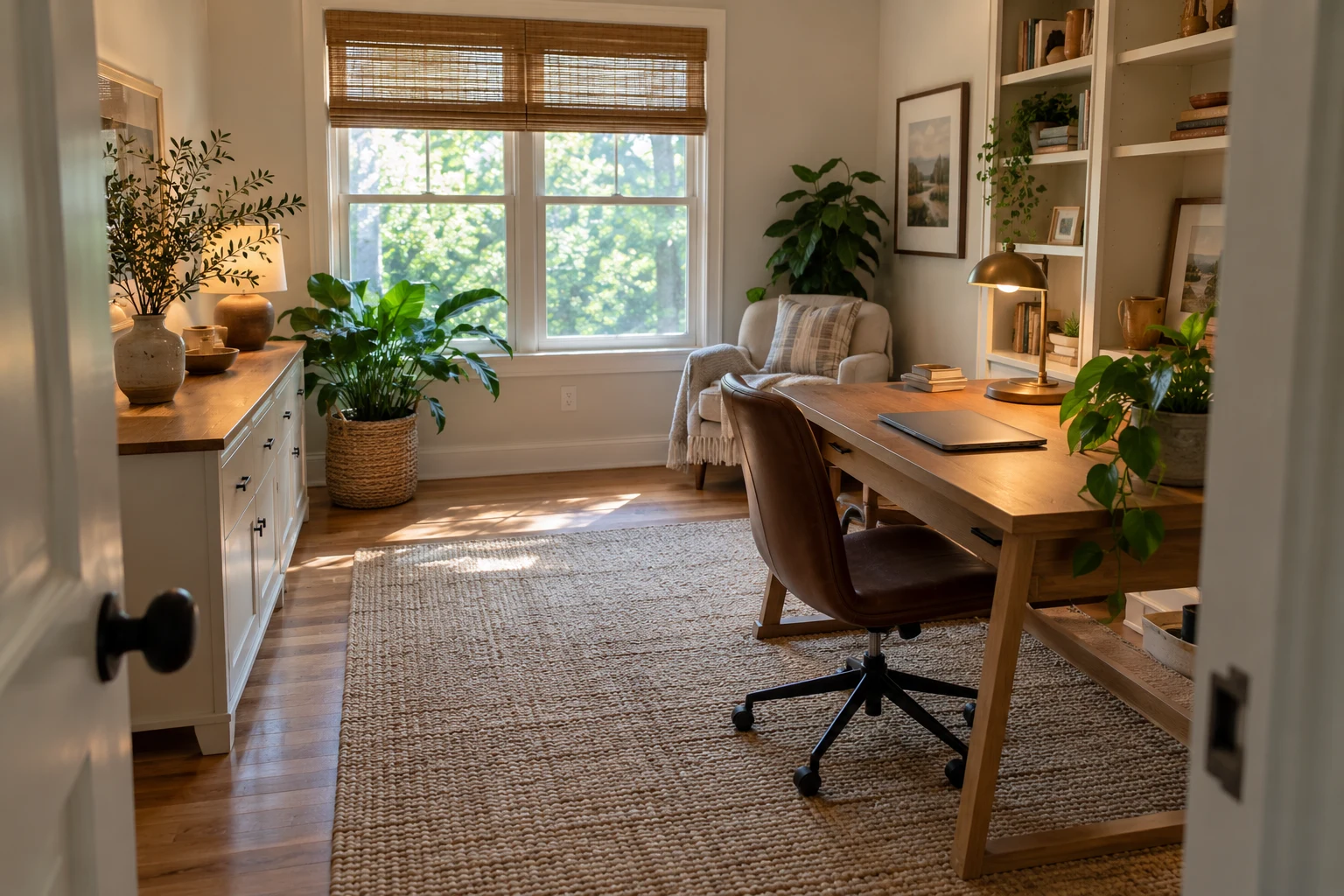
What Is the Best Home Office Layout for Productivity?
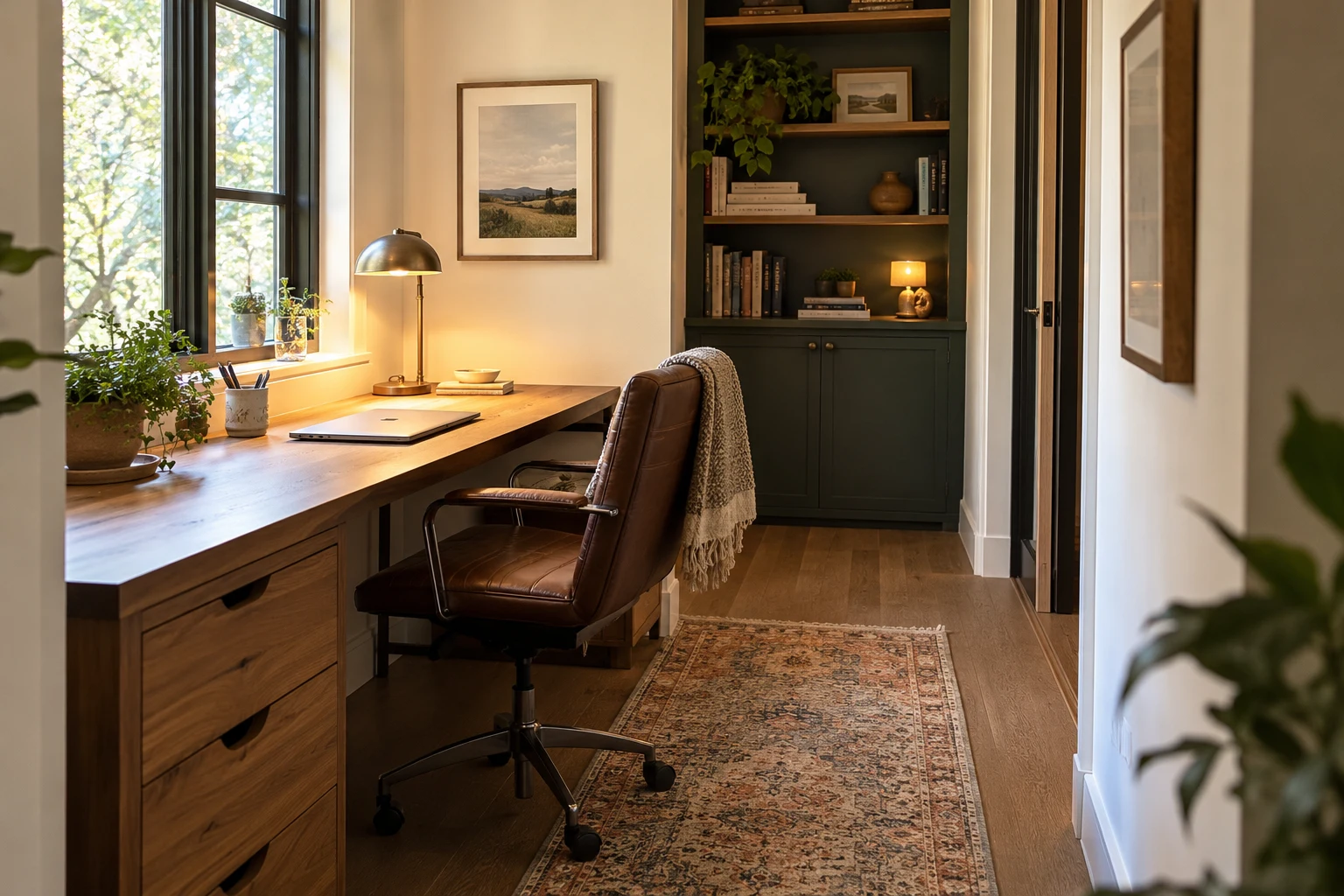
A layout with comfortable furniture, suitable lighting, and fewer interruptions works best. A wall-facing desk suits a compact room, while an L-shaped desk provides extra space for paperwork.
The arrangement should fit your tasks and leave room to move the chair comfortably.
Should My Desk Face the Window or the Wall?
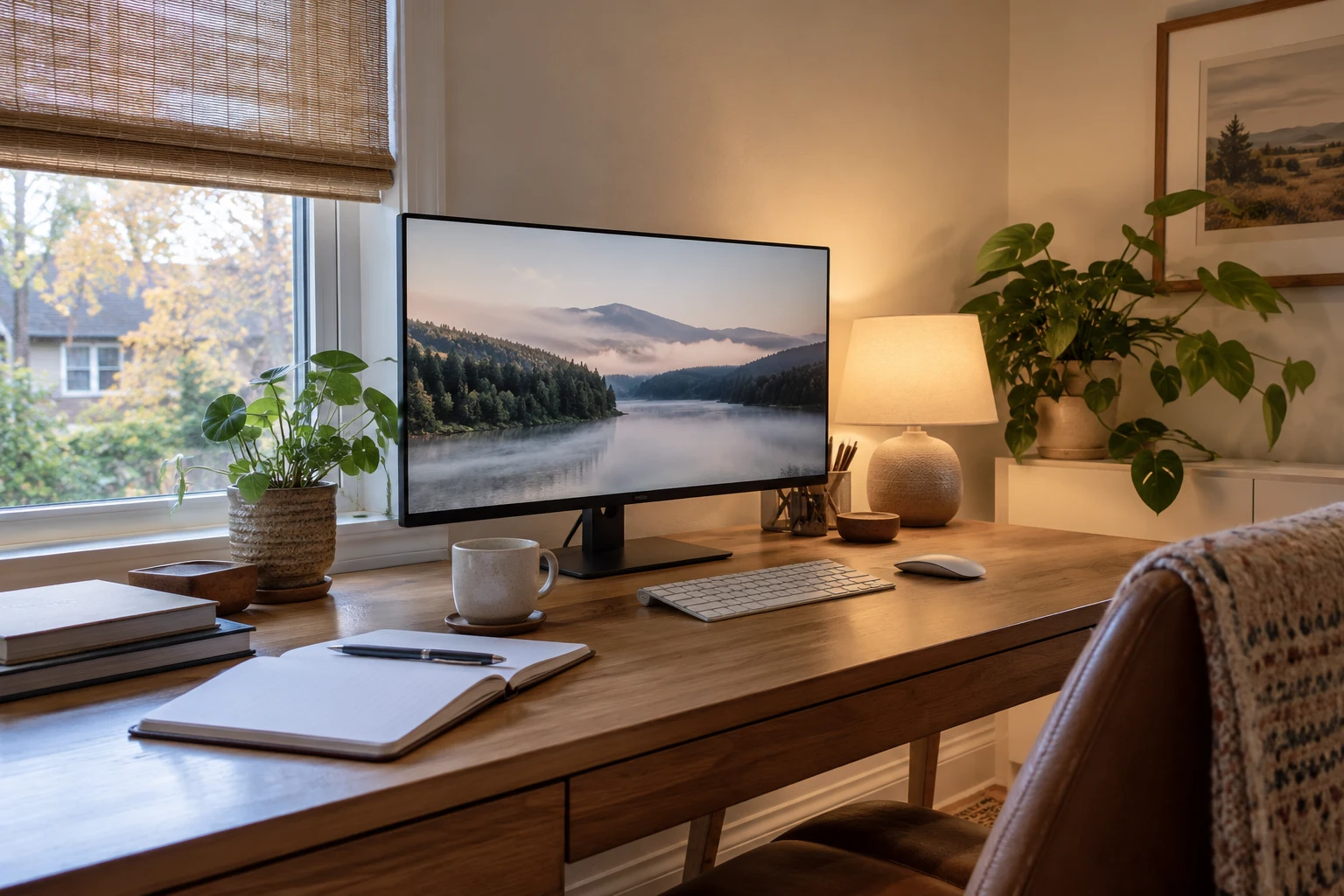
For computer work, a window beside the desk is usually a practical arrangement because it helps limit glare and screen reflections.
A wall-facing desk can work well when a nearby window provides side light. Facing a window is also possible when blinds or curtains control strong sunlight.
Where Should a Desk Go in a Small Bedroom?
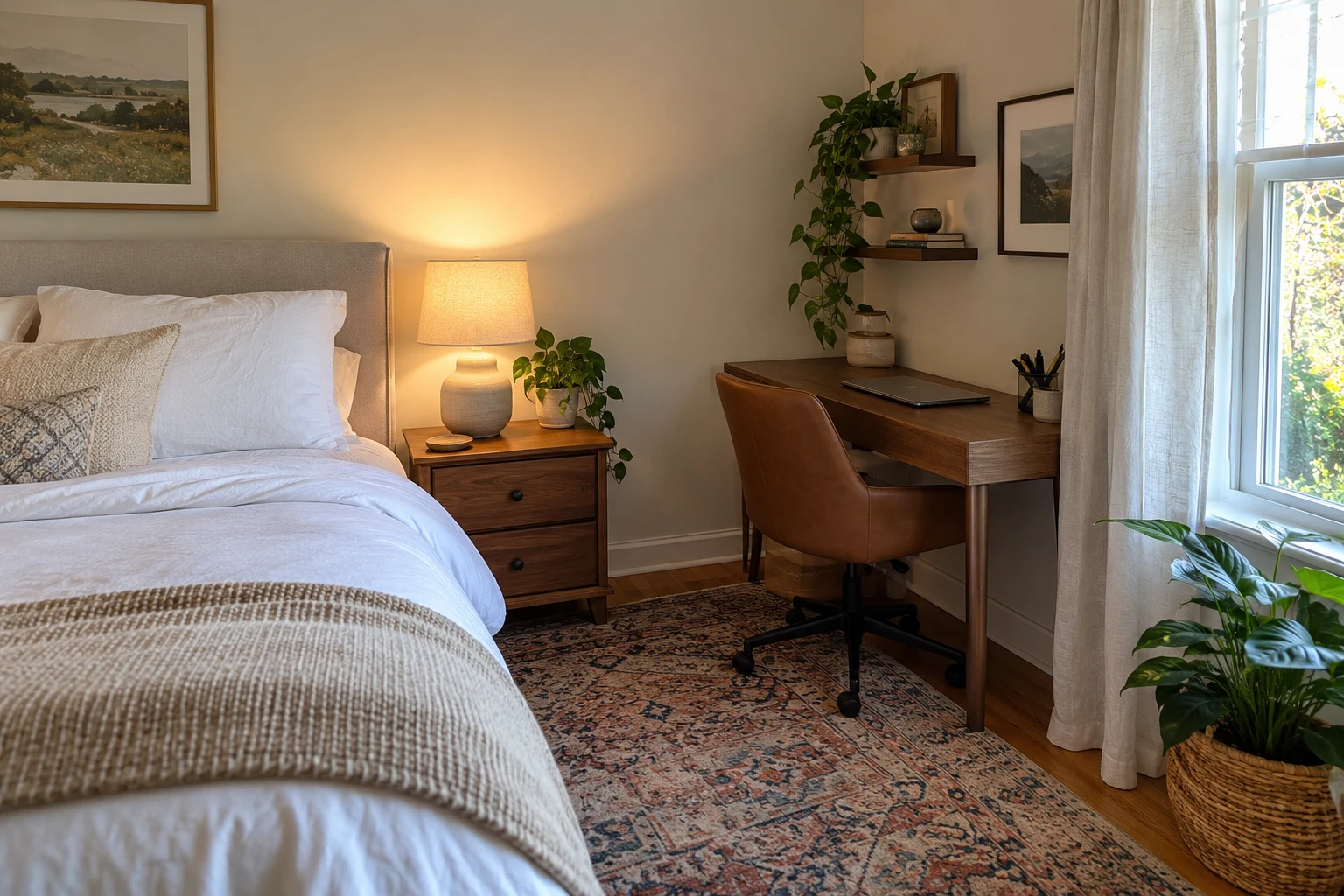
A desk usually fits well against an available wall or in a quiet corner, with enough room to pull the chair back.
The arrangement should leave the doorway and main walking route clear. Nearby drawers or wall storage can hold supplies without filling the desktop.
Is a Standing Desk Necessary for a Home Office?
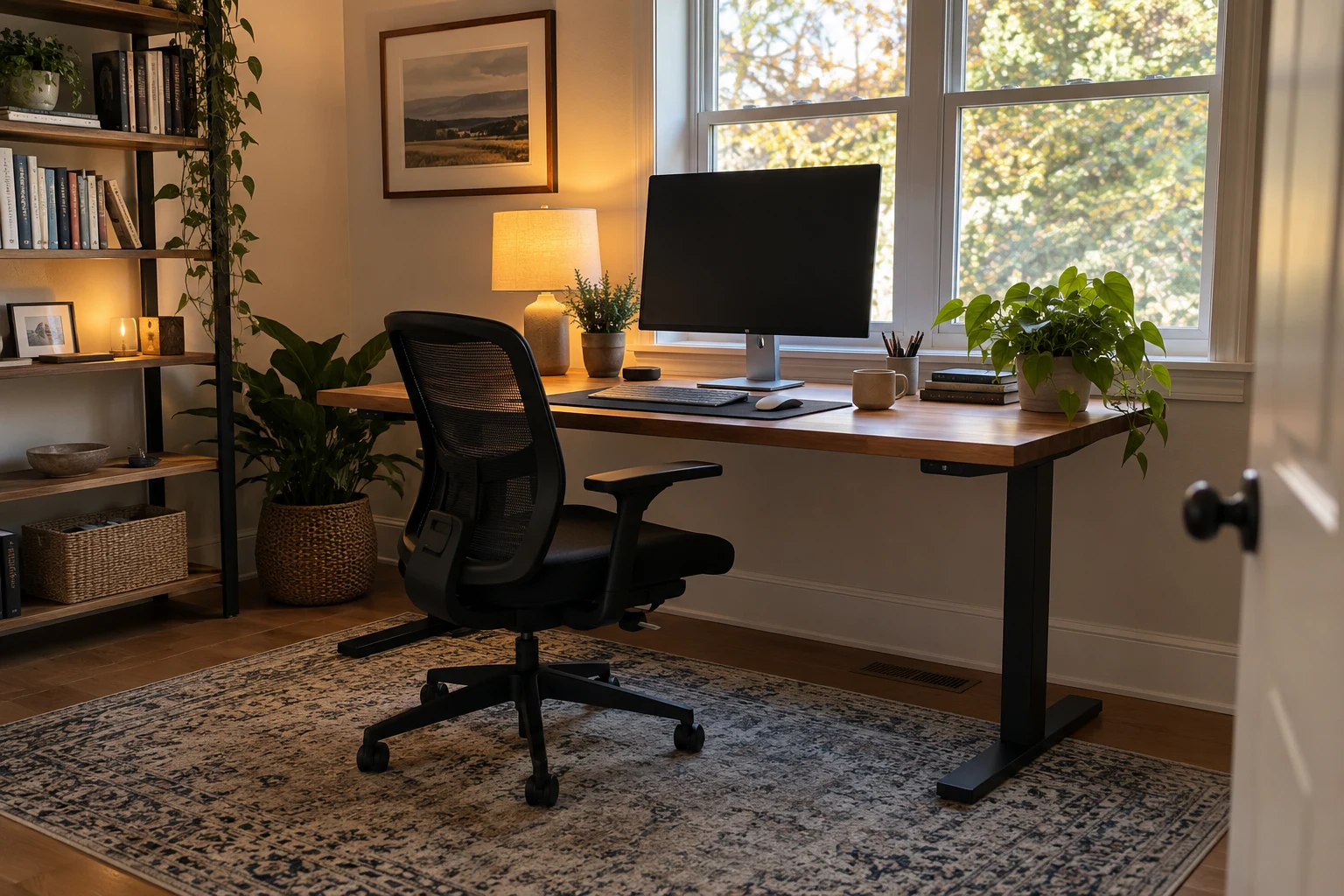
A standing desk is optional. Its main advantage is allowing you to change working height throughout the day.
A fixed desk can also work well when the chair, keyboard, and screen are positioned comfortably. Regular movement breaks remain useful with either setup.
Are Two Monitors Better Than One?
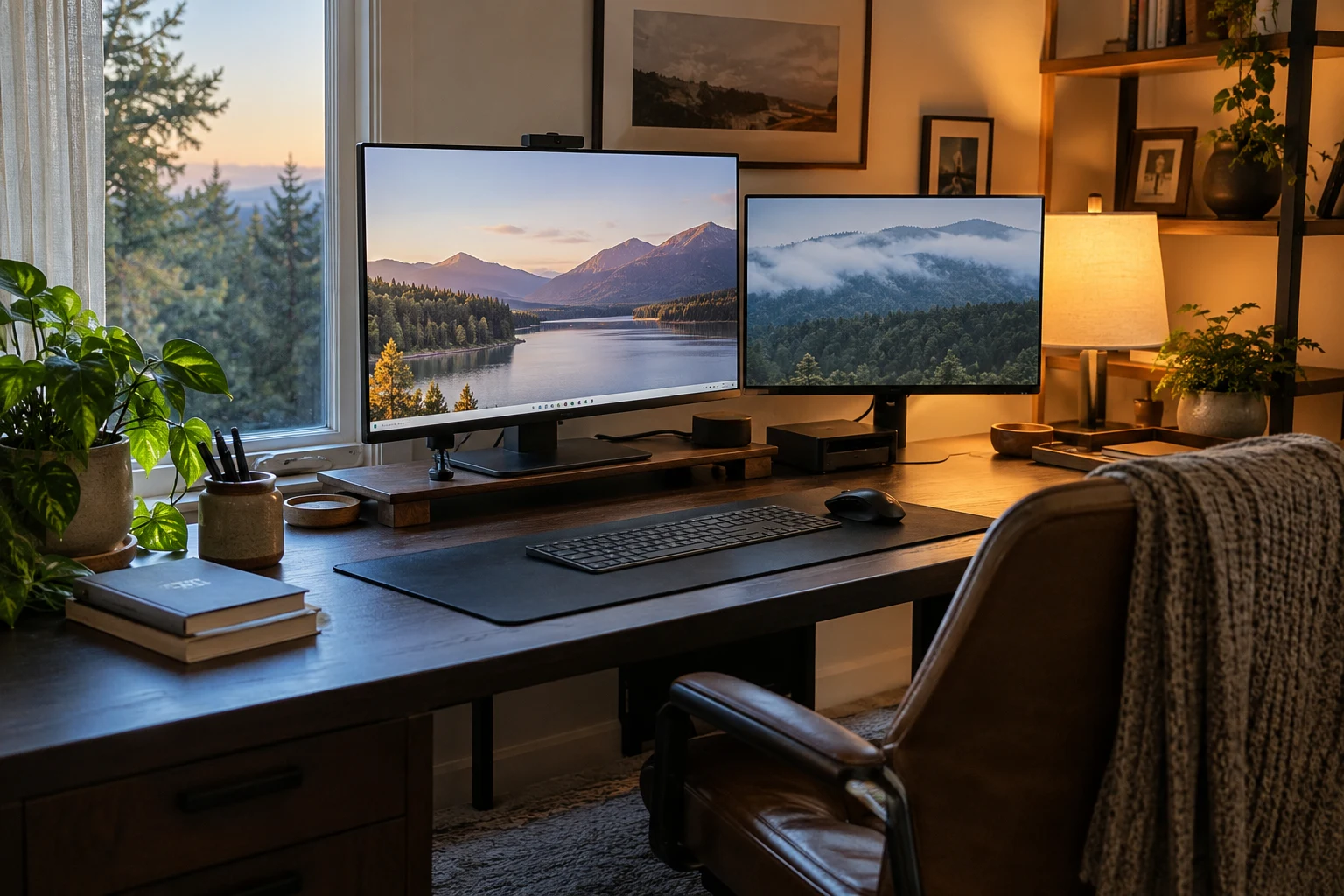
Two monitors are useful when you regularly need two documents or applications visible together. You might review a spreadsheet while referring to a report.
One screen may be enough for writing, email, or work that happens mainly in a single application. Extra screens should serve a task rather than crowd the desk.
How Can Two People Share a Home Office?
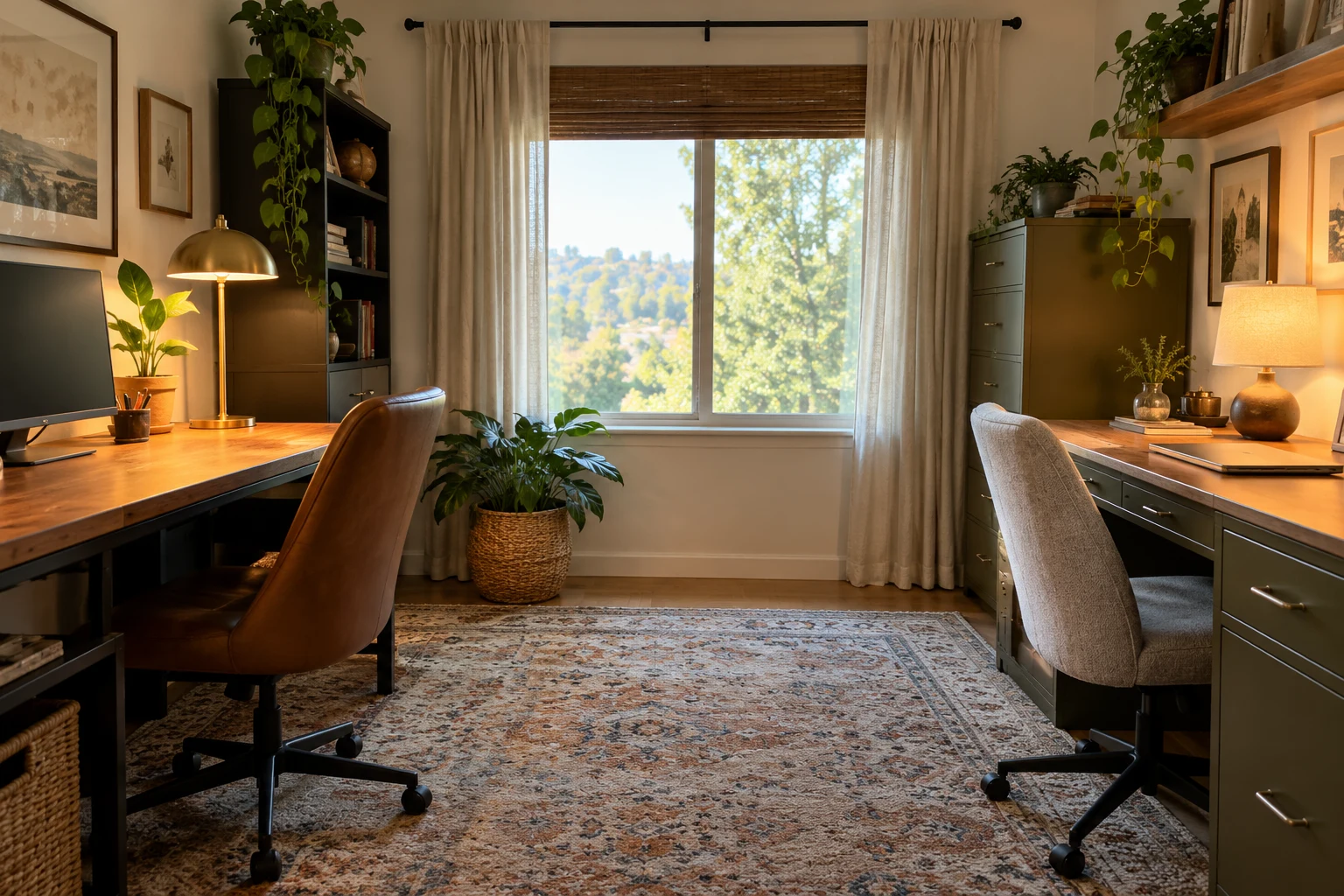
Each person needs their own usable work surface, comfortable seating, and accessible storage.
Side-by-side desks suit a long wall, while desks on separate walls can provide more individual space. If both people frequently speak on calls, a separate room for overlapping meetings can help more than a small desk divider.
How Can I Make My Home Office Look Less Cluttered?
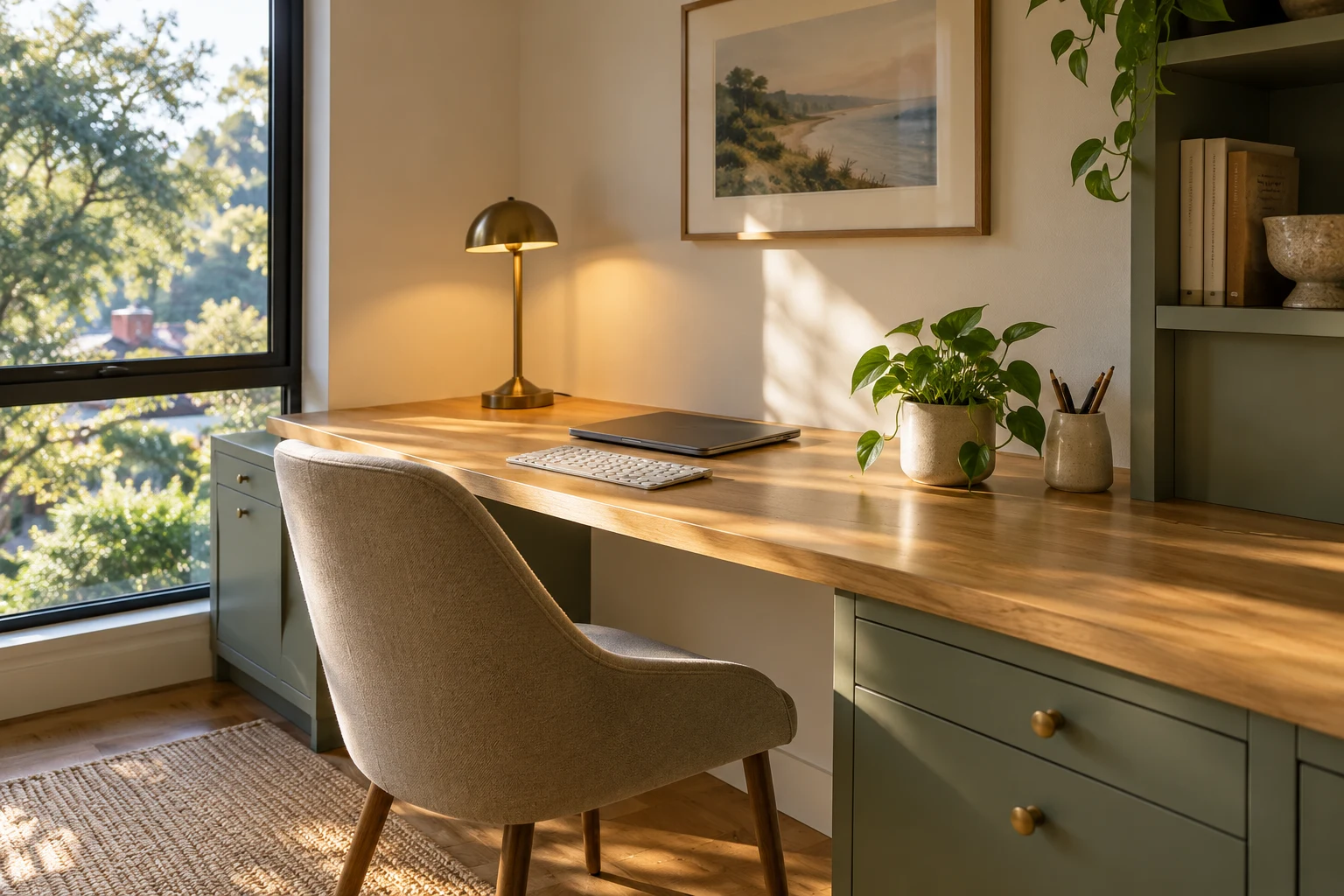
Keep daily essentials nearby and occasional supplies in storage. Drawer dividers, cable clips, and clearly labeled containers make things easier to find.
A few repeated colors and finishes can help the furniture and accessories look coordinated. There should still be clear space for an open notebook or the task you are working on.
Useful Finds for a More Comfortable Home Office
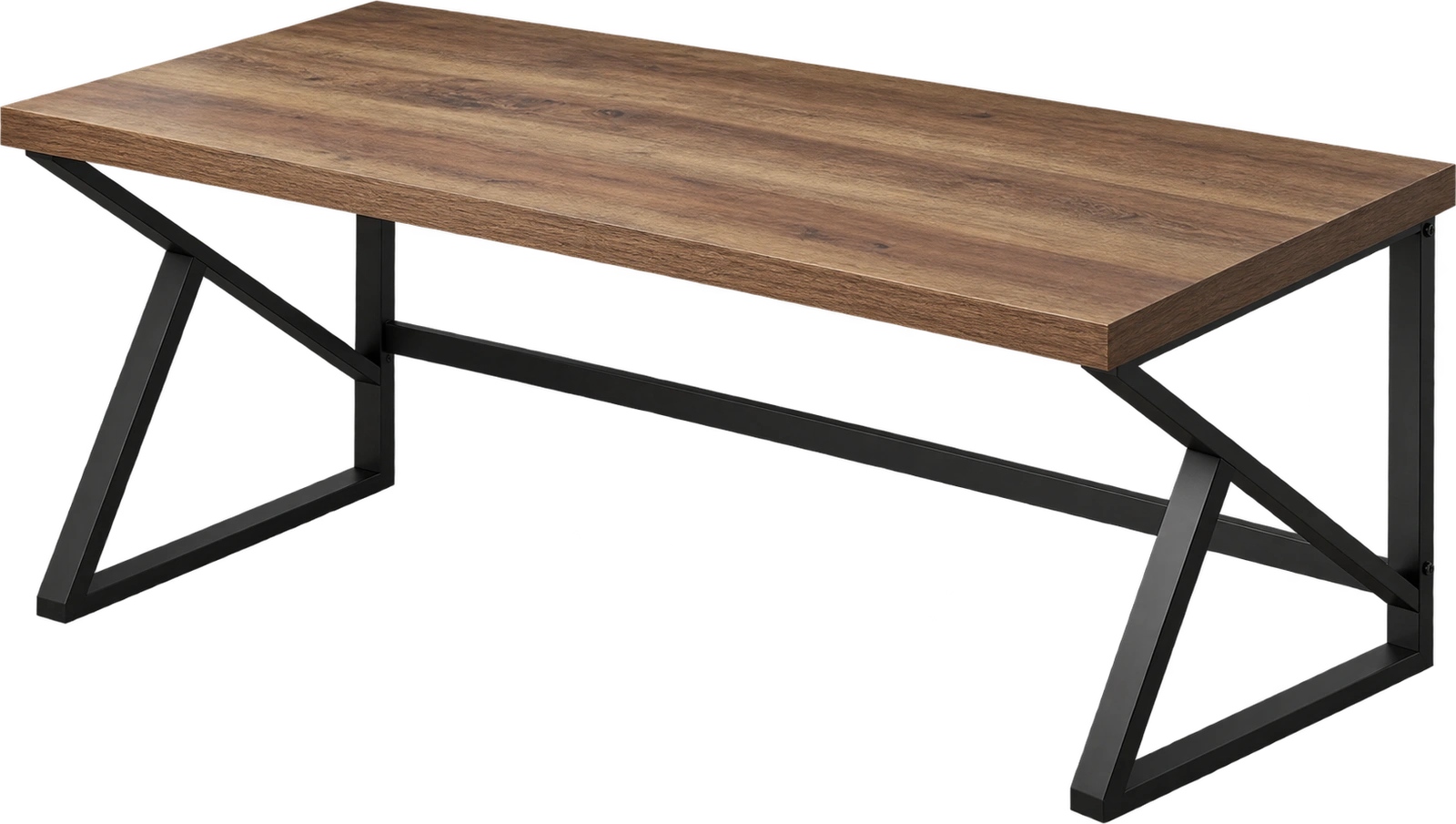 HSH 60-Inch Computer DeskA rectangular desk with a rustic-oak finish, metal legs, and an open base.
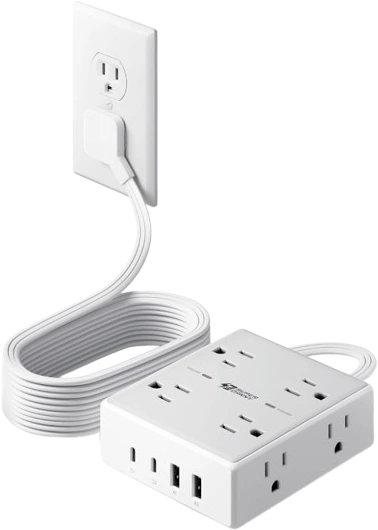 SUPERDANNY 10-Foot Flat-Plug Power StripEight AC outlets and four USB ports for an organized desk charging area.
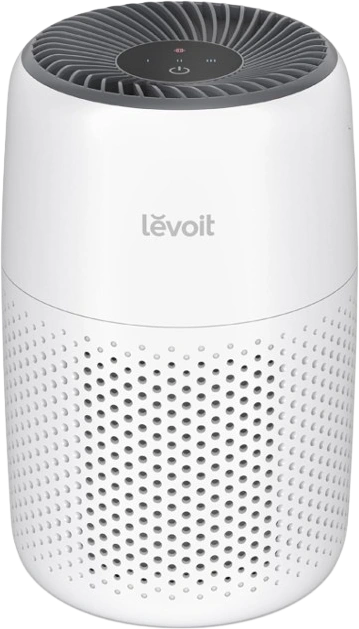 LEVOIT Core Mini-P Air PurifierA compact air purifier for filtering airborne dust and pet dander.
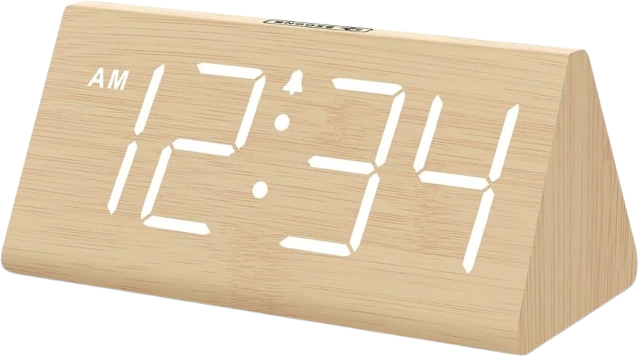 DreamSky Wooden Digital Alarm ClockA plug-in desk clock with large numbers and adjustable display brightness.
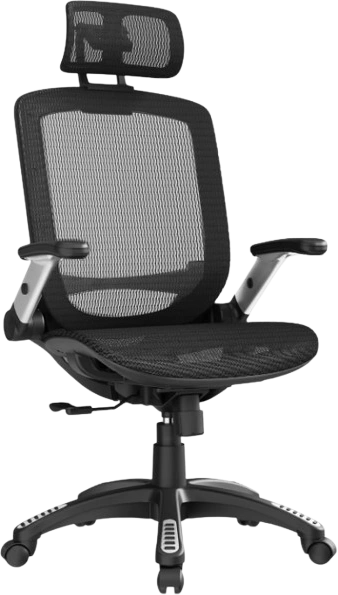 GABRYLLY Ergonomic Office ChairA mesh office chair with a headrest, adjustable seat height, and flip-up arms.
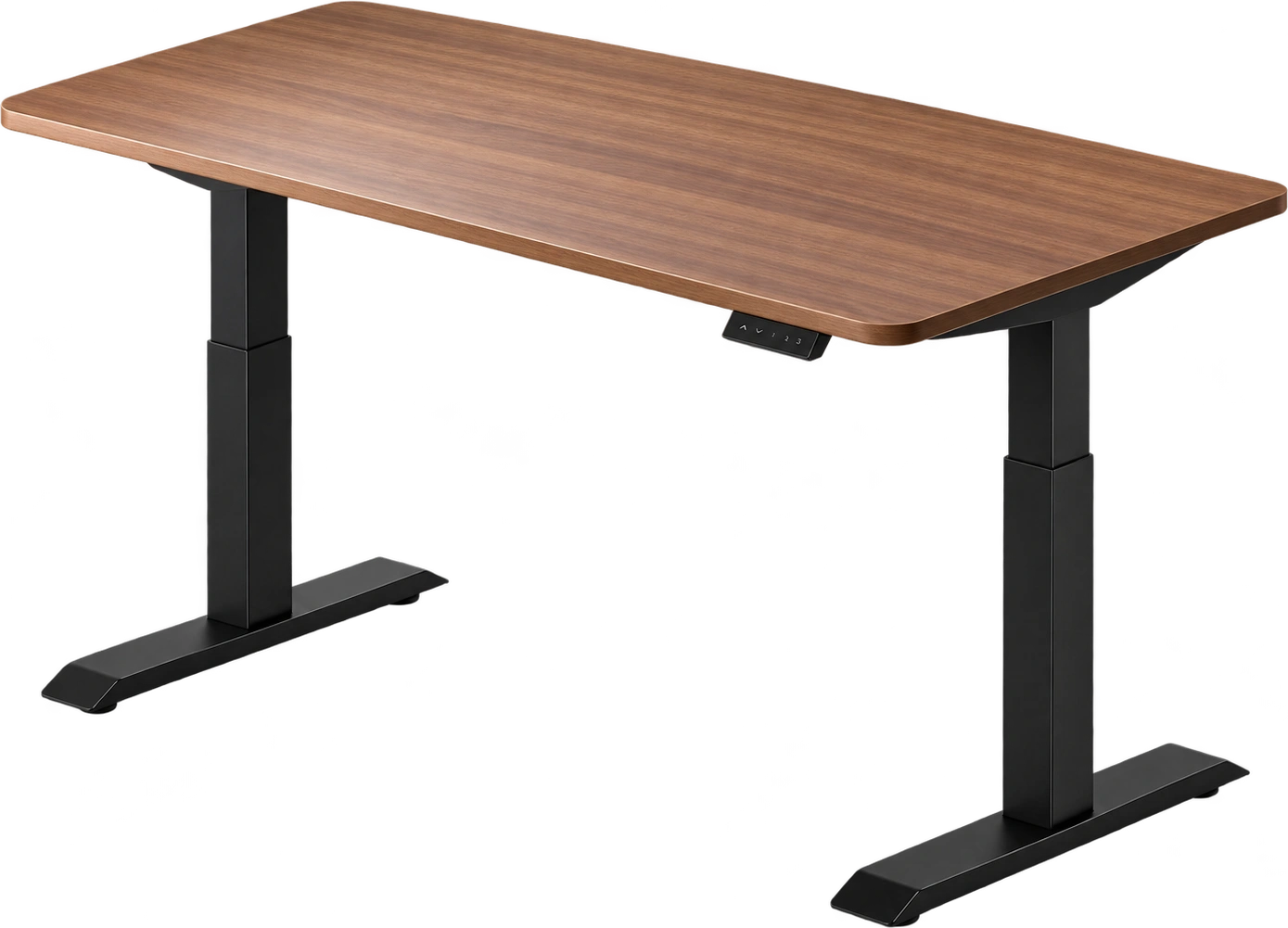 Desktronic HomeOne Standing DeskAn electric height-adjustable desk with a 60-by-30-inch working surface.
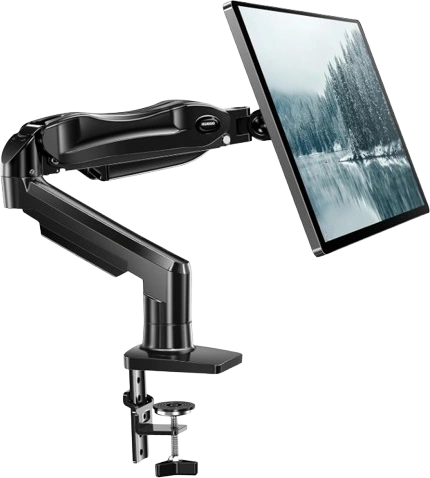 HUANUO FlowLift Single Monitor ArmAn adjustable arm for positioning one compatible monitor and freeing desktop space.
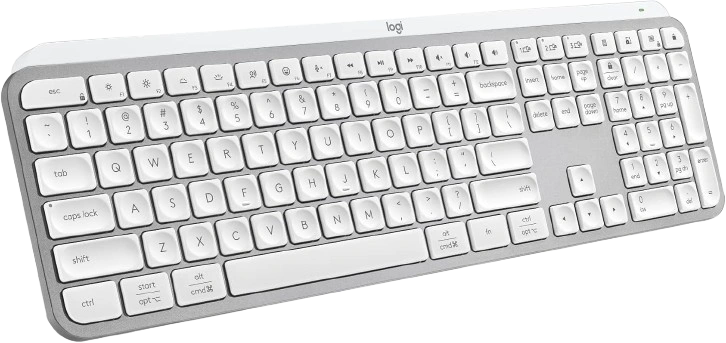 Logitech MX Keys SA low-profile wireless keyboard with backlighting and a dedicated number pad.
 Logitech MX Master 3S Bluetooth EditionA right-handed Bluetooth mouse with quiet clicks and fast scrolling.
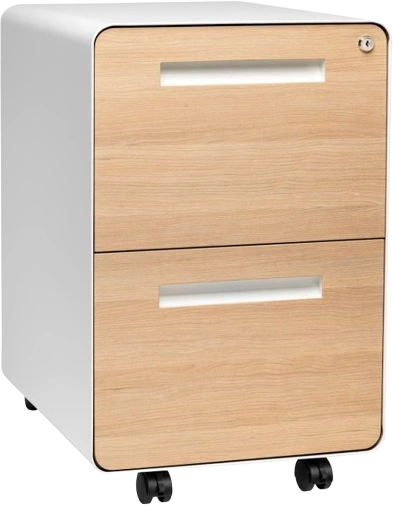 Laura Davidson Stockpile Two-Drawer File CabinetA white-and-wood cabinet with enclosed storage for letter- and legal-size files.