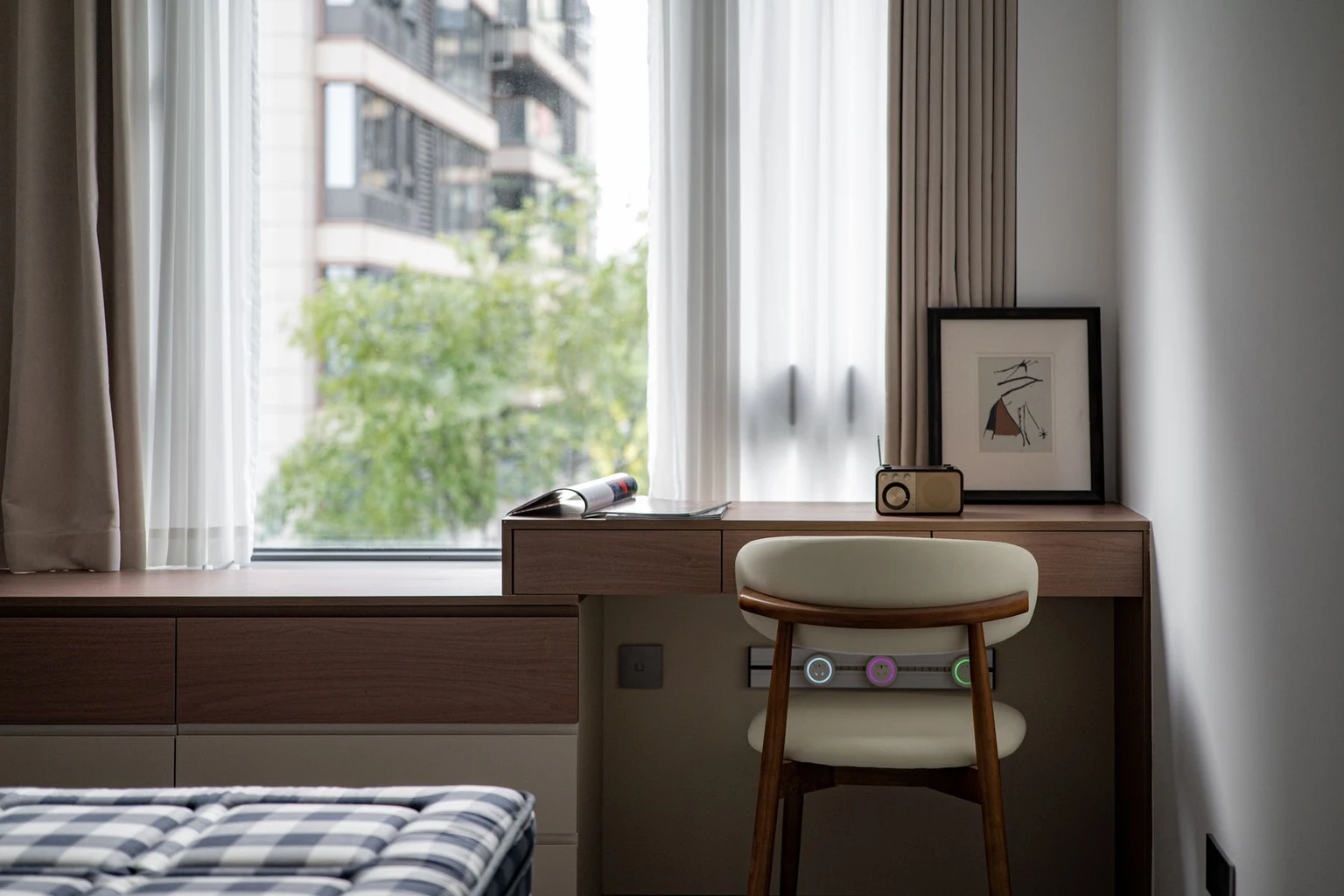
WFH Made Easier: 12 Home Office Essentials Worth Having

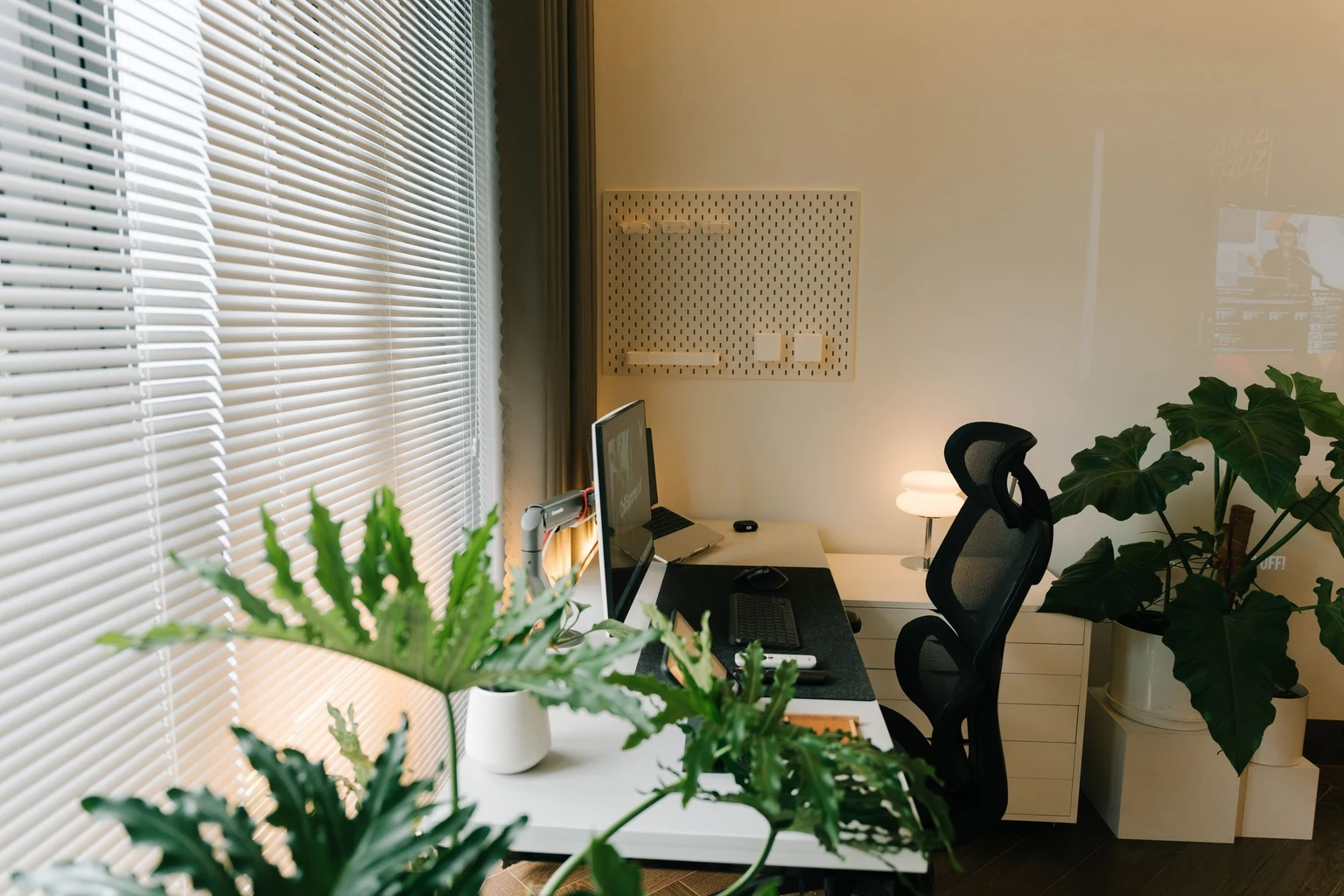
Which home office essentials actually make a difference when your desk already has a laptop, a coffee mug, and a growing pile of things you’ll deal with later?
Perhaps you’re moving paperwork every time you need the mouse, or searching behind the desk for a charger five minutes before a meeting.
The quick answer
- Prioritize a suitable desk and adjustable chair for the work you do each day.
- A comfortably positioned screen, good lighting, and reliable internet support everyday tasks and calls.
- Keep charging, frequently used supplies, and storage within reach so the desk stays clear enough to work.
You don’t need to replace everything at once. These twelve essentials will help you work through the parts of your setup that need attention, with a few finishing touches to make the space feel more like you.
1. An Adjustable Desk Dedicated to Work
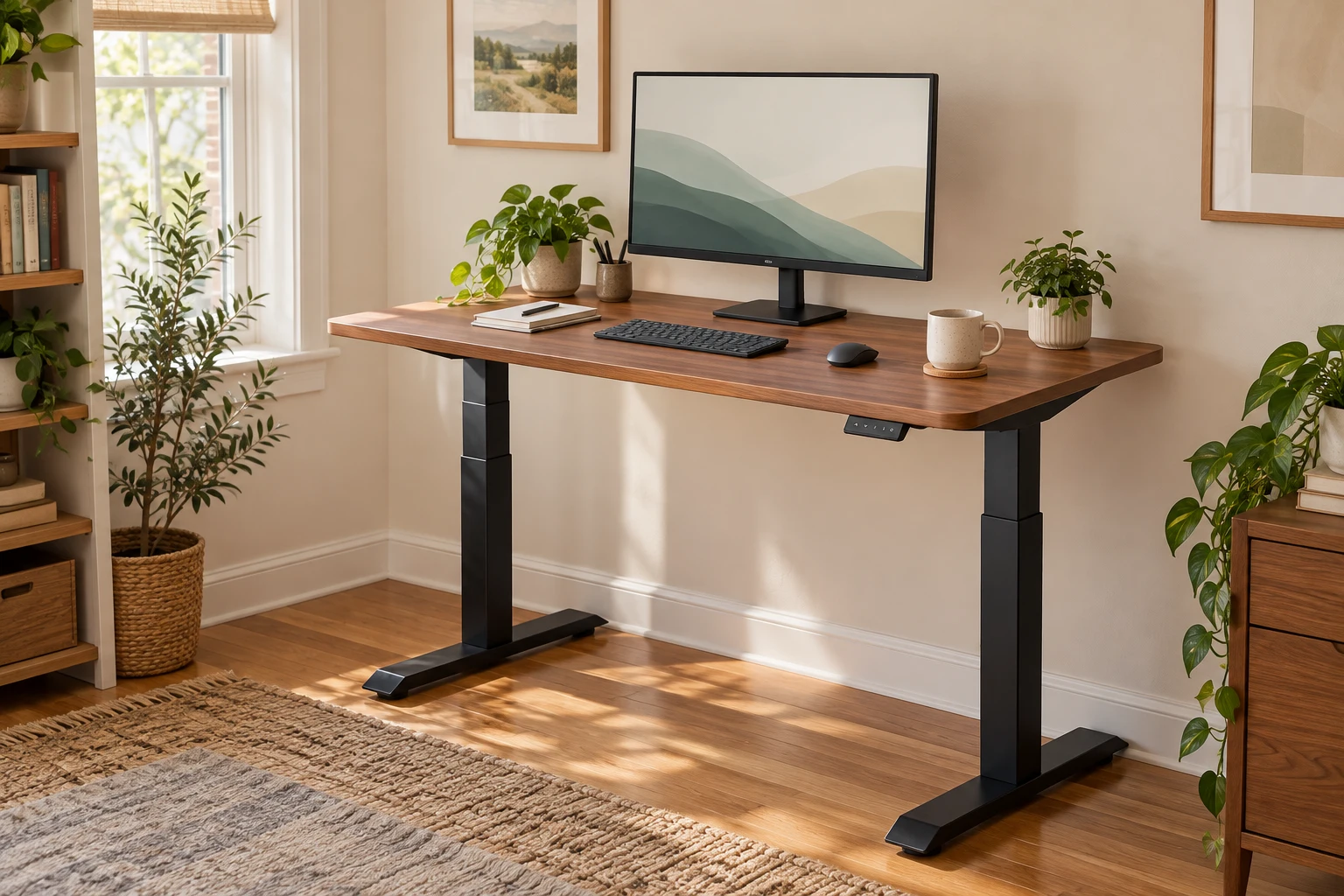
A dedicated, adjustable desk gives your equipment a permanent home and lets you change between sitting and standing.
Working at the dining table can mean packing everything away before dinner, then rebuilding the same setup the next morning. Even a designated corner makes that routine easier.
The Desktronic HomeOne Standing Desk has a 60-by-30-inch surface, electric height adjustment, and memory presets. There’s room to arrange a monitor, keyboard, and notebook, while the presets make it easier to return to your preferred desk heights.
The space around the desk matters just as much as the surface. Pull the chair back, open nearby drawers, stand up, and walk past it. Those everyday movements reveal awkward placement quickly.
A standing desk gives you options throughout the day. You can sit for detailed work, stand for a short call, and still take breaks away from the desk.
2. An Ergonomic Chair You’ll Still Like After Lunch
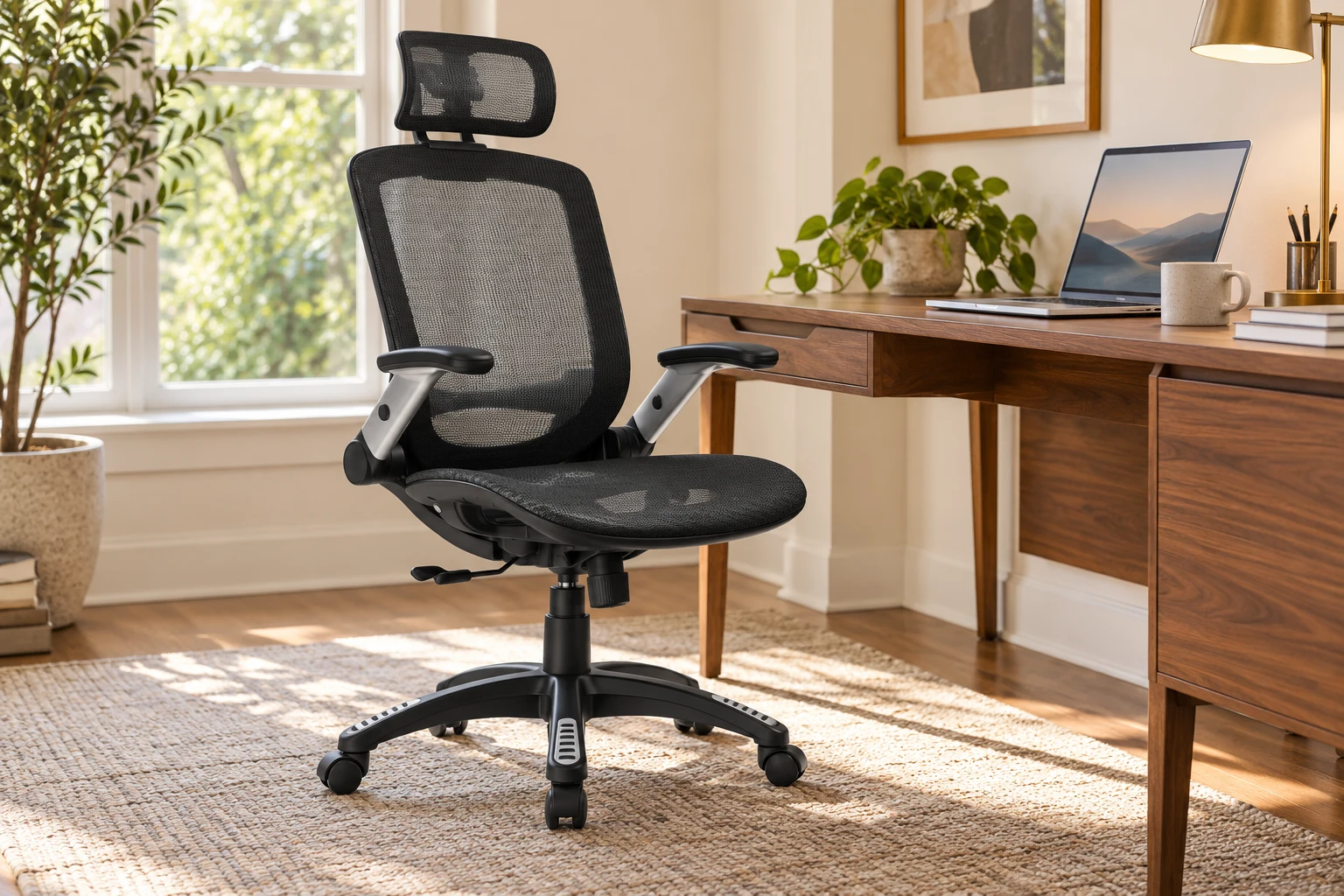
An adjustable chair helps you settle into the desk comfortably, especially when work involves hours of sitting.
That dining chair might feel fine while you answer a few messages. By the third meeting, you may be shifting around, sitting on one leg, or adding a cushion that keeps slipping.
The GABRYLLY Ergonomic Office Chair brings a mesh design, headrest, and flip-up arms to the setup. The arms can fold out of the way when you need more clearance around the desk.
Seat height and desk height should work together. Your shoulders should feel relaxed, your mouse should be easy to reach, and your feet should have steady support. A footrest can help when the chair needs to sit higher for the desktop.
A cushion may change how a seat feels, but it also changes your sitting height. The whole arrangement matters, rather than any single adjustment.
3. A Screen at Eye Level
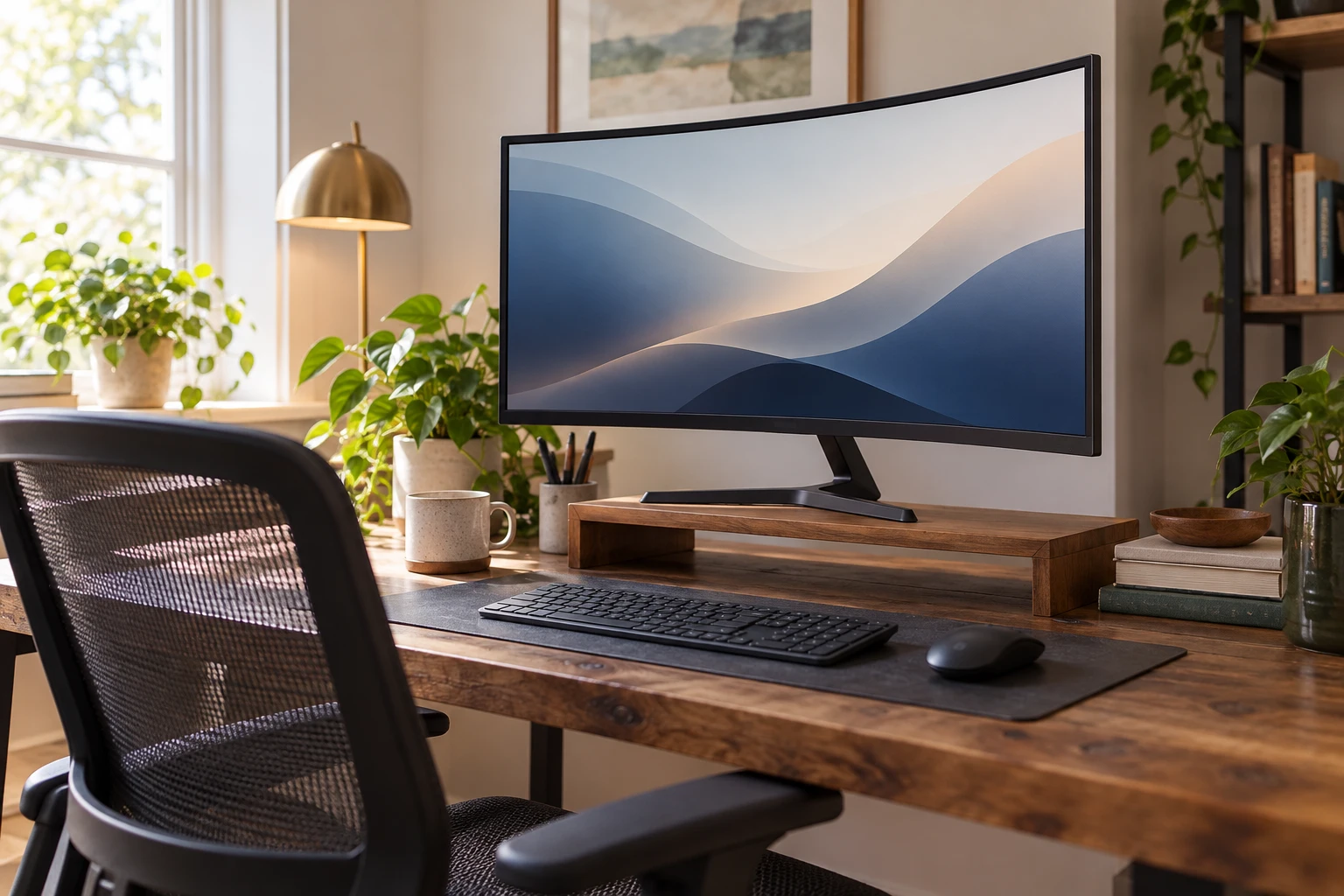
A screen positioned directly in front of you, with its top around eye level, makes it easier to work without repeatedly looking down or craning upward.
An external monitor also gives your documents more room. If you regularly move between a spreadsheet, an email, and a reference document, a larger display can make that juggling act less awkward.
The Samsung 27-Inch Essential S3 Curved Monitor provides a separate display for a laptop-based workstation. Its 27-inch screen gives you more physical viewing space than a typical laptop display.
For a two-monitor setup, the HUANUO Dual Monitor Stand offers adjustable arms that let you reposition the displays and free up the surface beneath them.
Two monitors are useful when your work regularly needs two views at once. One comfortably positioned screen is enough for plenty of workdays.
Keep text large enough to read from your normal seated position. Leaning forward to decipher tiny writing defeats the purpose of a comfortable arrangement.
4. A Keyboard That’s Satisfying to Type On
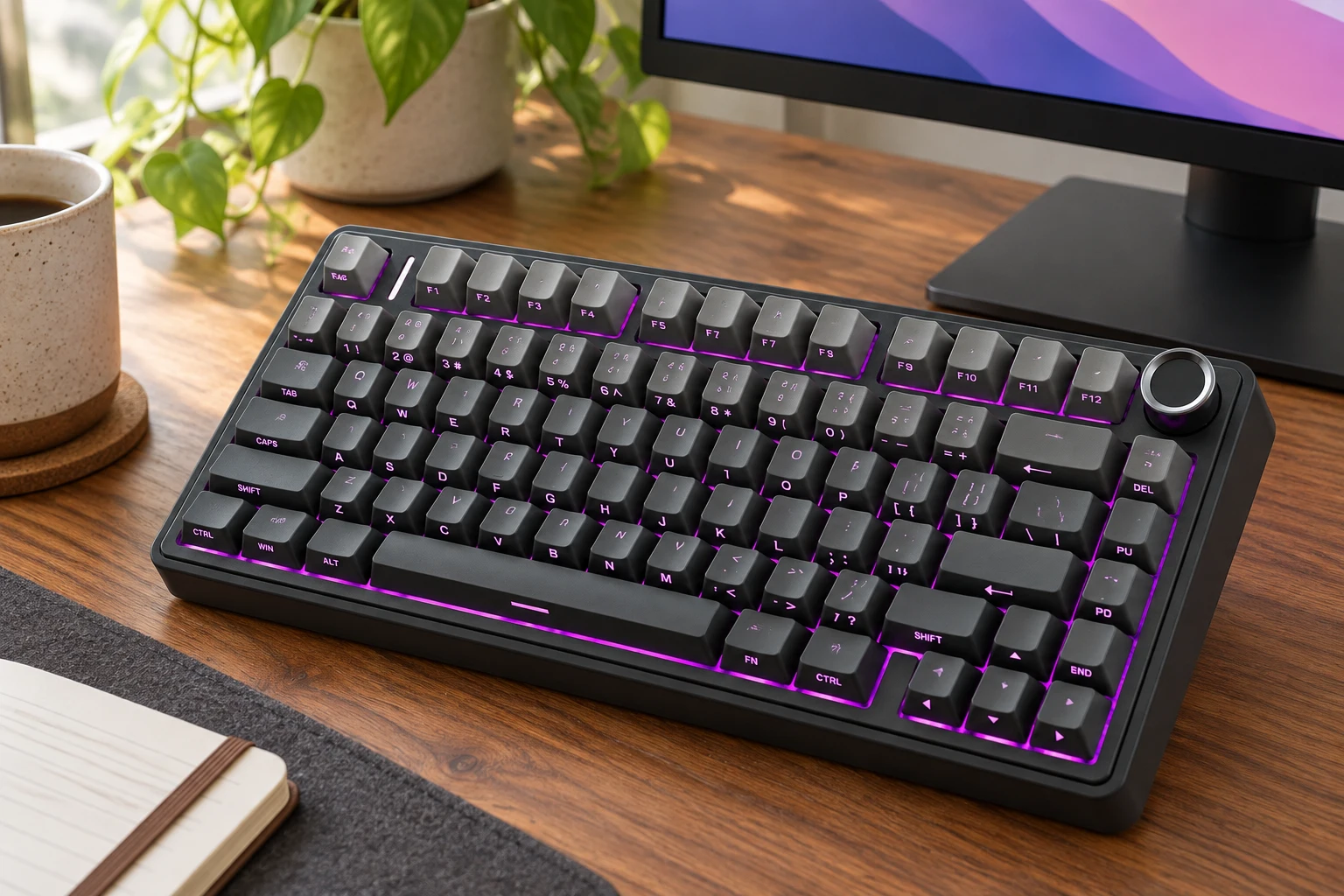
A satisfying keyboard suits both the way you like to type and the amount of sound your workspace can comfortably accommodate.
Some people love the feel and sound of a mechanical keyboard. Each keystroke becomes part of the rhythm of working, whether you’re writing a report or finally clearing the inbox.
The AULA F75 Pro Wireless Mechanical Keyboard has a compact 75% layout, a control knob, and hot-swappable switches. Its smaller footprint leaves more room beside it for the mouse, though it doesn’t include a dedicated number pad.
Of course, not everyone shares the enthusiasm for keyboard sounds. A satisfying typing session for you may be the background soundtrack your partner hears all afternoon.
The Logitech MX Keys S offers a quieter, low-profile alternative, with shaped keys, backlighting, and a full-size layout that includes a number pad.
Mechanical keyboards suit readers who enjoy their particular typing feel. A quieter keyboard makes more sense when sound is a distraction. Mechanical models vary in volume, so the category itself doesn’t mean every keyboard is loud.
5. A Mouse That Sits Comfortably in Your Palm
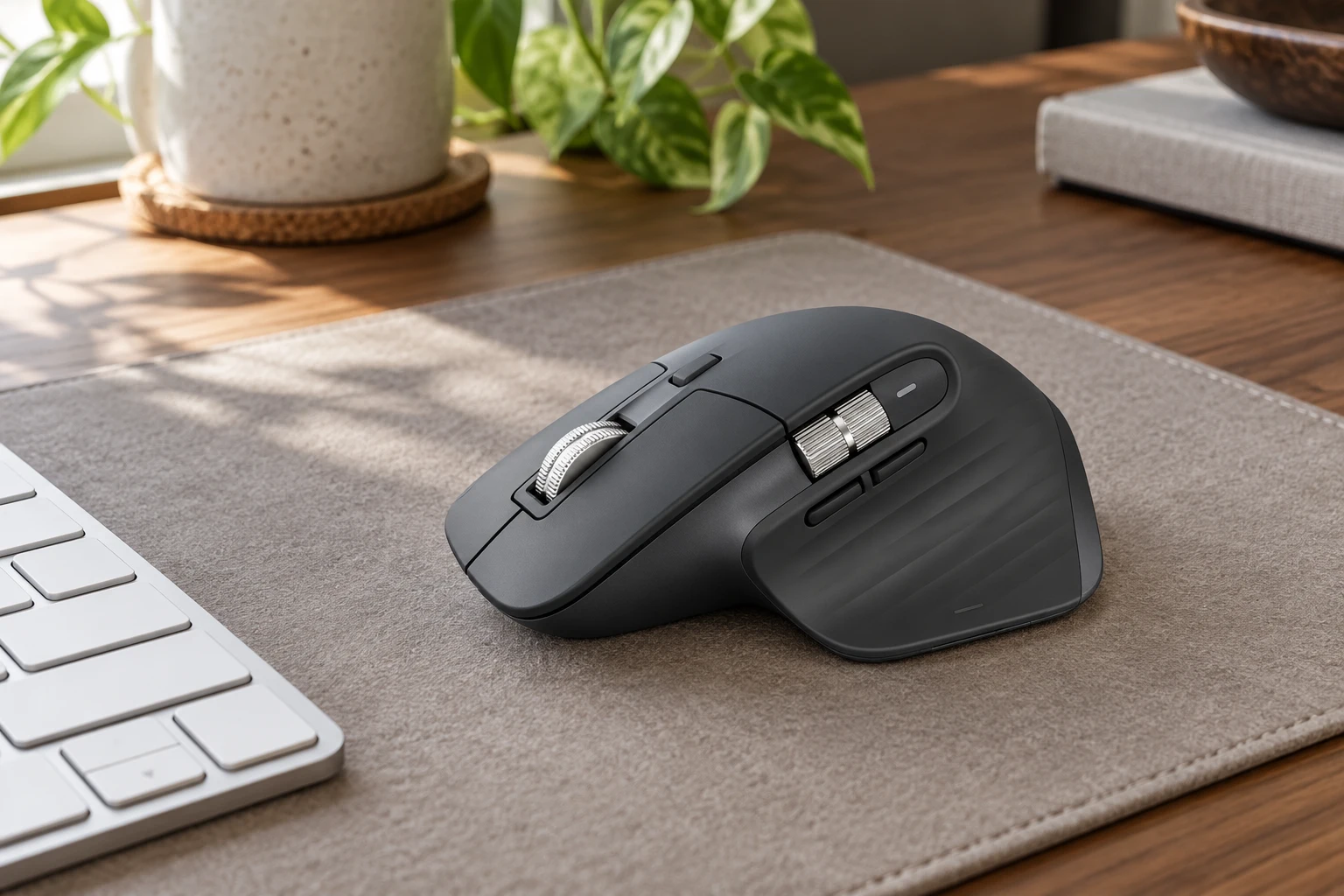
A mouse should feel easy to hold, with its main controls within reach and enough desk space to move without bumping into anything.
A laptop trackpad can handle quick tasks. Hours of selecting text, moving through spreadsheets, and editing documents may feel easier with a separate mouse.
The Logitech MX Master 3S Bluetooth Edition has a sculpted right-handed shape, a thumb rest, quiet clicks, and a fast-scrolling wheel. It’s an option for readers who prefer a fuller mouse that supports more of the hand.
Keep it close to the keyboard so you’re not reaching across the desk every time you switch between typing and clicking.
The goal is a relaxed grip and easy movement. A mouse doesn’t need to fill your entire palm to be comfortable, and one shape won’t suit every hand.
6. Good Lighting for the Desk and Your Video Calls
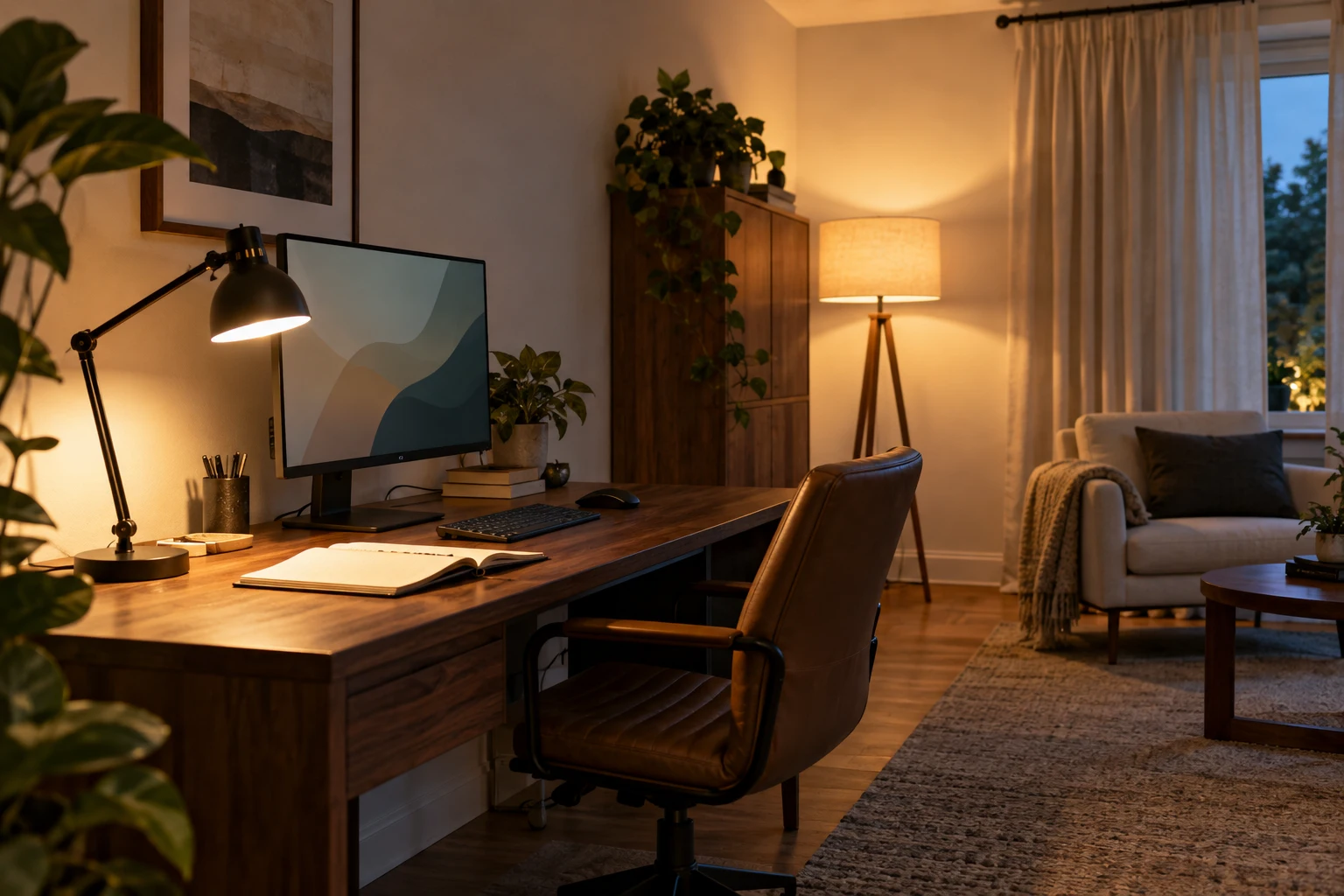
Task lighting helps you see your work, while light from in front or slightly to the side helps illuminate your face on video calls.
One ceiling fixture often leaves shadows where you’re writing. A bright screen in an otherwise dark room can feel harsh, too.
An adjustable desk lamp directs light onto paperwork and the keyboard. A softer table or floor lamp adds light around the workspace, making the room feel more comfortable in the evening.
Window placement deserves attention. A window reflected across the screen makes reading difficult, while a bright window directly behind you can leave your face looking dark on camera.
For calls, a camera around eye level and a simple background can do plenty. A framed print, a tidy shelf, or a plant gives the view some personality without requiring a complete room makeover.
Our home decor quick fixes explain how layered lighting can improve the rest of the room, too.
A useful setup stays ready between meetings. You shouldn’t need to rearrange three lamps every time someone sends a call invitation.
7. Charging Within Reach, Cables Out of the Way
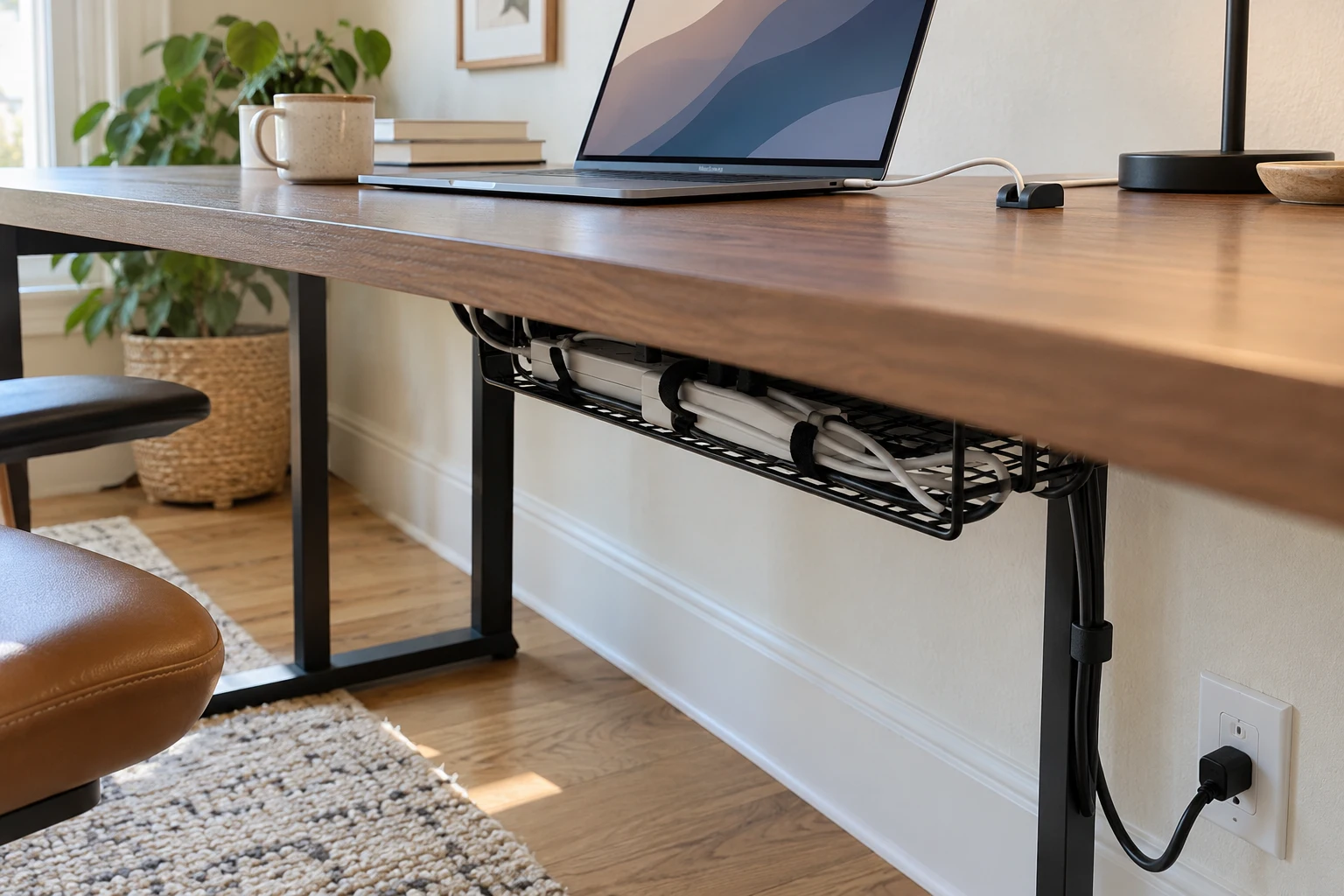
Accessible power, a clear cable route, and a place to hold charging leads make the desk easier to use and tidy.
You unplug your phone, the cable drops behind the furniture, and tomorrow you repeat the same search. A small desktop cable holder solves that particular annoyance.
Under the desk, a cable tray can gather wiring that doesn’t need to sit on the surface. Reusable cable ties help group leads together without turning them into a permanent knot.
A conveniently positioned surge protector keeps plugs accessible. A USB hub adds connections for accessories, while a suitable dock can bring several desk connections together.
With an adjustable desk, leave enough cable slack for the full movement between sitting and standing.
8. A Great Wi-Fi Connection
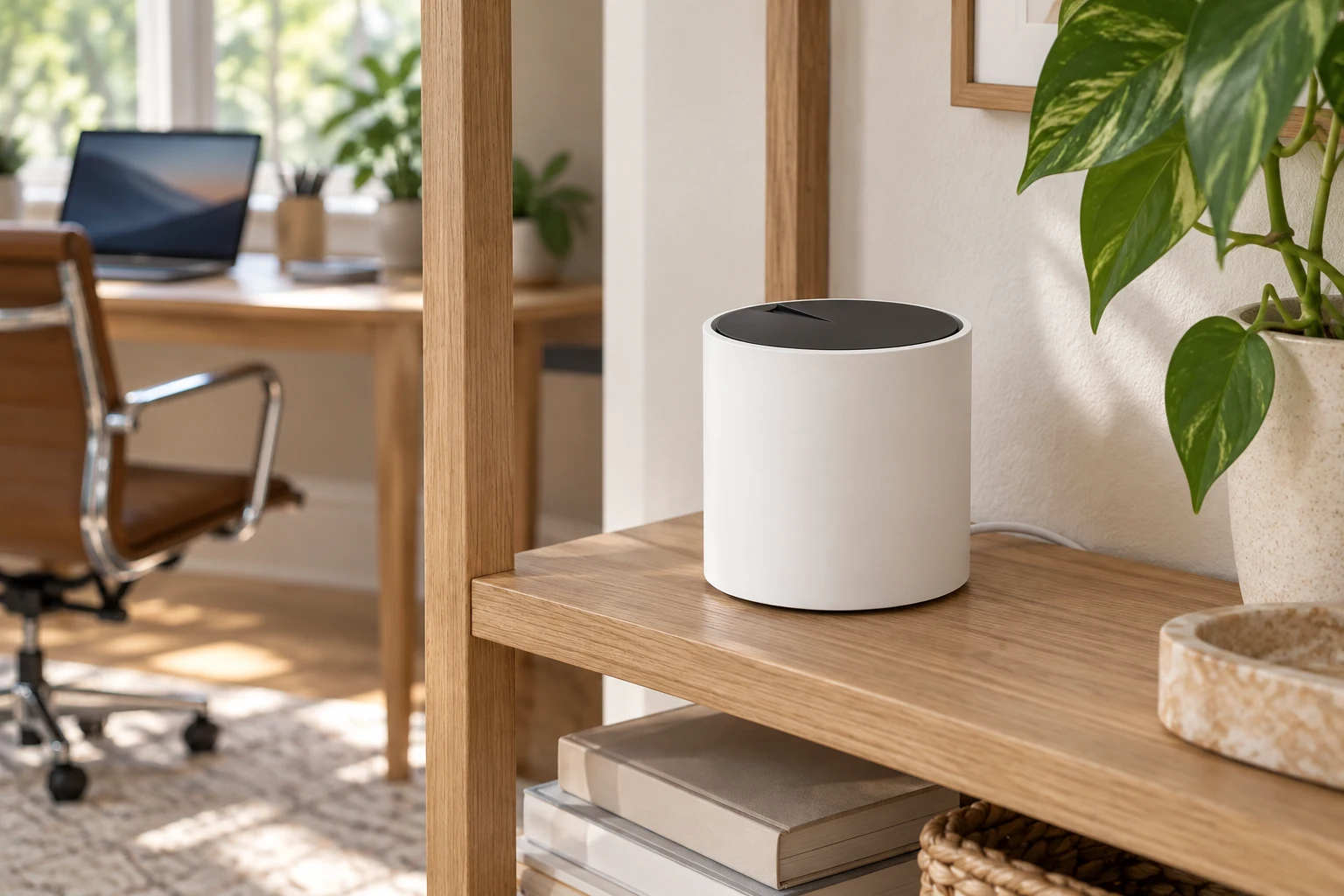
Reliable internet at the desk is essential, and a mesh system can help when the problem is weak Wi-Fi coverage around the home.
There’s little more frustrating than slow, unreliable internet when you’re trying to work. A document won’t upload, the meeting freezes, and you’re left wondering whether anyone heard the last sentence.
The TP-Link Deco X55 AX3000 Mesh Wi-Fi System includes three units that work together to extend coverage. Each unit also has Ethernet ports, giving a fixed workstation another connection option.
Think of the units as additional connection points around the house. Your computer can connect to a nearby unit instead of relying entirely on a distant router.
Positioning still matters. An open location is more useful than a spot buried behind bulky furniture or inside a metal cabinet.
A mesh system improves how Wi-Fi reaches your workspace. It cannot resolve an outage or a slow connection coming from the internet provider.
9. Headphones That Help You Focus
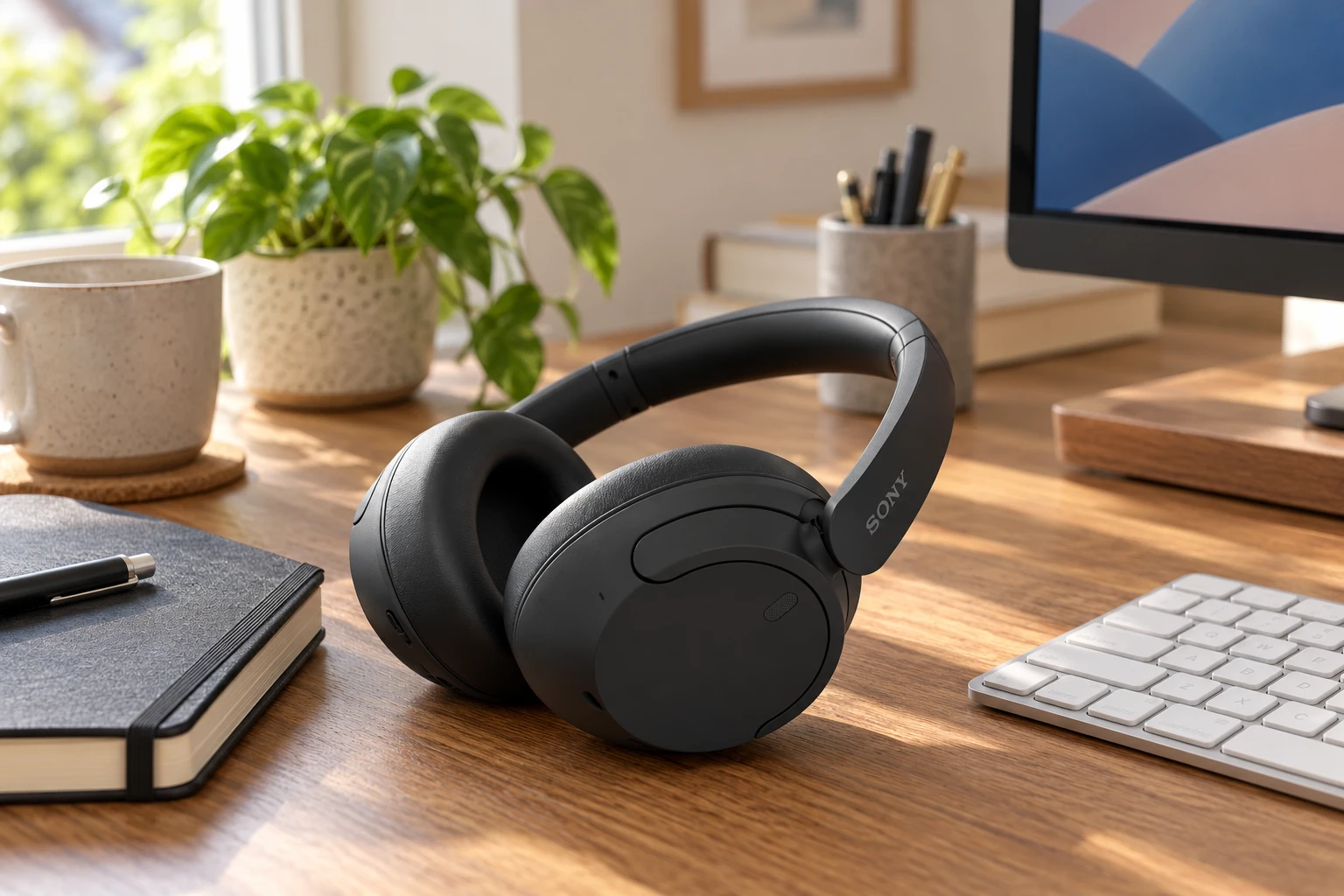
Noise-canceling headphones can reduce background distractions and give you a more contained space for listening and working.
Someone is watching television, the washing machine is running, and a delivery arrives just as you settle into a task. Working from home comes with a soundtrack you don’t always choose.
The Sony WH-CH720N Wireless Noise-Canceling Headphones offer an over-ear design, active noise cancellation, and a built-in microphone for calls.
They’re a practical addition when you want to listen to music, join a meeting, or soften some of the surrounding noise. Noise cancellation reduces sound rather than creating complete silence.
For a day packed with calls, a dedicated headset with a boom microphone may suit the routine better. A separate recording microphone is more useful for regular webinars, voice recordings, or presentations.
The most useful audio setup matches what you spend the day doing.
10. A Storage Organizer That Clears the Desk
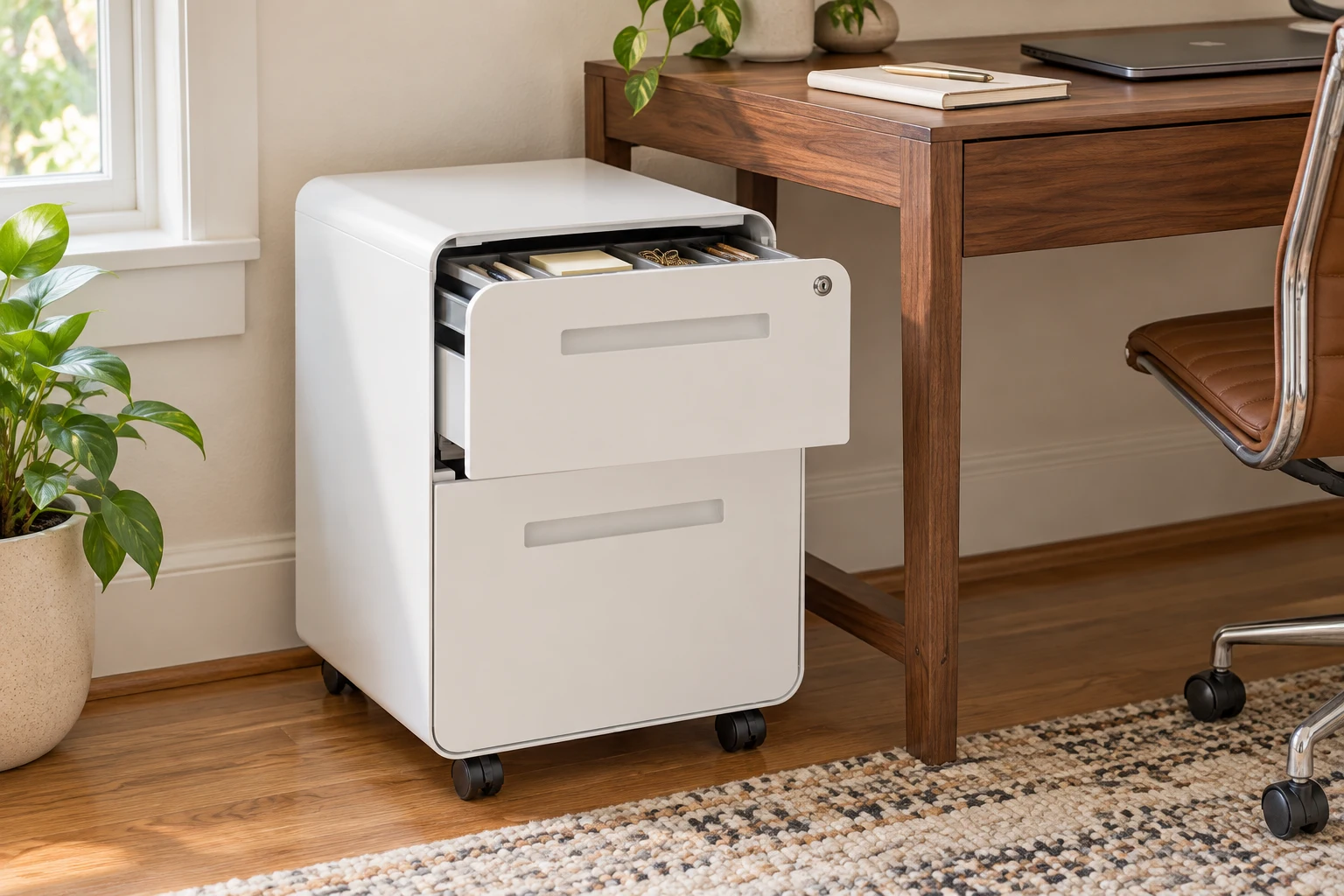
Daily supplies need easy access, while spare equipment and occasional paperwork need a home away from the main work surface.
A drawer can quickly become a smaller version of the clutter that used to sit on top. Giving each type of item a place makes the storage easier to maintain.
The Laura Davidson Stockpile File Cabinet gives paperwork and office supplies a dedicated home beside the workstation.
Keep current documents in one tray or folder, with archived paperwork stored separately. Pens, charging cables, sticky notes, and other small items are easier to find when they aren’t sharing one loose pile.
A small wastebasket helps, too. Receipts and packaging are less likely to collect when disposal is within reach.
Storage works best when putting something away takes less effort than leaving it on the desk.
If you regularly print, give the printer suitable operating space nearby. Wireless printing still requires power, ventilation, and access to the paper trays.
11. One Place for Notes, Plans, and Loose Ideas

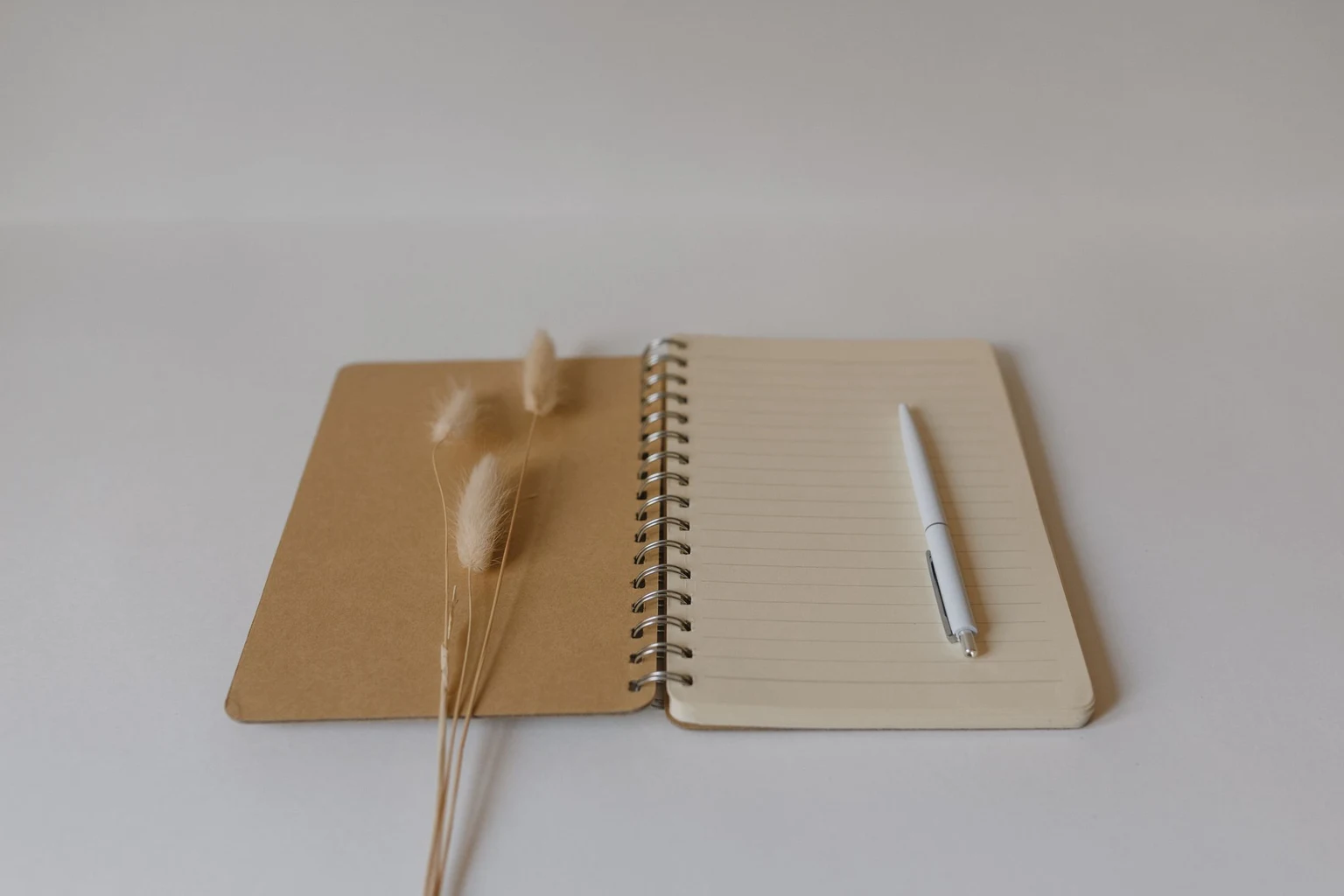
One dependable place for notes makes information easier to find than several half-used notebooks and loose scraps.
During a call, you need somewhere to record a name, a deadline, or the task you’ve just agreed to do. A notebook within reach keeps that process simple.
Date each set of meeting notes and give it a short title. Even a basic notebook becomes much easier to search when the pages have some structure.
A visible calendar can help with project deadlines that need to stay in view. Give it a specific job rather than copying every appointment from your digital calendar.
The same applies to stationery. A pen you enjoy using and a spare are often more useful than a crowded holder full of pens that barely work.
A planning system should reduce the things you need to remember. If maintaining it becomes another daily chore, simplify it.
12. A Few Personal Details That Make the Space Yours
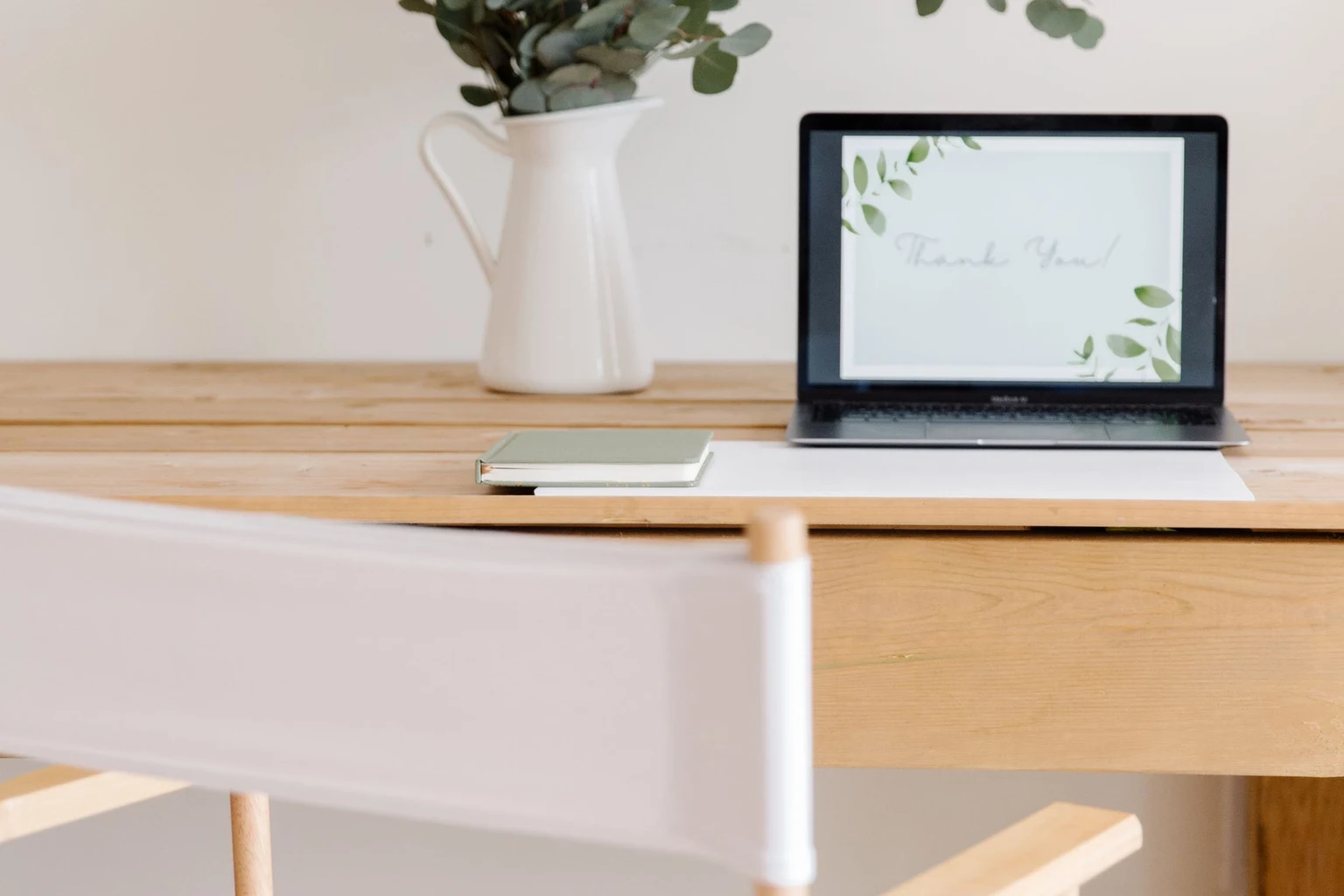
A few useful accessories and personal objects can make the workspace feel finished while leaving room to work.
A desk mat brings the keyboard-and-mouse area together visually. A plant beside the desk, a photograph on a shelf, or a print above it adds personality without filling the working surface.
Repeating a color from the curtains, rug, or nearby furniture helps the desk feel connected to the room. That’s especially useful when the office is one corner of a bedroom or living room.
There’s room for your favorite mug, too. Giving it a coaster and a consistent spot is usually more helpful than adding another decorative organizer.
For a shared living space, our living room design mistakes and fixes cover layout and visual clutter that can affect the work area as well.
The best finishing touches make you enjoy being there without getting in your way.
What’s Worth Buying First?
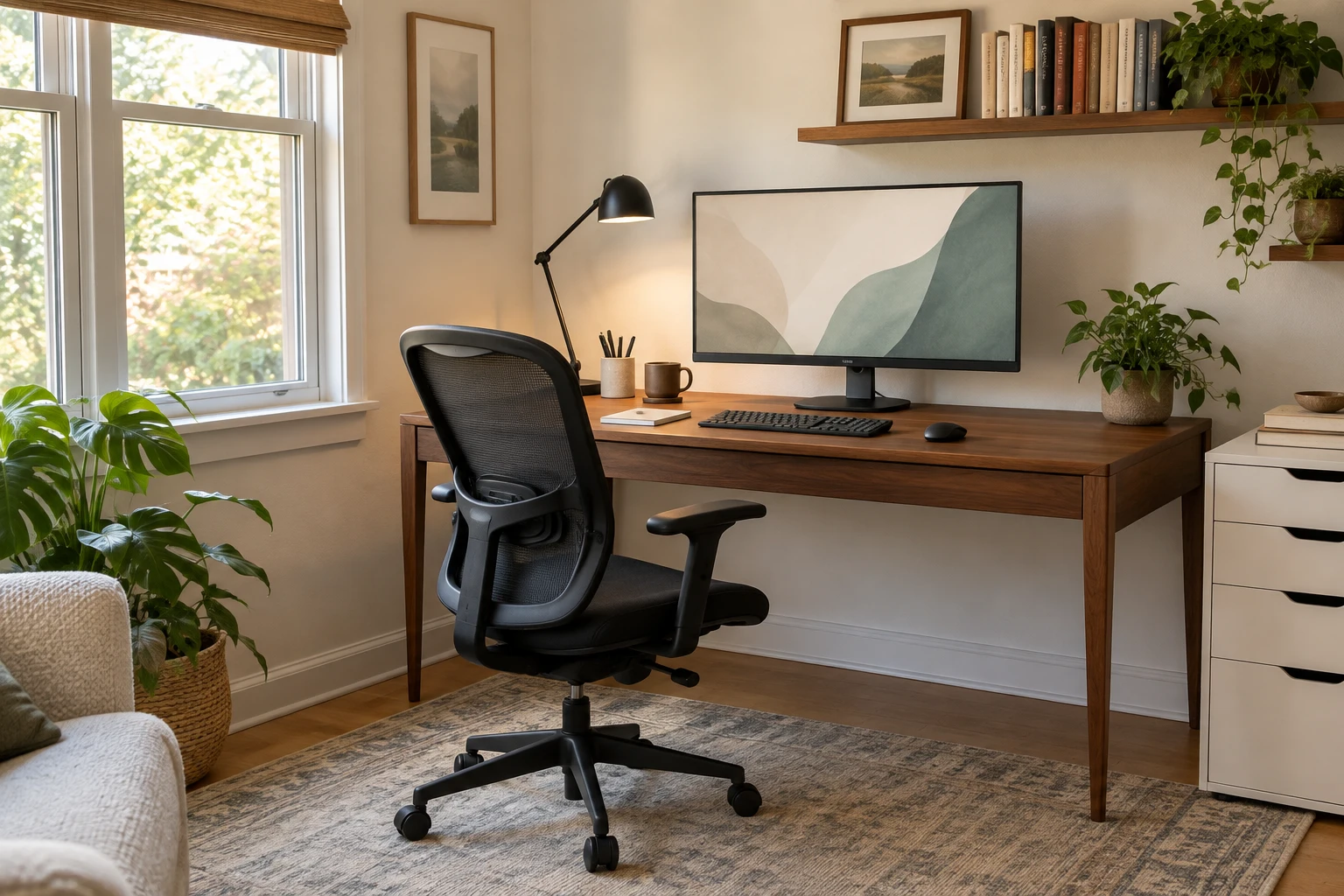
The most useful purchase solves something that repeatedly interrupts your day.
A beautiful desk mat can wait if the chair is uncomfortable. A second monitor can wait if the current desk barely has room for the first.
Use this checklist to put your budget where it will help most:
- Daily foundations: A suitable desk, comfortable seating, a usable computer setup, reliable internet, and adequate lighting.
- Everyday problem-solvers: A comfortably positioned screen, separate keyboard and mouse, accessible charging, cable management, and useful storage.
- Work-dependent upgrades: A second monitor, headset, webcam, printer, or battery backup.
- Personal extras: A premium desk mat, coffee warmer, walking pad, or decorative accessories.
A quick reset at the end of the day helps, too. Put loose papers in their tray, return supplies to their places, and leave the keyboard area clear. Tomorrow’s desk will feel ready before you’ve opened an email.
A Few Home Office Questions, Answered
What are the most important home office essentials?
A suitable work surface, comfortable chair, reliable computer and internet connection, and good lighting cover the foundations. Separate input devices, storage, and cable management make the setup easier to use.
How can I set up a home office in a small room?
A desk with enough depth for your equipment, a chair that tucks away, and storage above or beside the desk can make a compact area useful. Keep a clear route for moving the chair and walking past.
Is a standing desk necessary?
No. A standing desk adds flexibility, but a comfortable fixed desk can work well. Changes of position and breaks away from the workstation still matter with either setup.
Is a mechanical keyboard good for working from home?
Yes, if you enjoy its typing feel and its sound suits the space. Mechanical keyboards vary in volume. A quieter, low-profile keyboard is another option for shared rooms and frequent calls.
Do I need two monitors?
Two monitors help when your work regularly needs separate documents or applications visible at once. One well-positioned screen can be enough for writing, email, and many everyday tasks.
Which home office accessories can I skip?
A printer, dedicated microphone, second monitor, walking pad, and coffee warmer are optional. Their value depends on whether they solve a recurring need in your workday.
Shop the Home Office Essentials
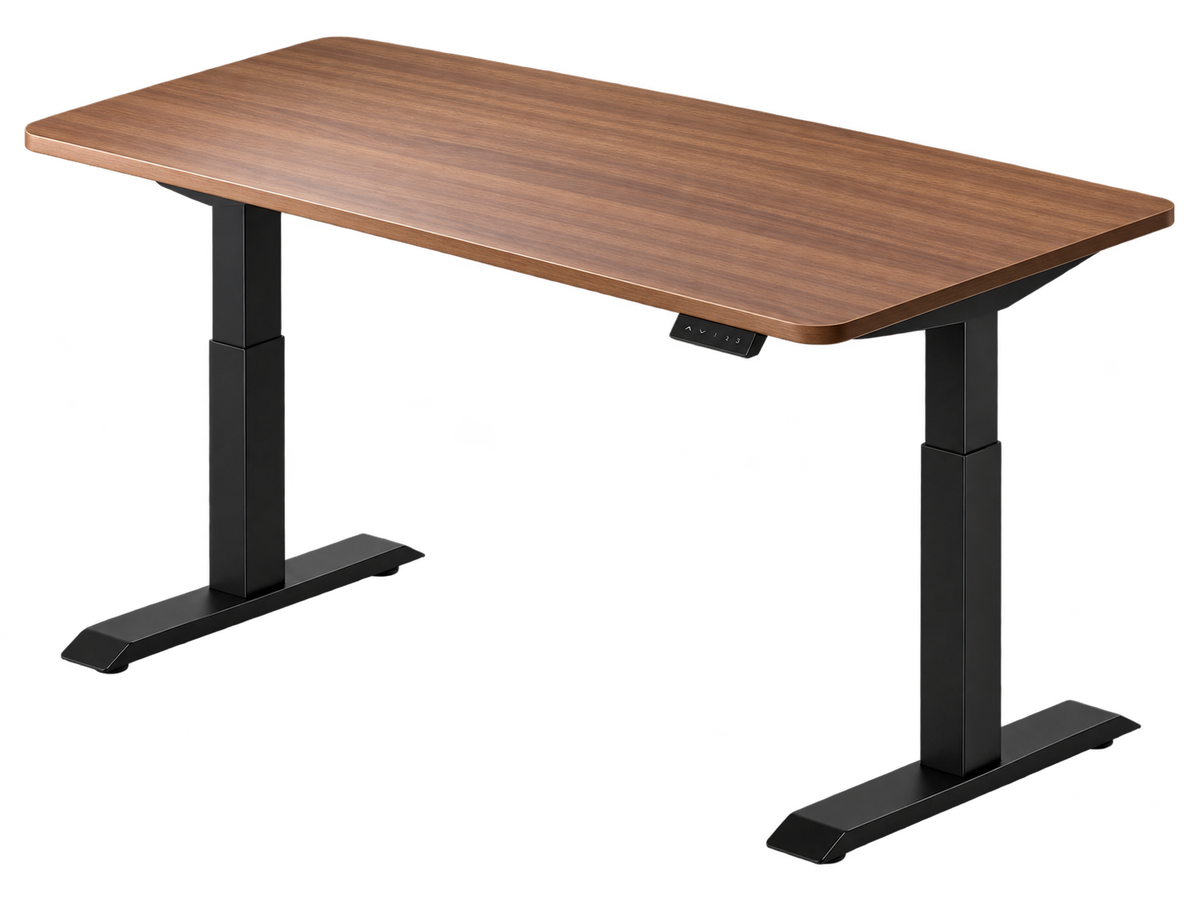 Desktronic HomeOne Standing DeskAn electric adjustable desk with a 60-by-30-inch surface and memory presets.
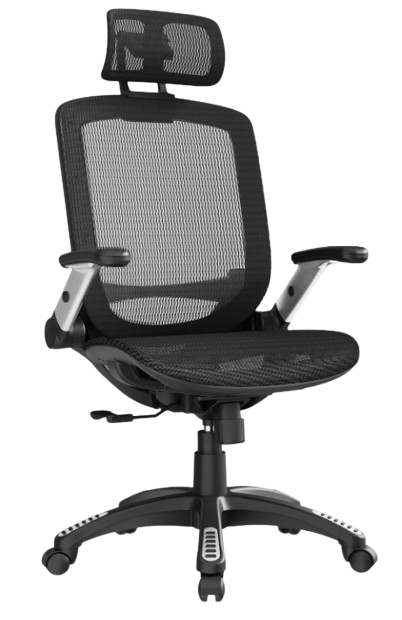 GABRYLLY Ergonomic Office ChairA mesh office chair with a headrest and flip-up arms.
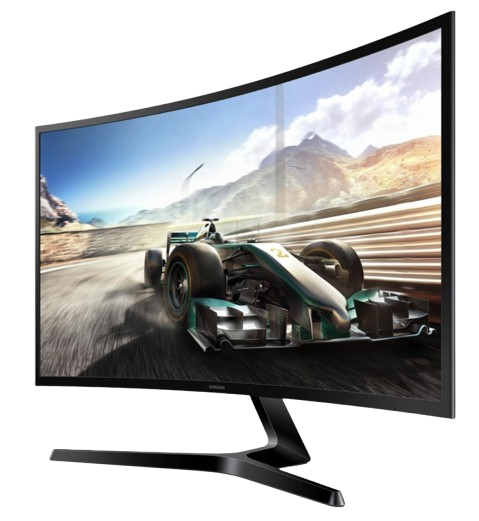 Samsung 27-Inch Essential S3 Curved MonitorAn external display for adding screen space to a laptop workstation.
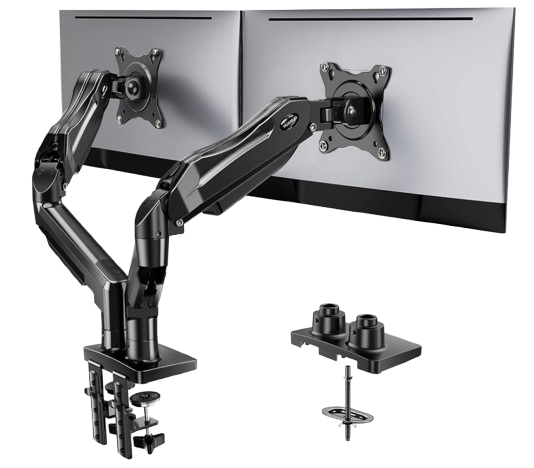 HUANUO Dual Monitor StandAdjustable arms for arranging two monitors and clearing space beneath them.
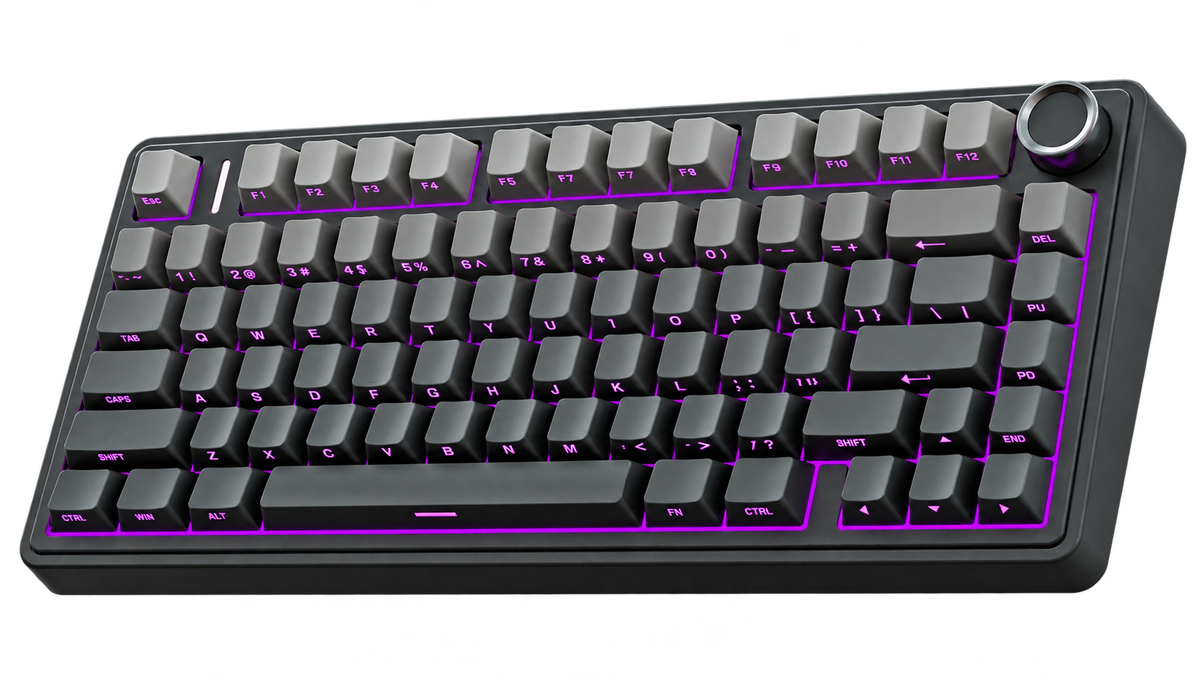 AULA F75 Pro Wireless Mechanical KeyboardA compact mechanical keyboard with a control knob and hot-swappable switches.
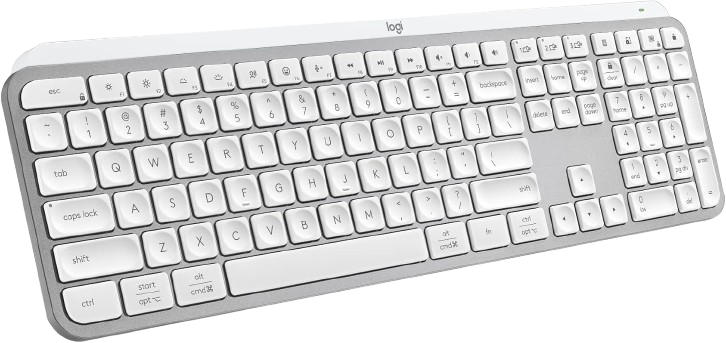 Logitech MX Keys SA quieter, low-profile keyboard with backlighting and a dedicated number pad.
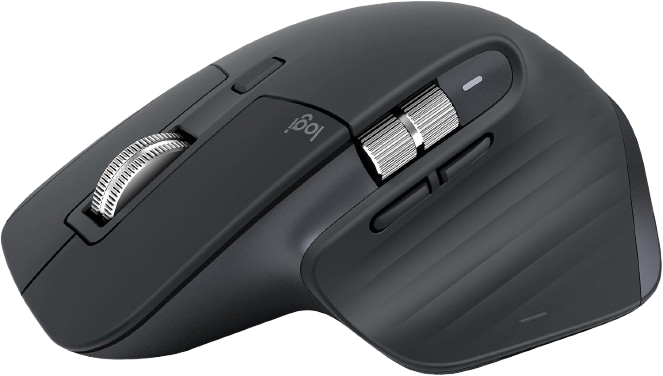 Logitech MX Master 3S Bluetooth EditionA sculpted right-handed mouse with quiet clicks and fast scrolling.
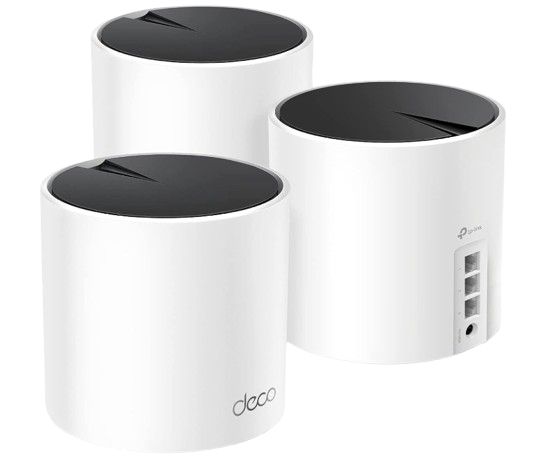 TP-Link Deco X55 AX3000 Mesh Wi-Fi SystemA three-unit mesh system for extending Wi-Fi coverage around the home.
 Sony WH-CH720N Wireless Noise-Canceling HeadphonesOver-ear headphones with active noise cancellation and a built-in microphone.
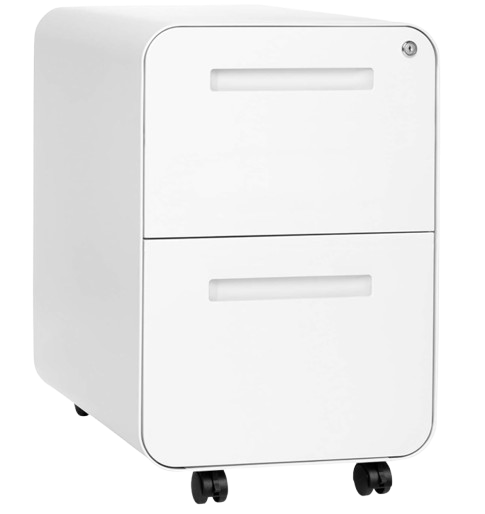 Laura Davidson Stockpile File CabinetDedicated storage for paperwork and everyday office supplies.